UPLATFORM
A real-time IoT platform for education and research. Designed for labs, student projects, and smart-campus applications.
Objective
Designed the entire UI for UPlatform's new system.
Developed a comprehensive design system and reusable design components.
Prepared and delivered design files for seamless handoff to developers.
Problem & goals
UPlatform needed a clearer and more consistent digital experience for users entering and navigating the platform. The project focused on improving the interface structure and establishing a scalable UI system for future development.
The product spans two very different jobs: a public-facing site that explains what the platform does, and an authenticated workspace where users manage projects, devices, dashboards and rule chains. Both lived in the same shell, so the shell had to carry marketing pages and dense data tools without changing character.
- Make the entry path, login, register, first screen, legible and quick.
- Give navigation one predictable structure that scales as modules are added.
- Keep data-heavy tools readable at high density.
- Define tokens and components developers can build against directly.
Users & needs
Three roles are visible throughout the product, and each one meets the interface at a different depth. I designed the navigation and permissions structure around them.
Students
Enter through a purchased project, follow the user guide, and want a dashboard running without touching configuration they don't understand.
Faculty & lab staff
Set up course projects, register devices, and build the dashboards students use. They live in tables, forms and the widget picker.
System admins
Own users, faculties, rule chains and the content of the public site. They need every settings surface to behave identically.
Moodboard & direction
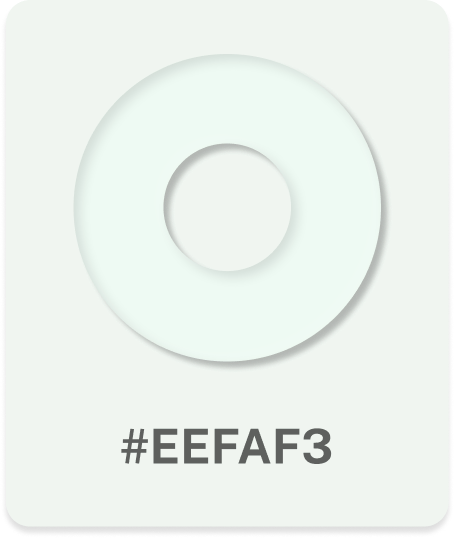
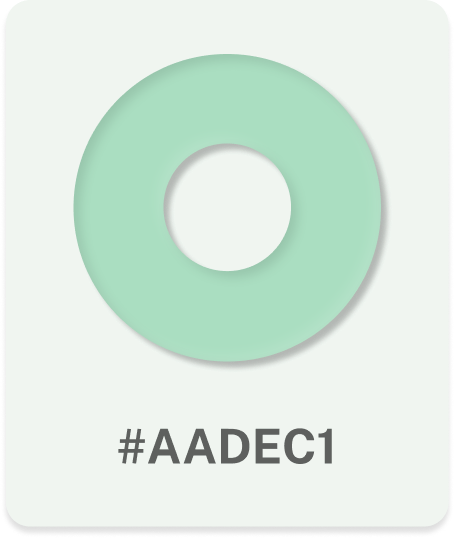
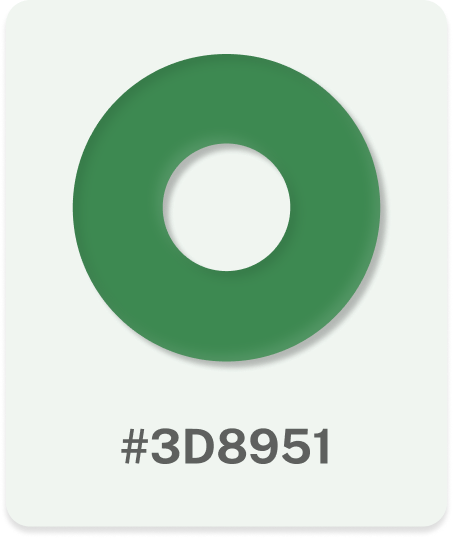
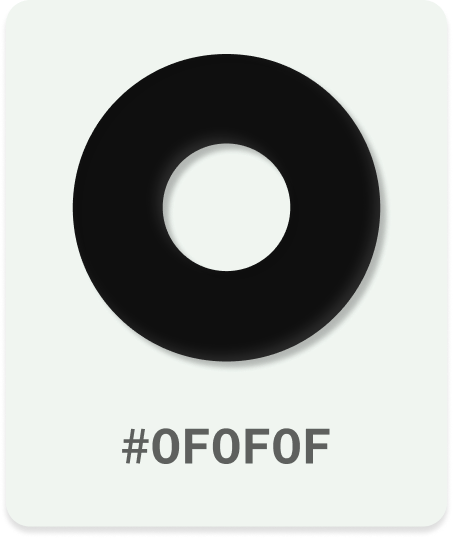
The direction came out of the client's identity: a single institutional green, a near-black, and a lot of quiet space. I kept the palette to four values so density could be handled with tone rather than colour.
- Soft mint as the page surface, not white, it makes green UI feel intentional.
- Deep green reserved for action and state.
- Concentric signal arcs as the recurring brand motif on entry screens.
Information architecture
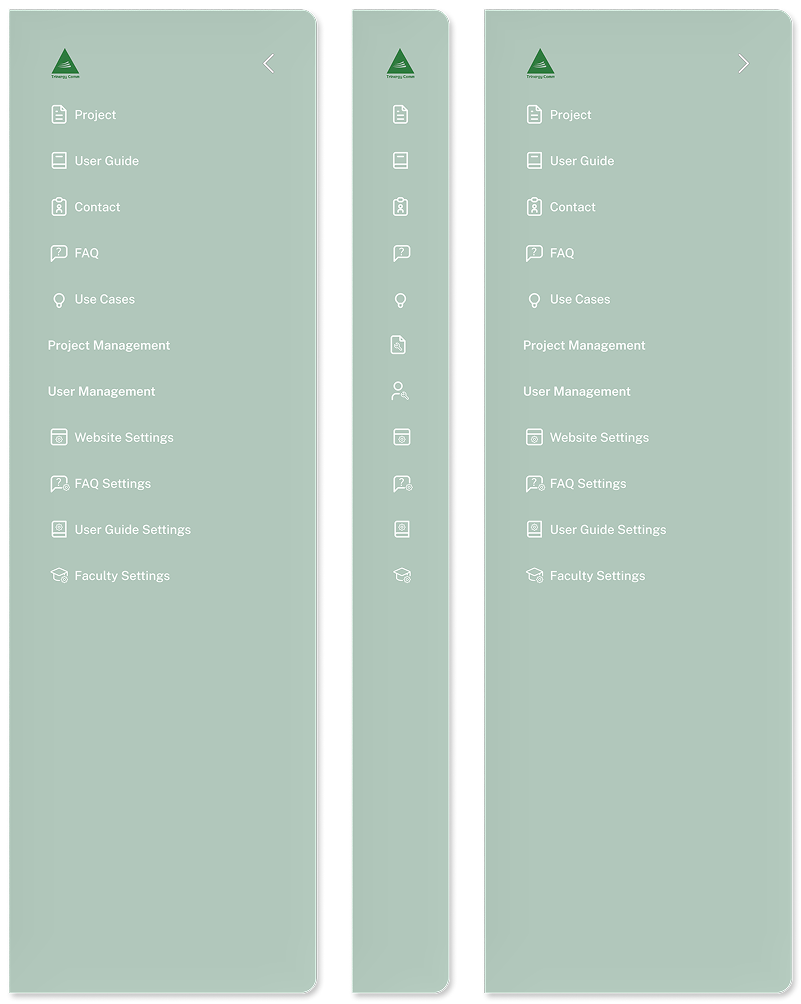
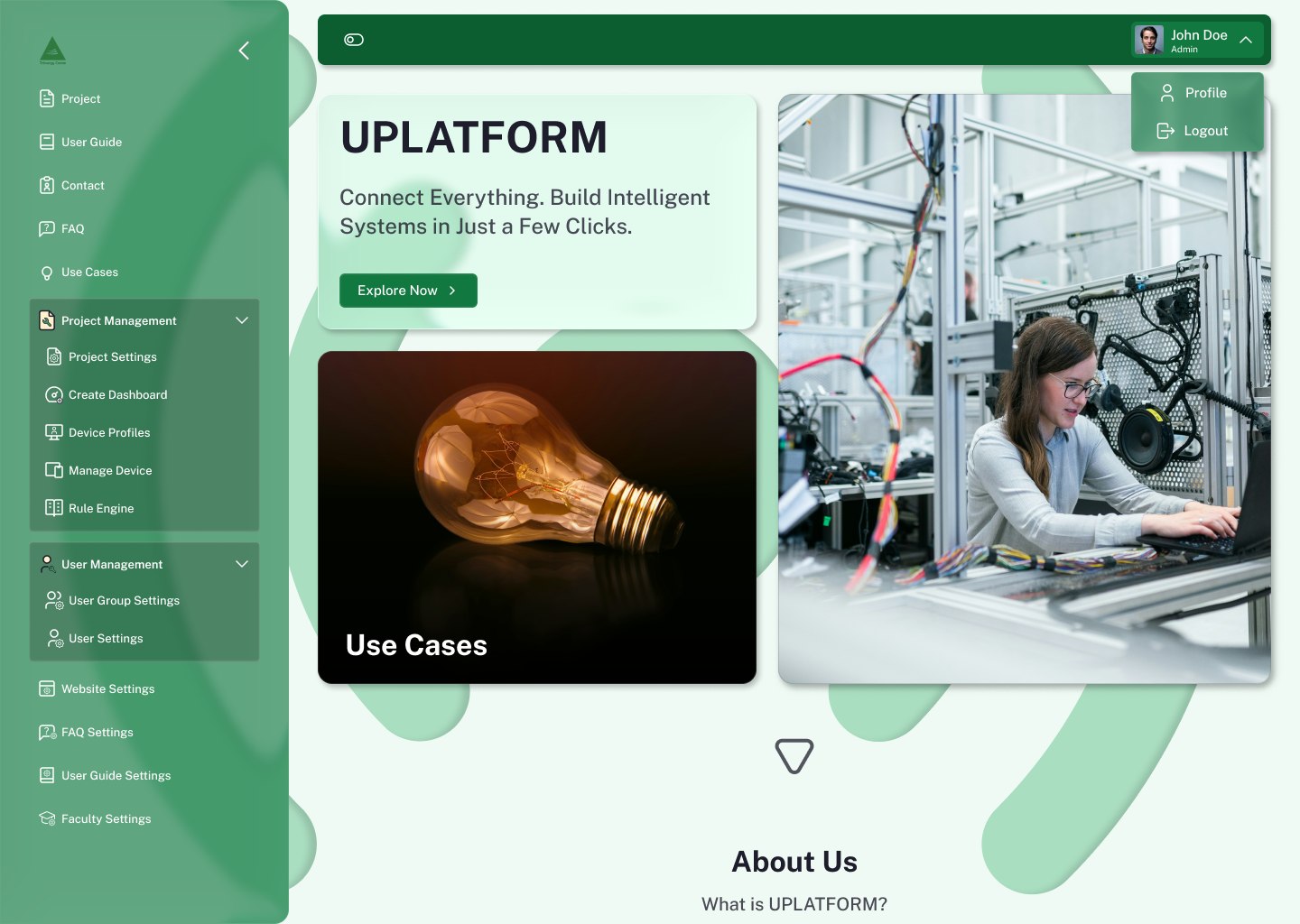
One sidebar carries everything. Public pages sit at the top, role-gated management sits below a divider, and the two management groups are the only places that expand, so the tree never gets deeper than two levels.
Wireframes
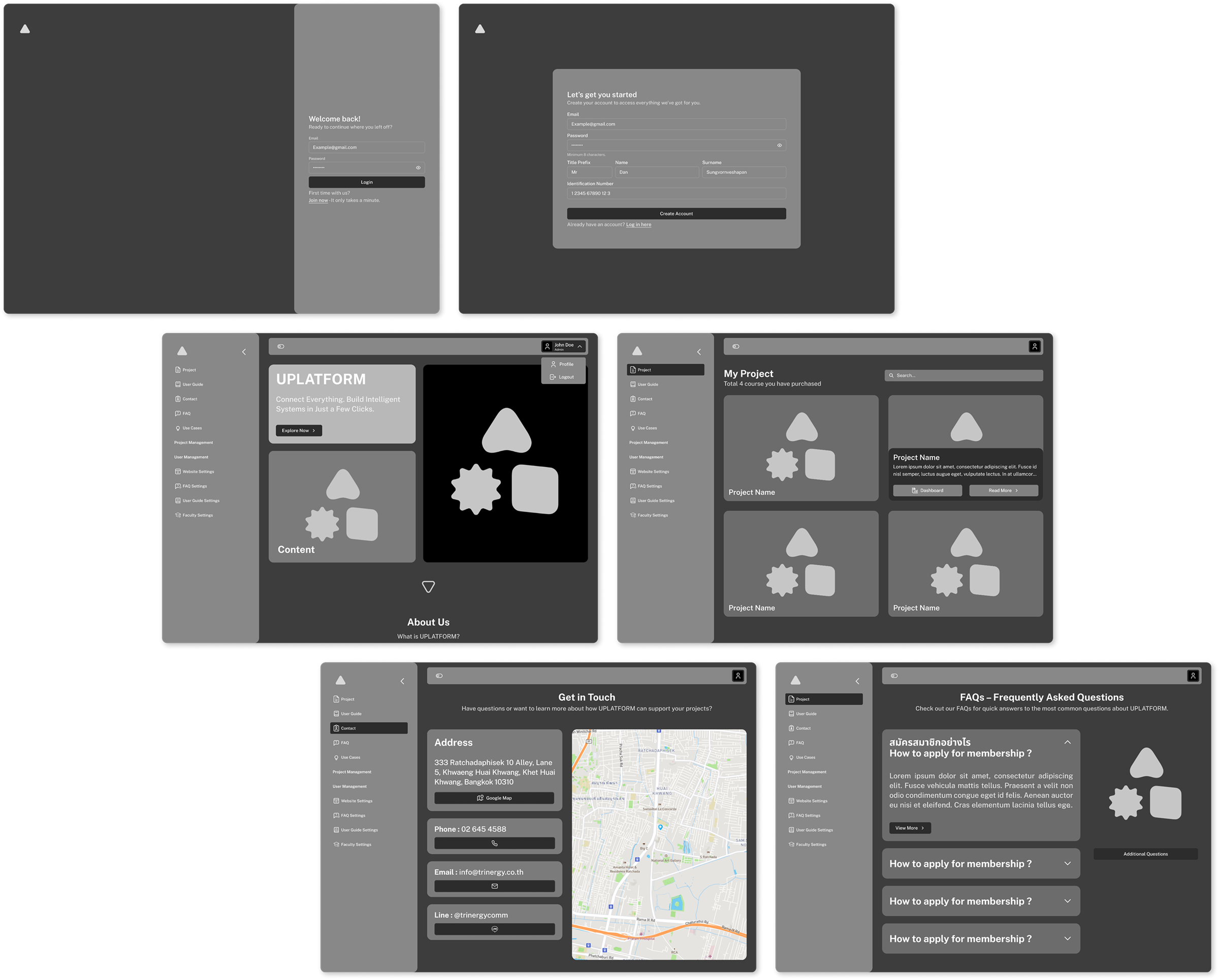
I settled hierarchy in greyscale first: where the shell ends and content begins, how the profile menu behaves, and how much of the home page is content versus imagery.
Design system
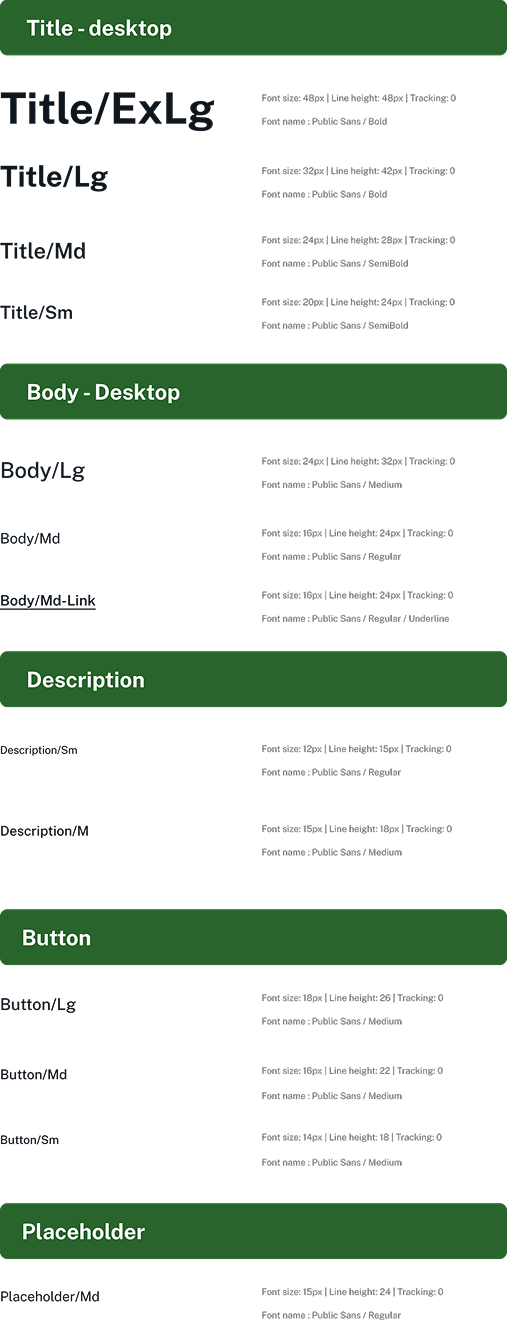
Four colours, one typeface, and a named scale for every text role in the product. Public Sans handles Thai and Latin copy side by side, which the FAQ and user guide both required.

Component library
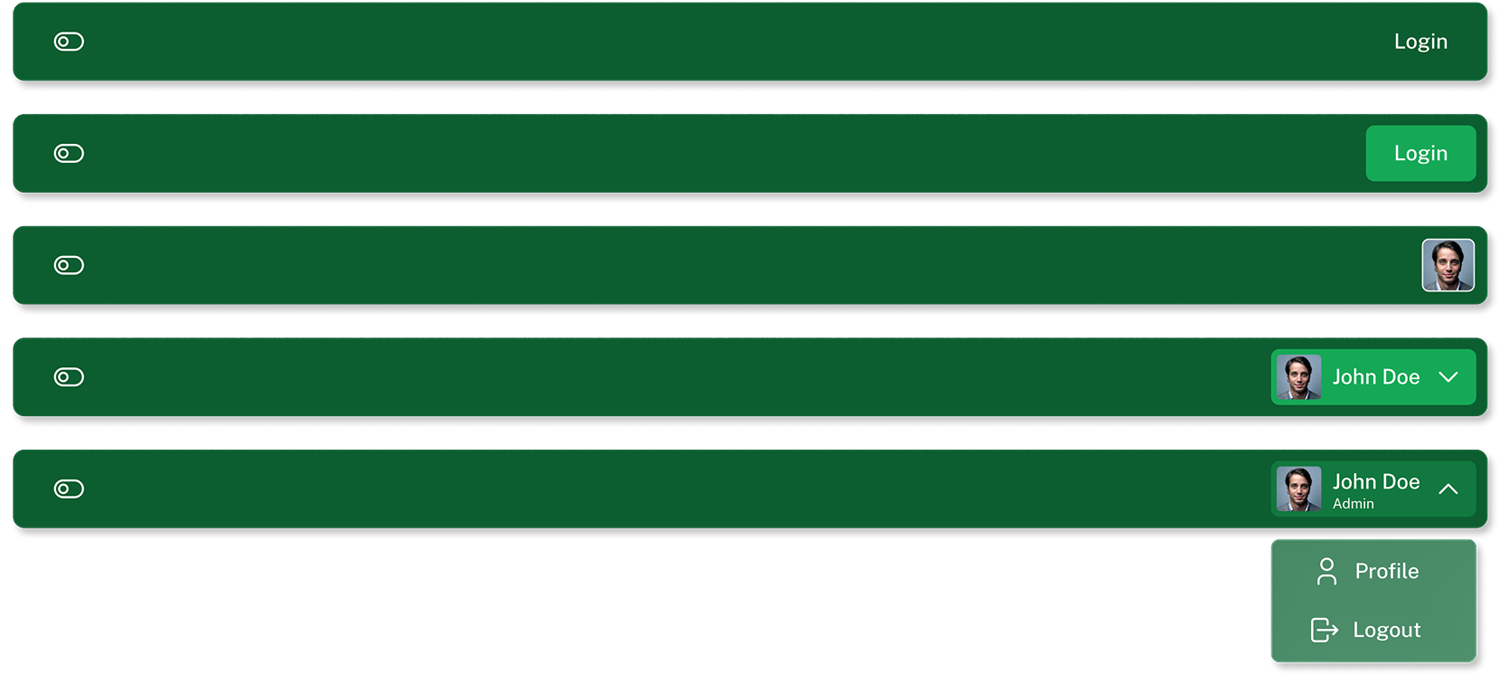
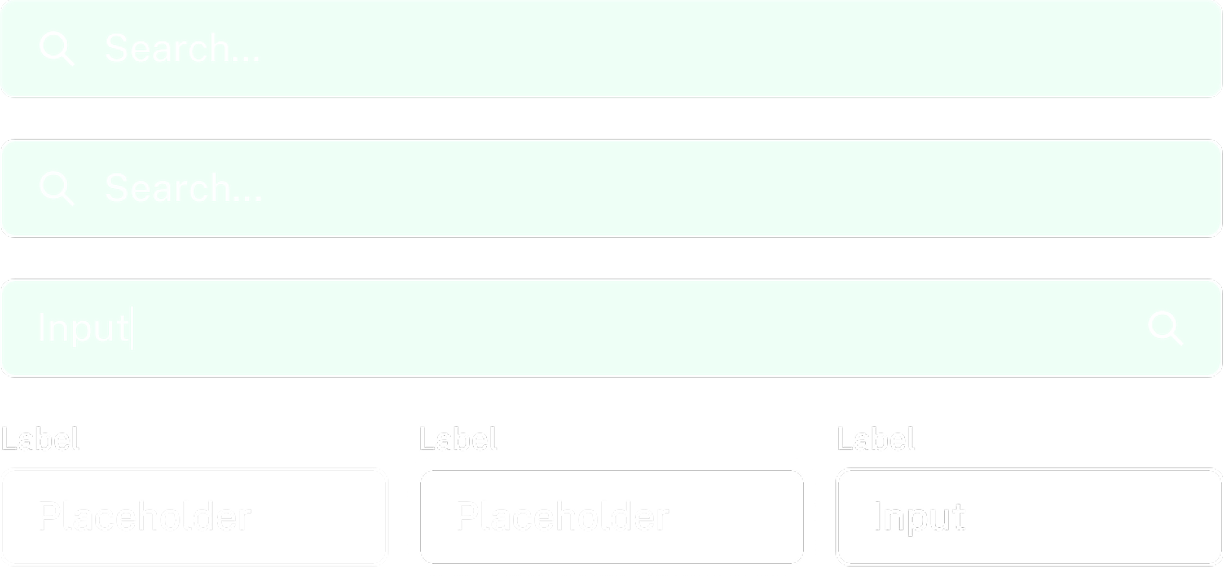
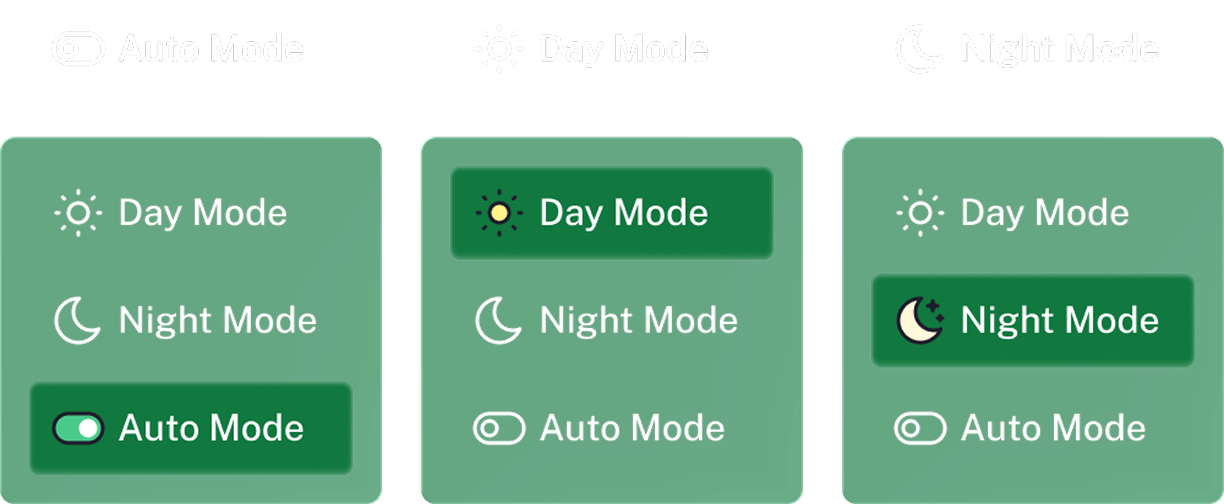
Each component was drawn in every state it ships in, signed out, signed in, expanded, collapsed, disabled, so developers never had to guess an interaction.
Entry screens
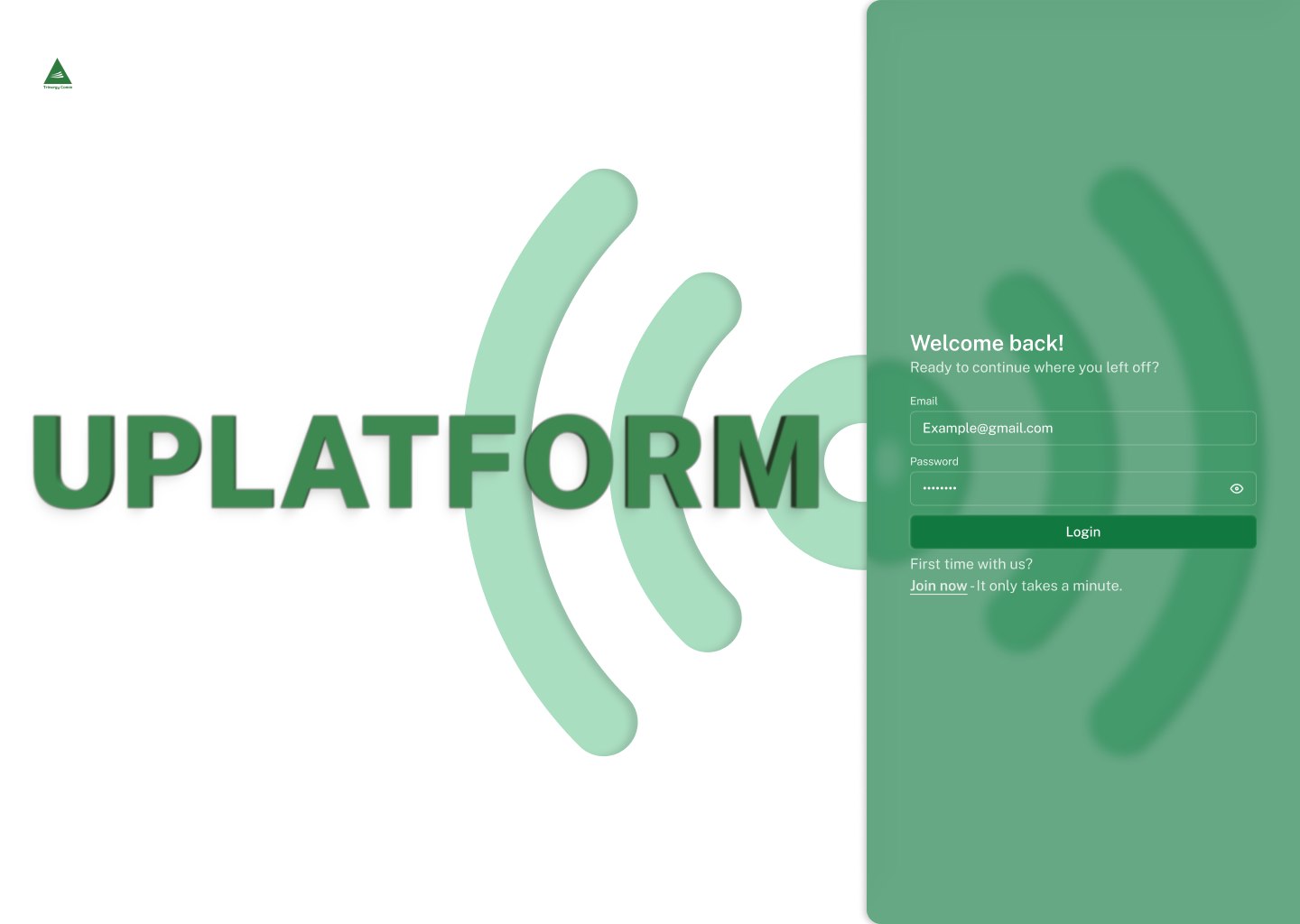
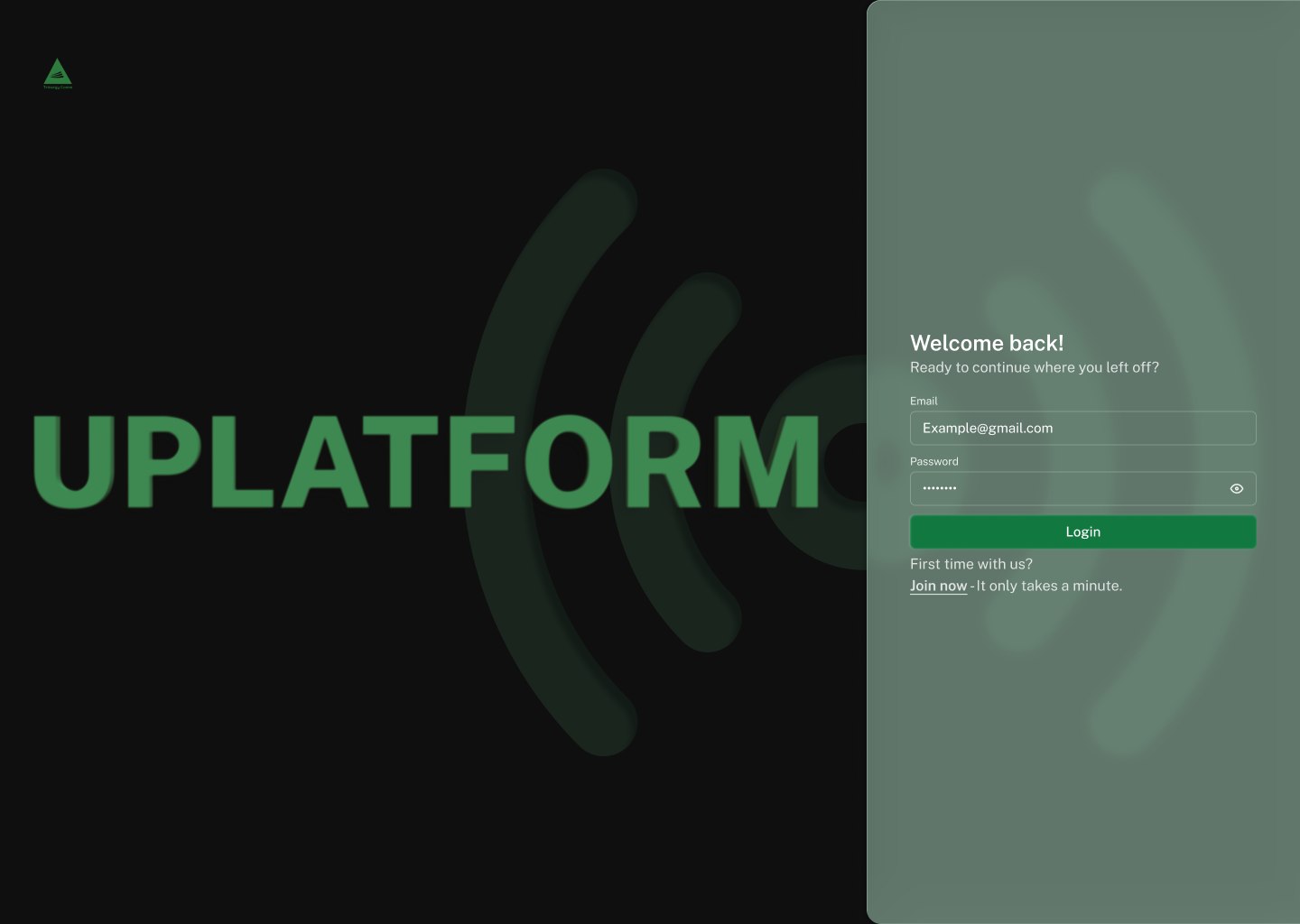
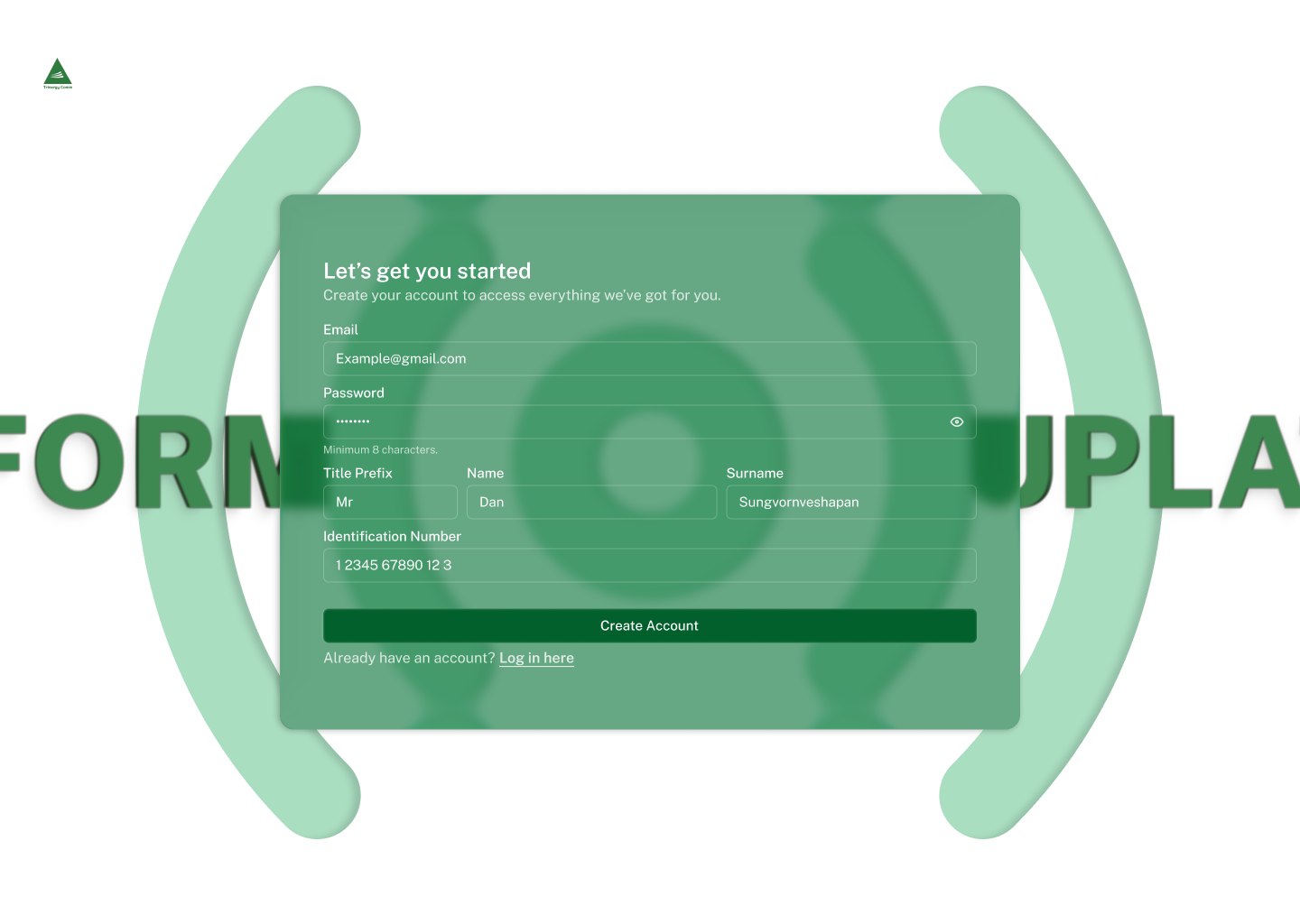
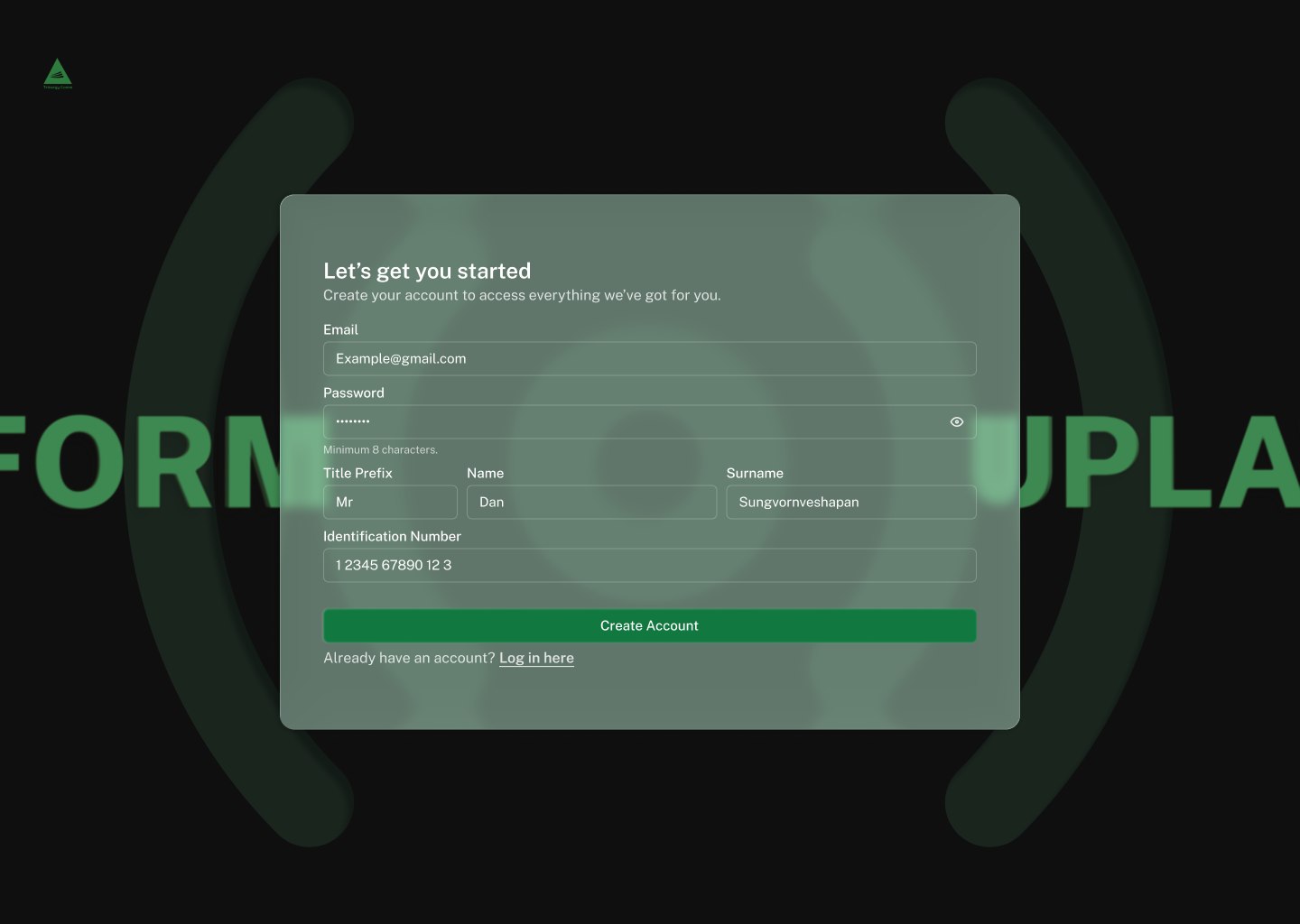
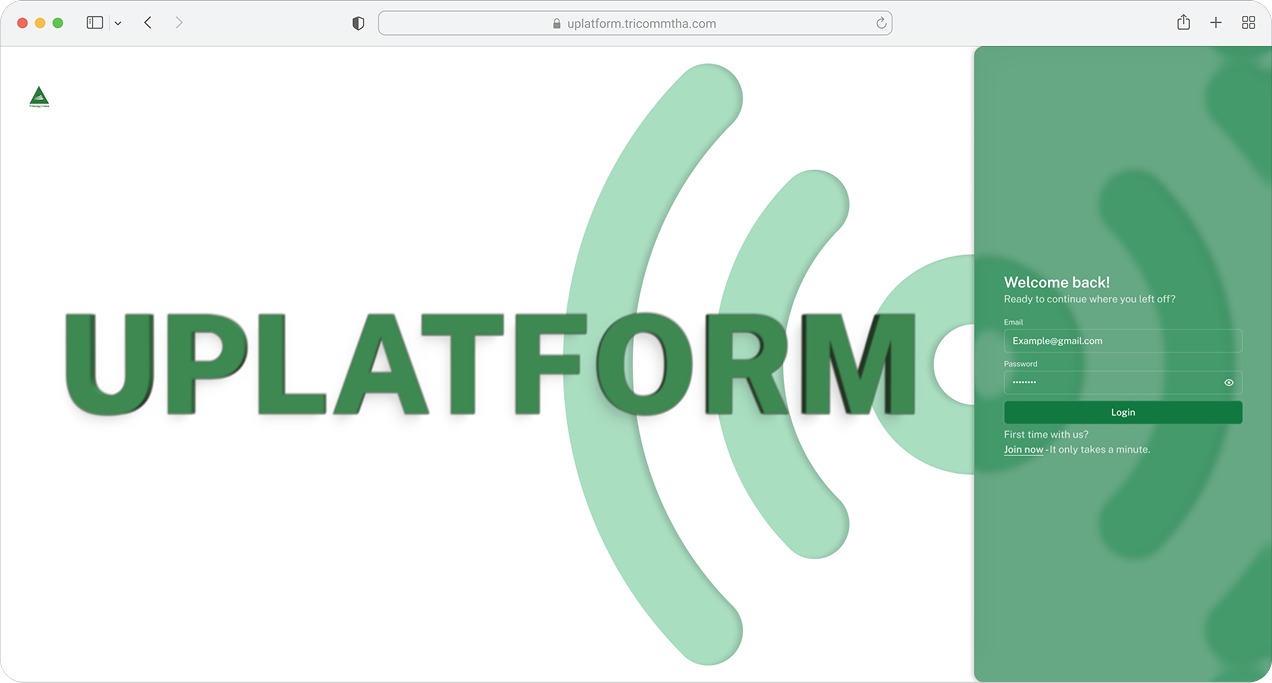
Login and register are the first thing every role sees, so they carry the brand alone: an oversized wordmark, the signal arcs, and one panel holding the form. Register asks for title, name and identification number up front, because accounts are tied to institutional records.
Home & public pages
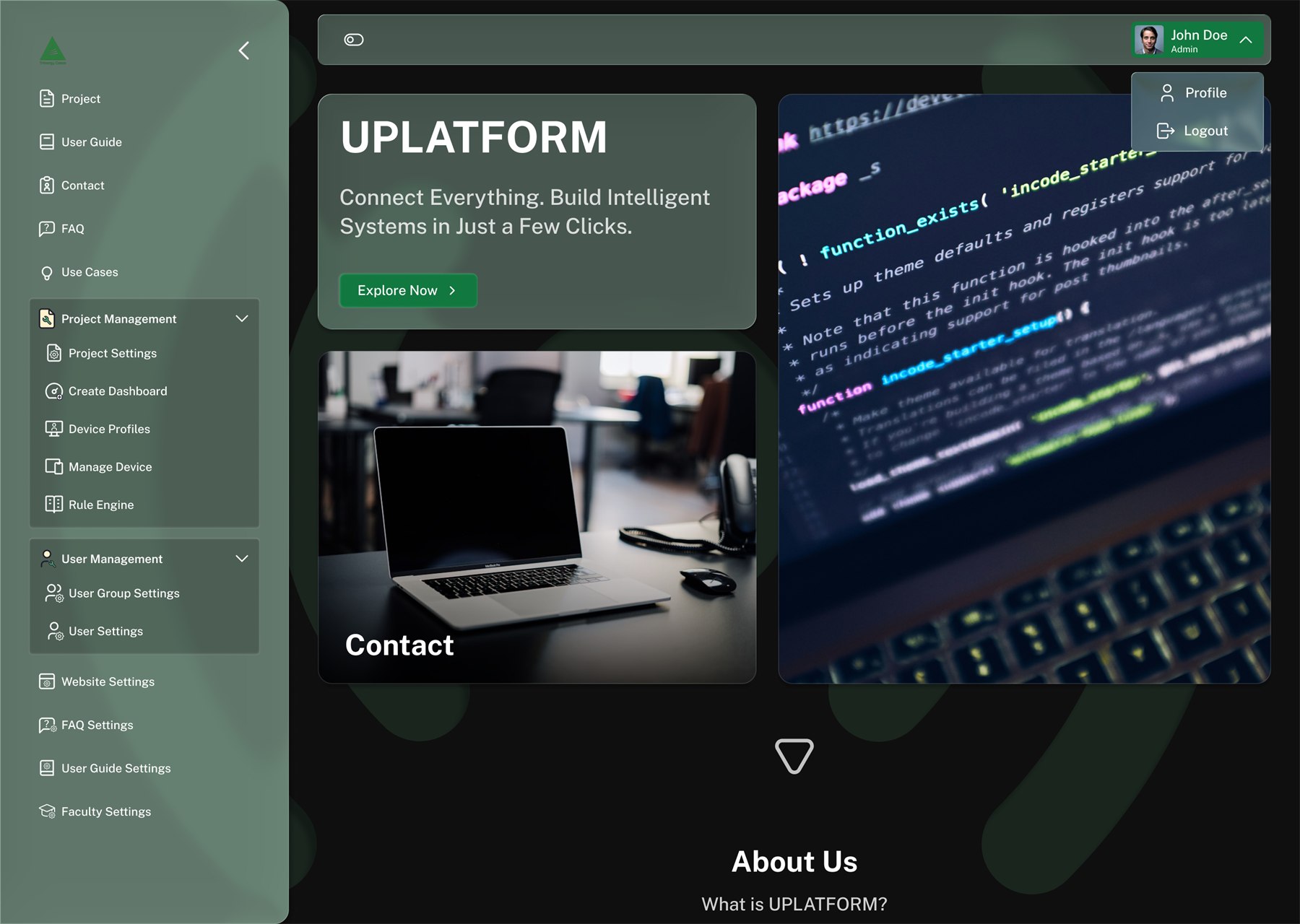
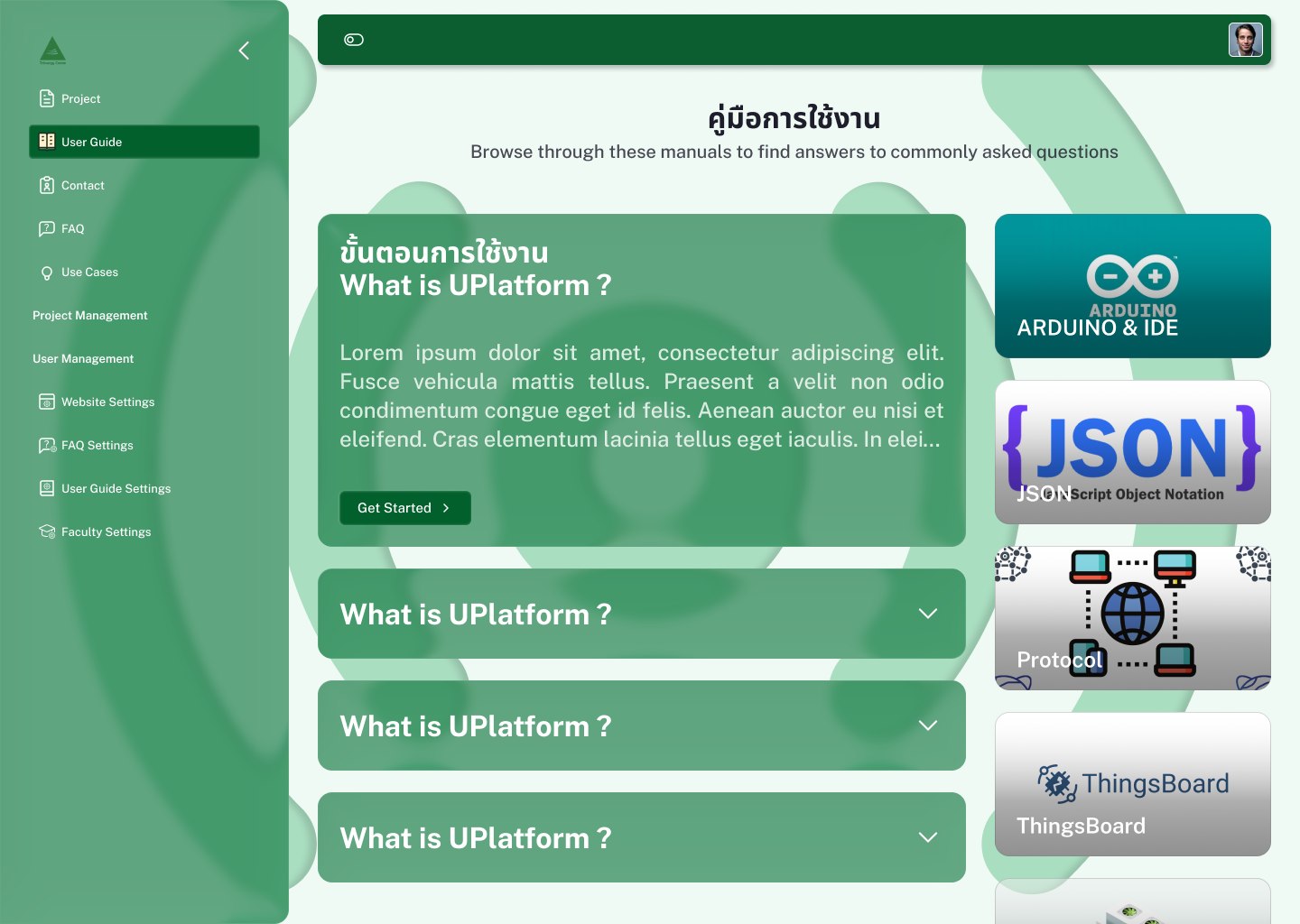
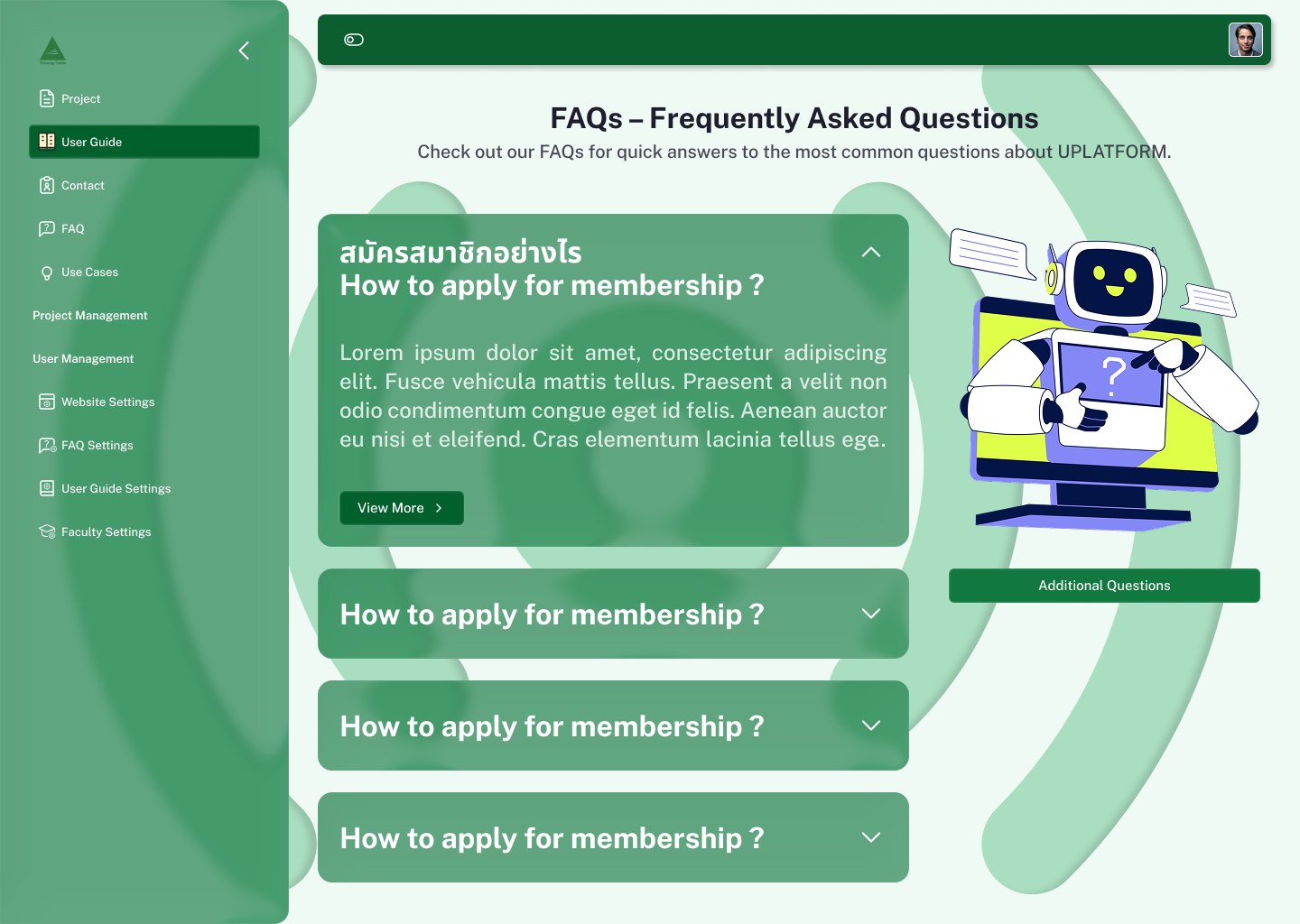
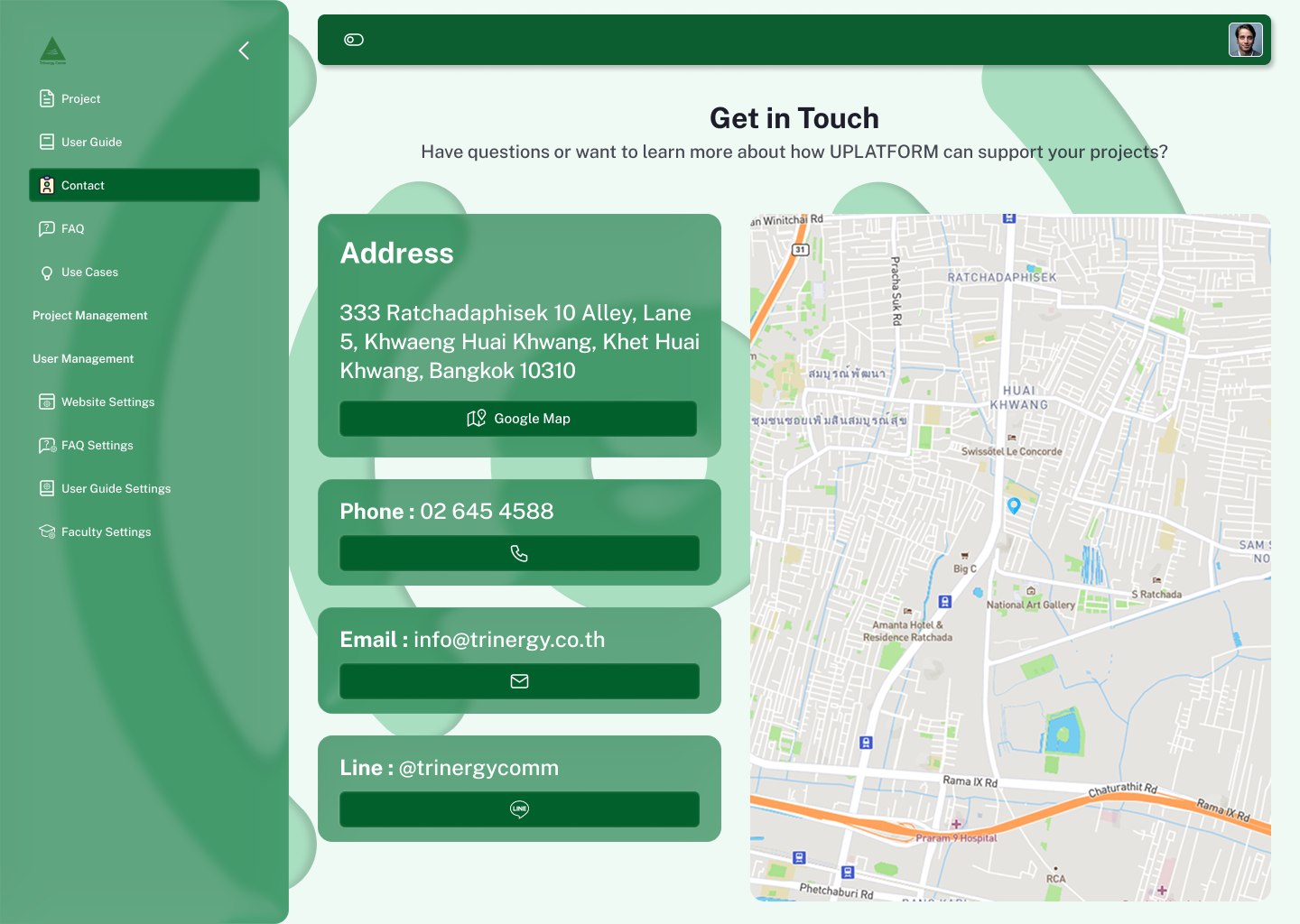
The landing view pairs a short value statement with photography of the platform in real use, and a down-arrow marker sets the expectation that About Us continues below rather than living in a separate menu. Every public page then reuses one frame: centred title, one-line subhead, and a two-column body where the left side is content and the right side is reference material.
The workspace
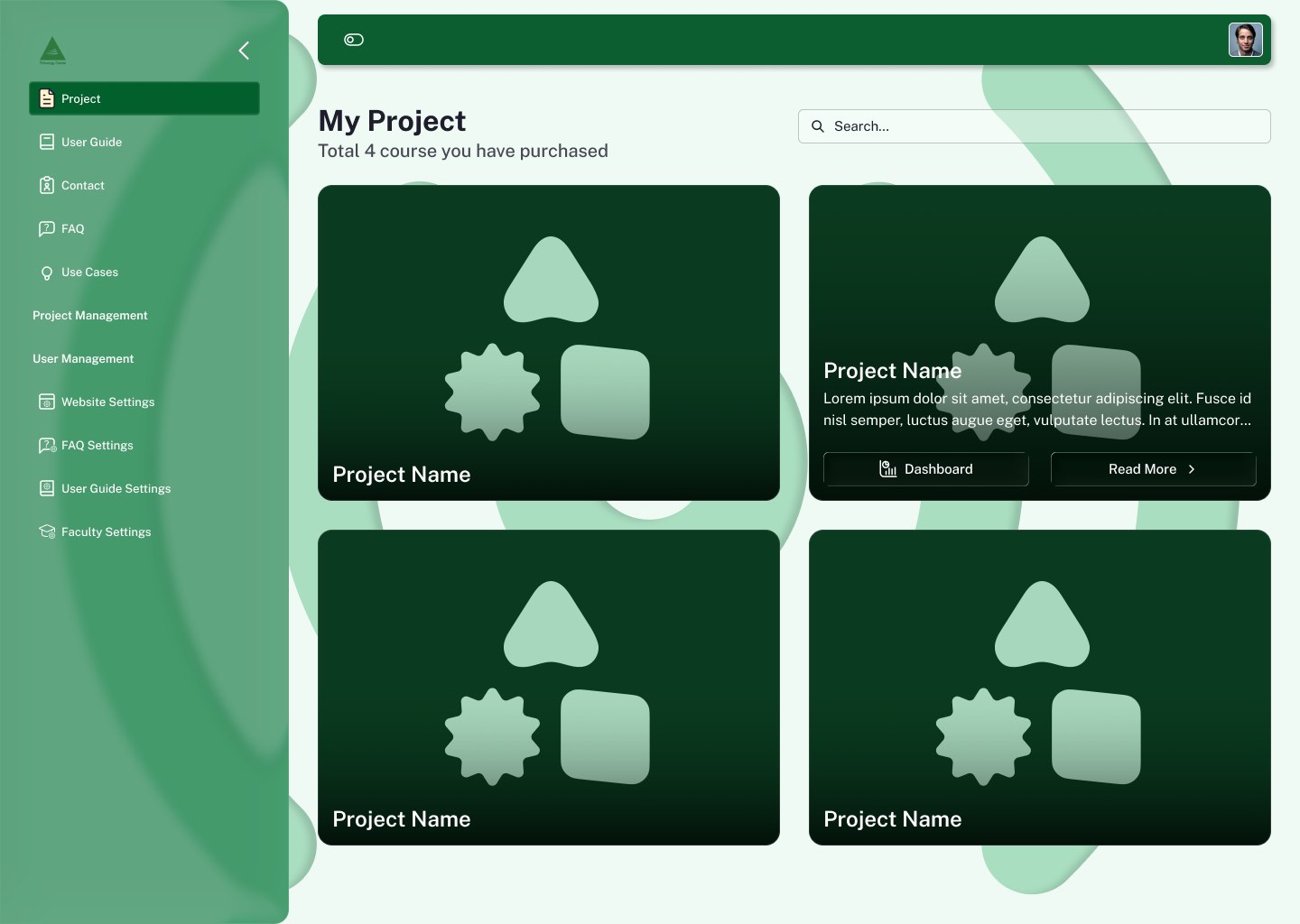
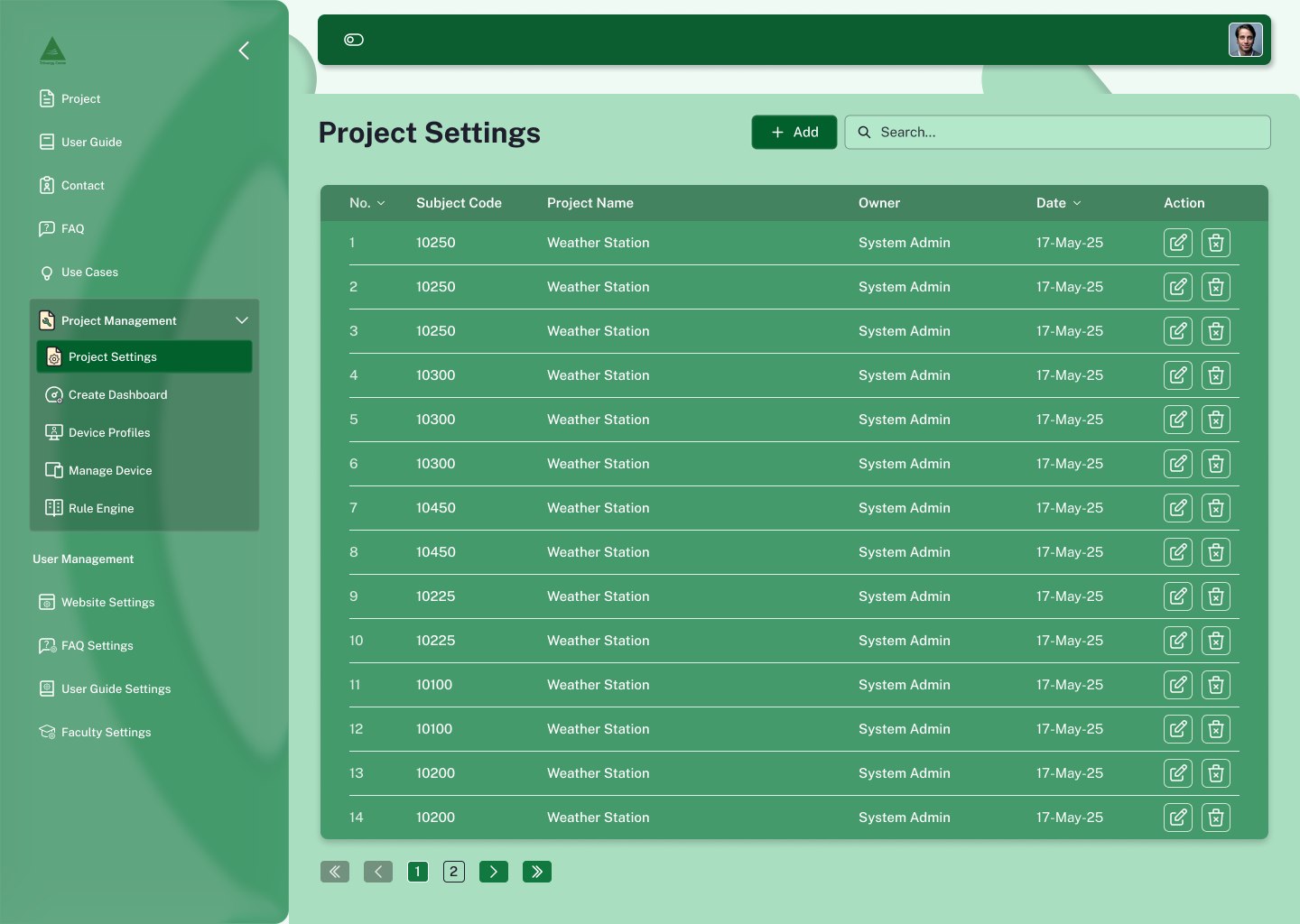
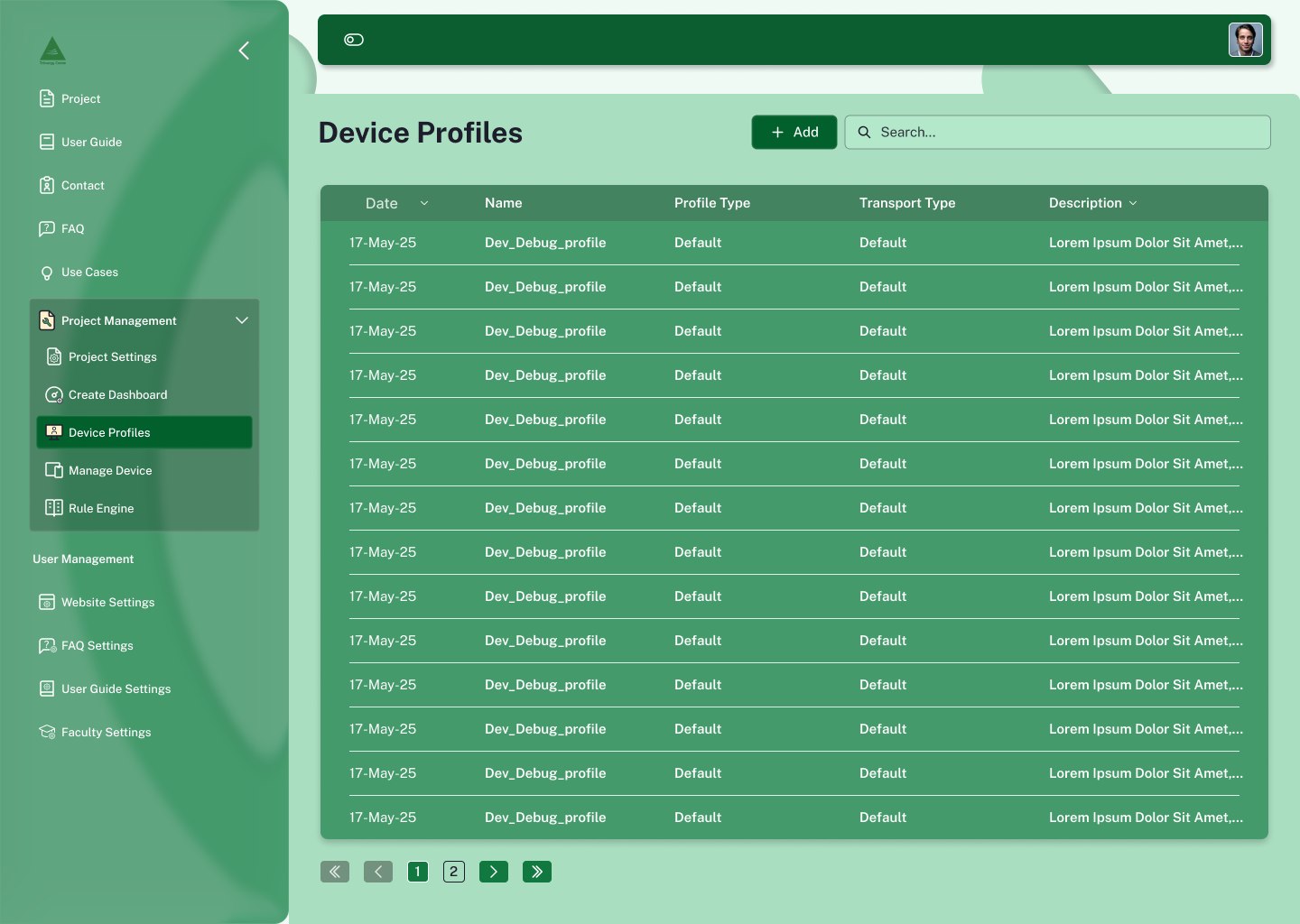
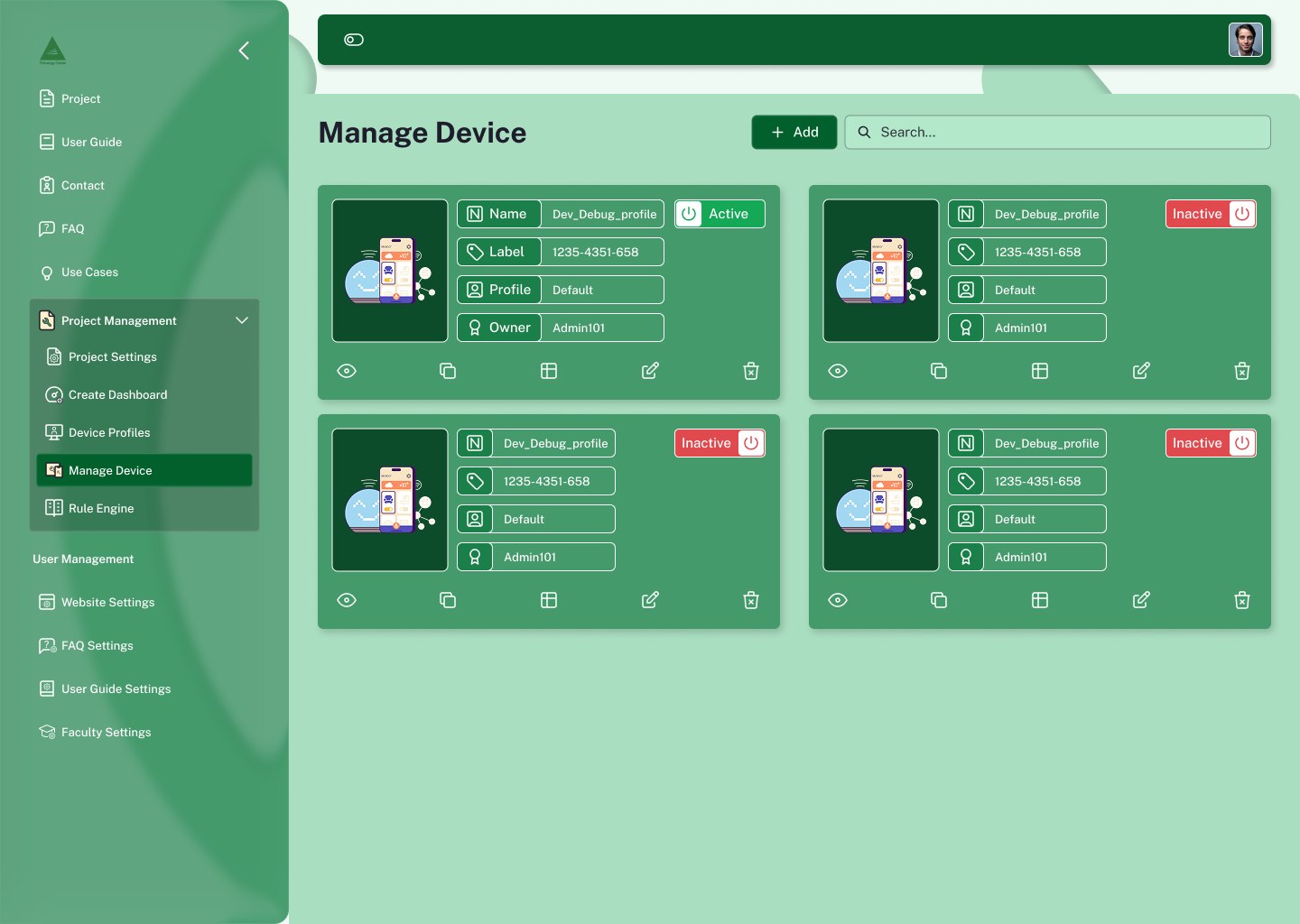
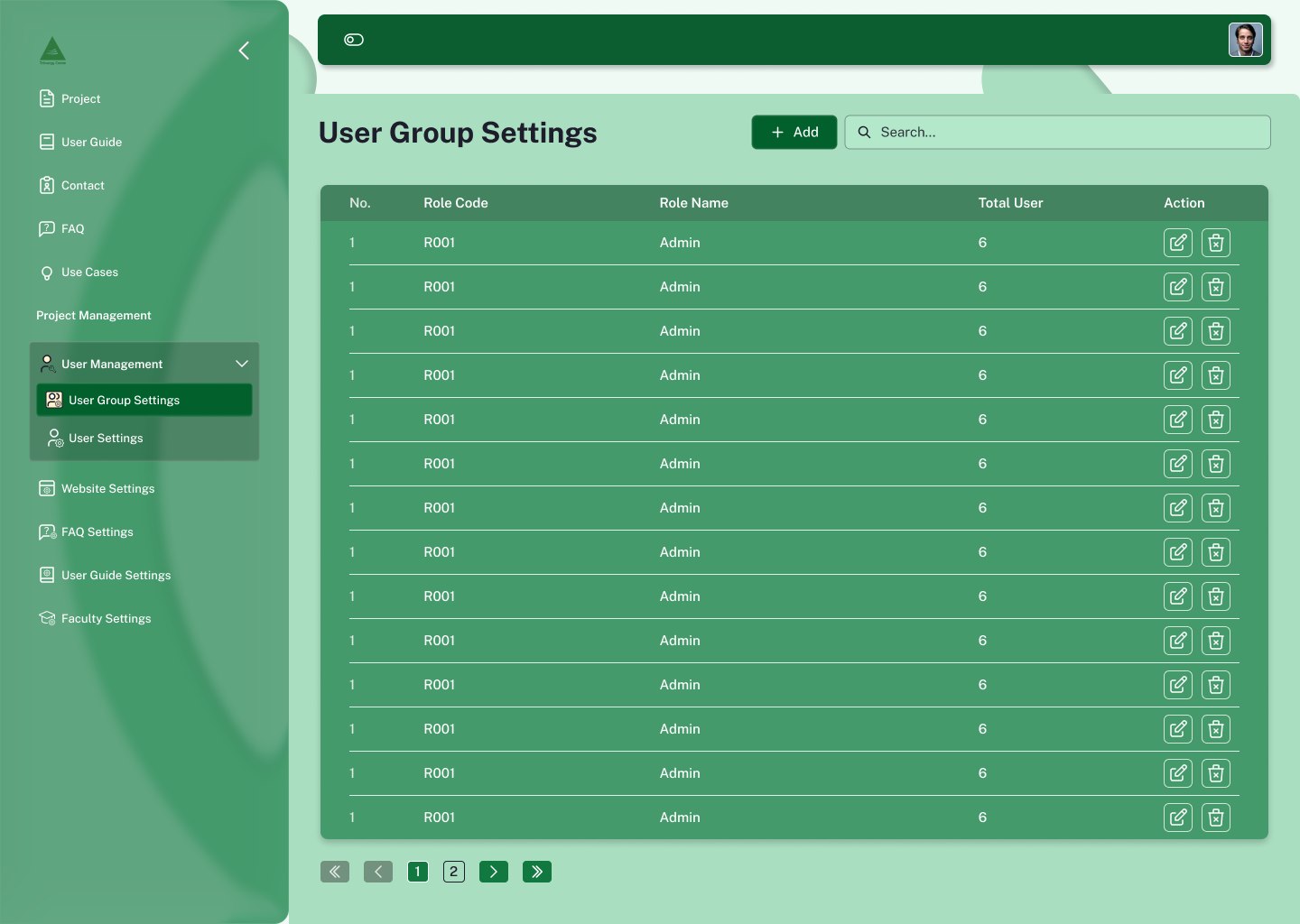
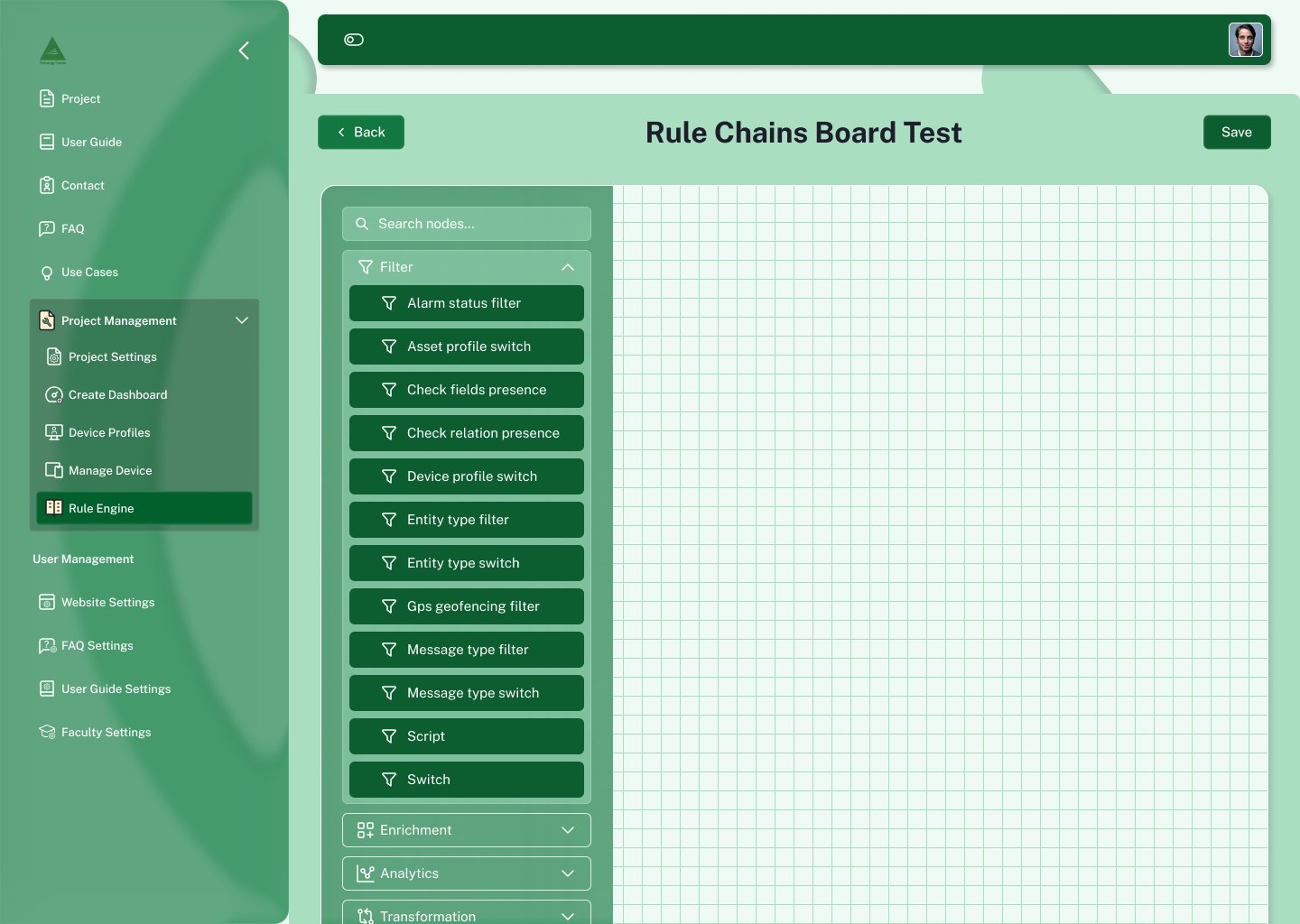
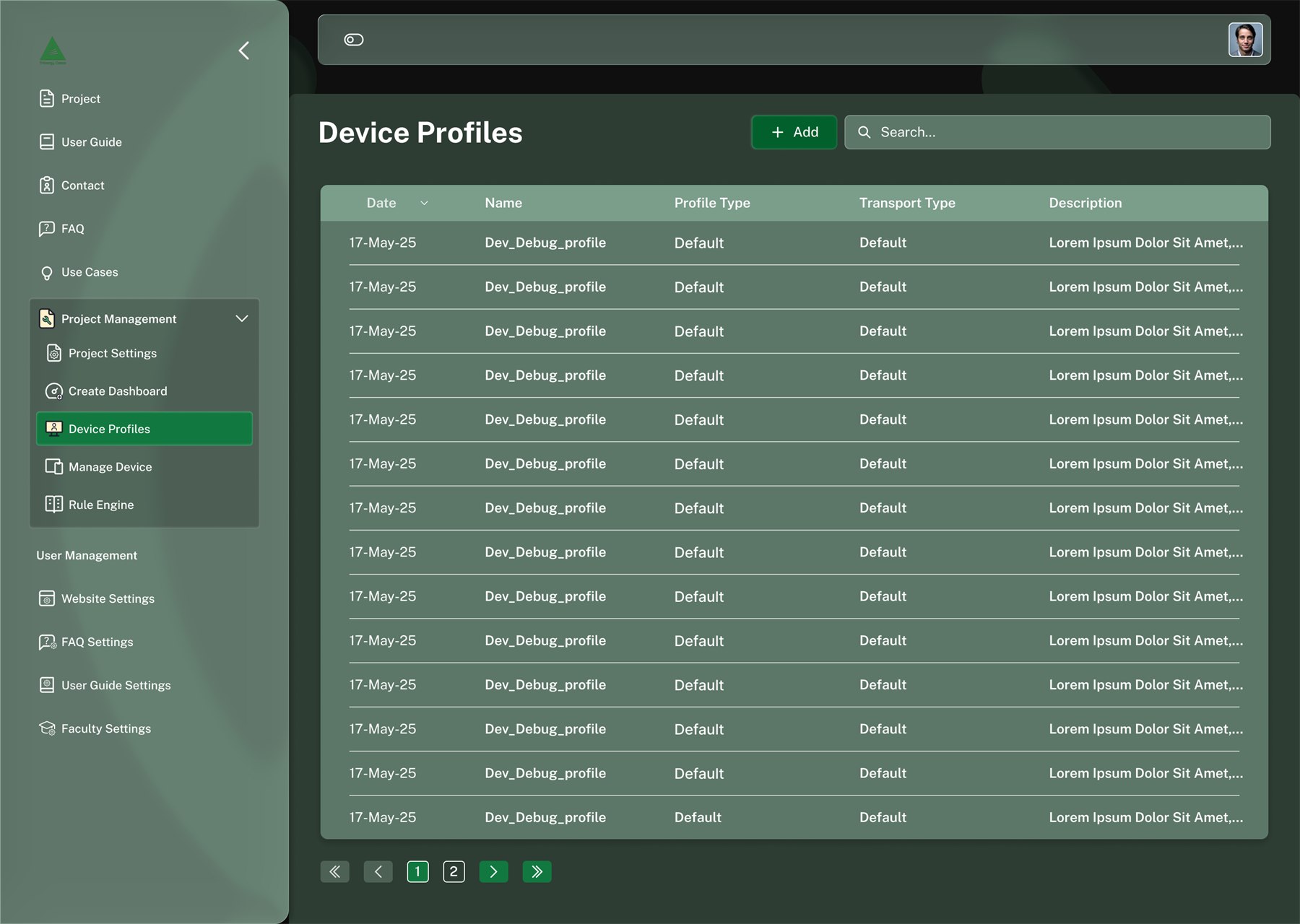
Behind the login, the product is mostly lists. Every management surface, projects, dashboards, device profiles, rule chains, user groups, is the same object: title, Add button, search, sortable table, pagination. Card grids are reserved for things with an image or a live state.
Dashboard builder
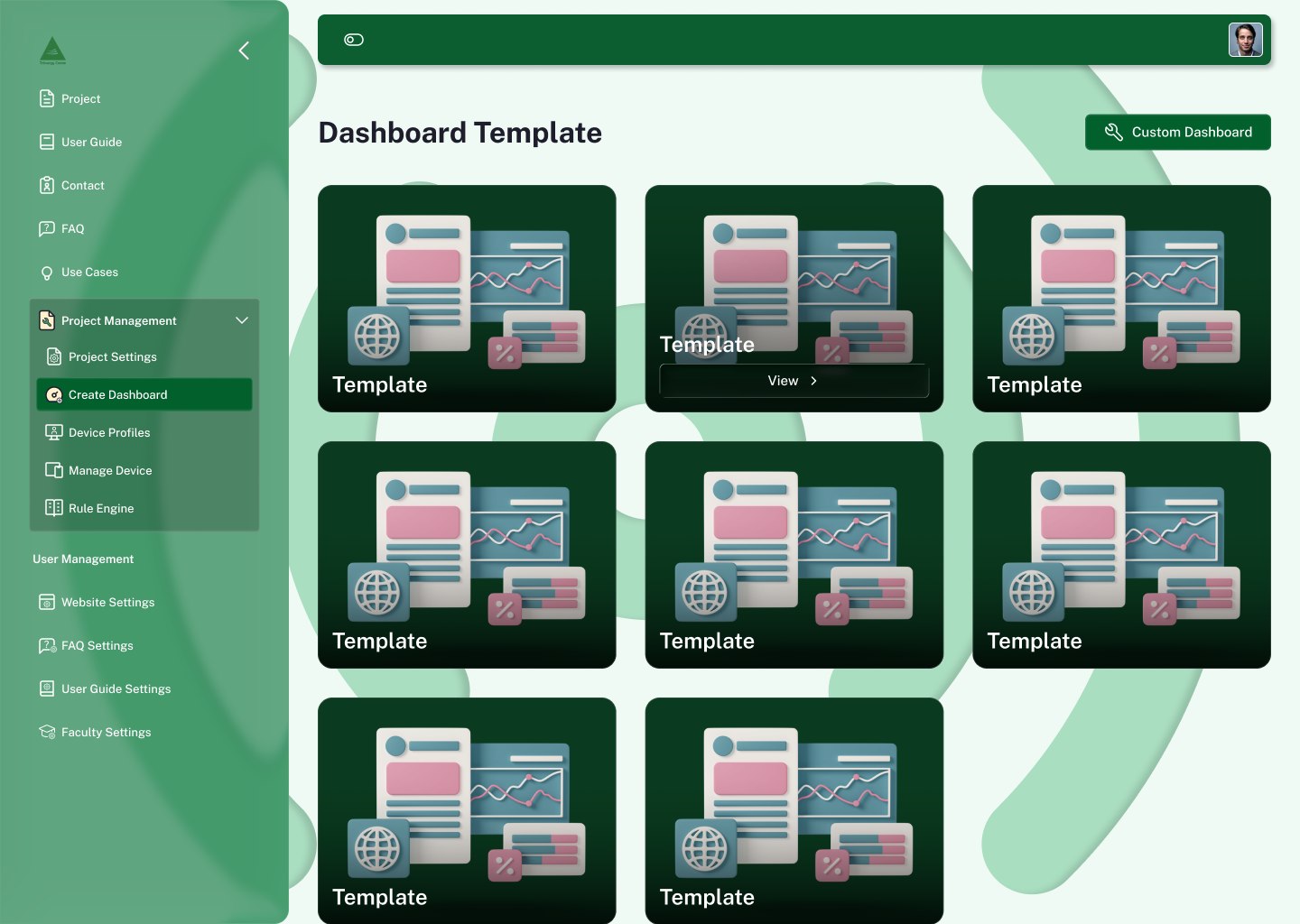
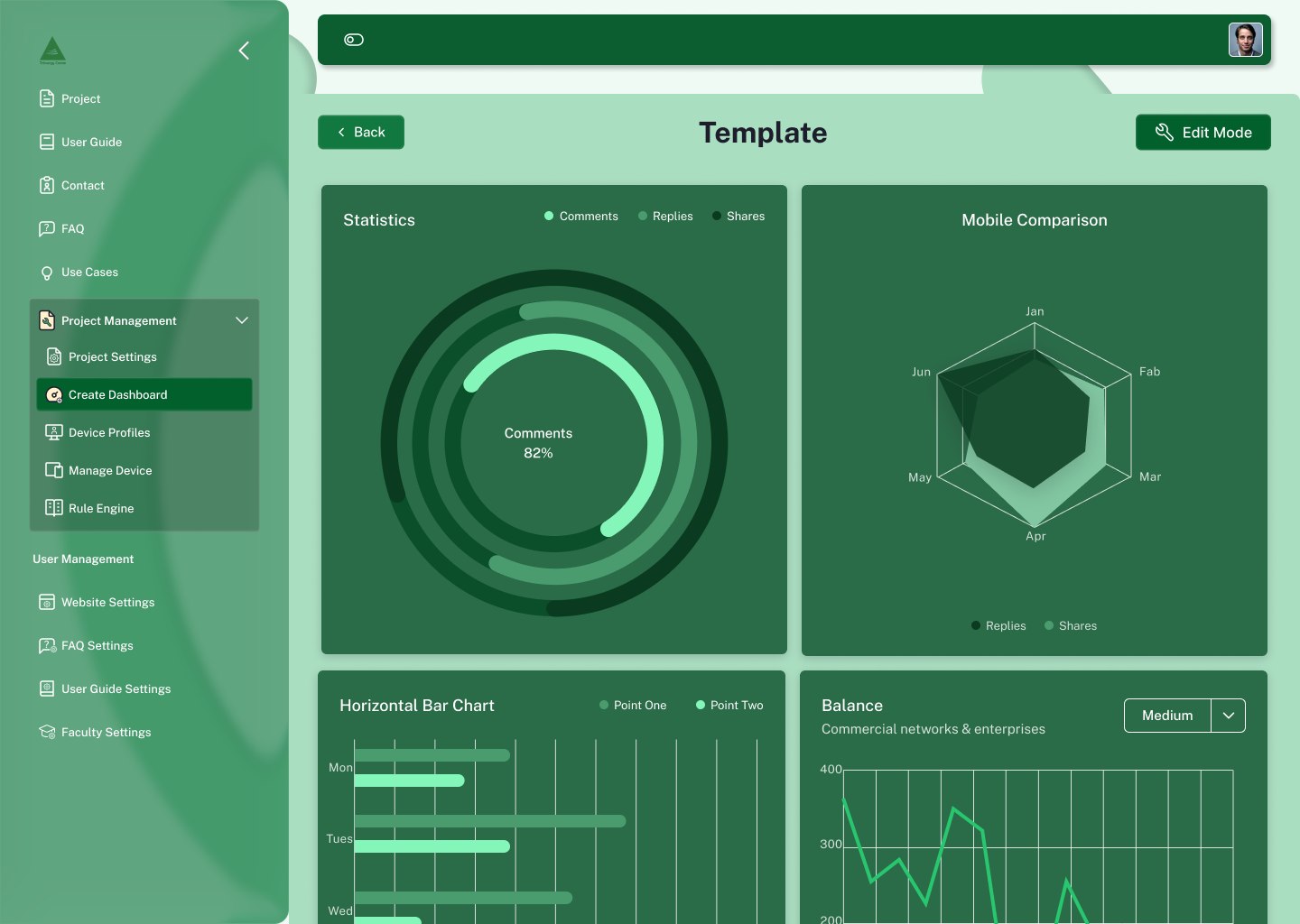
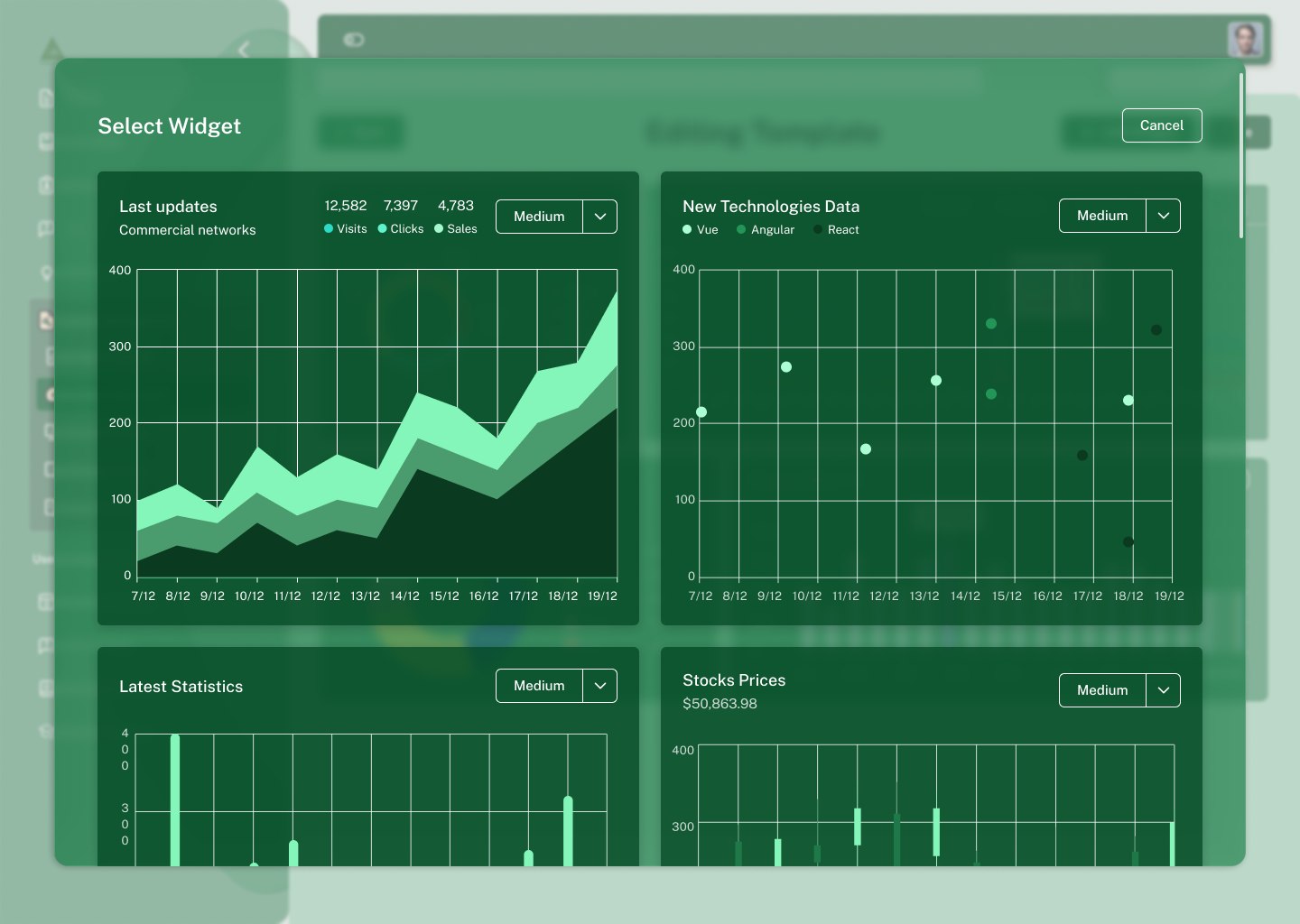
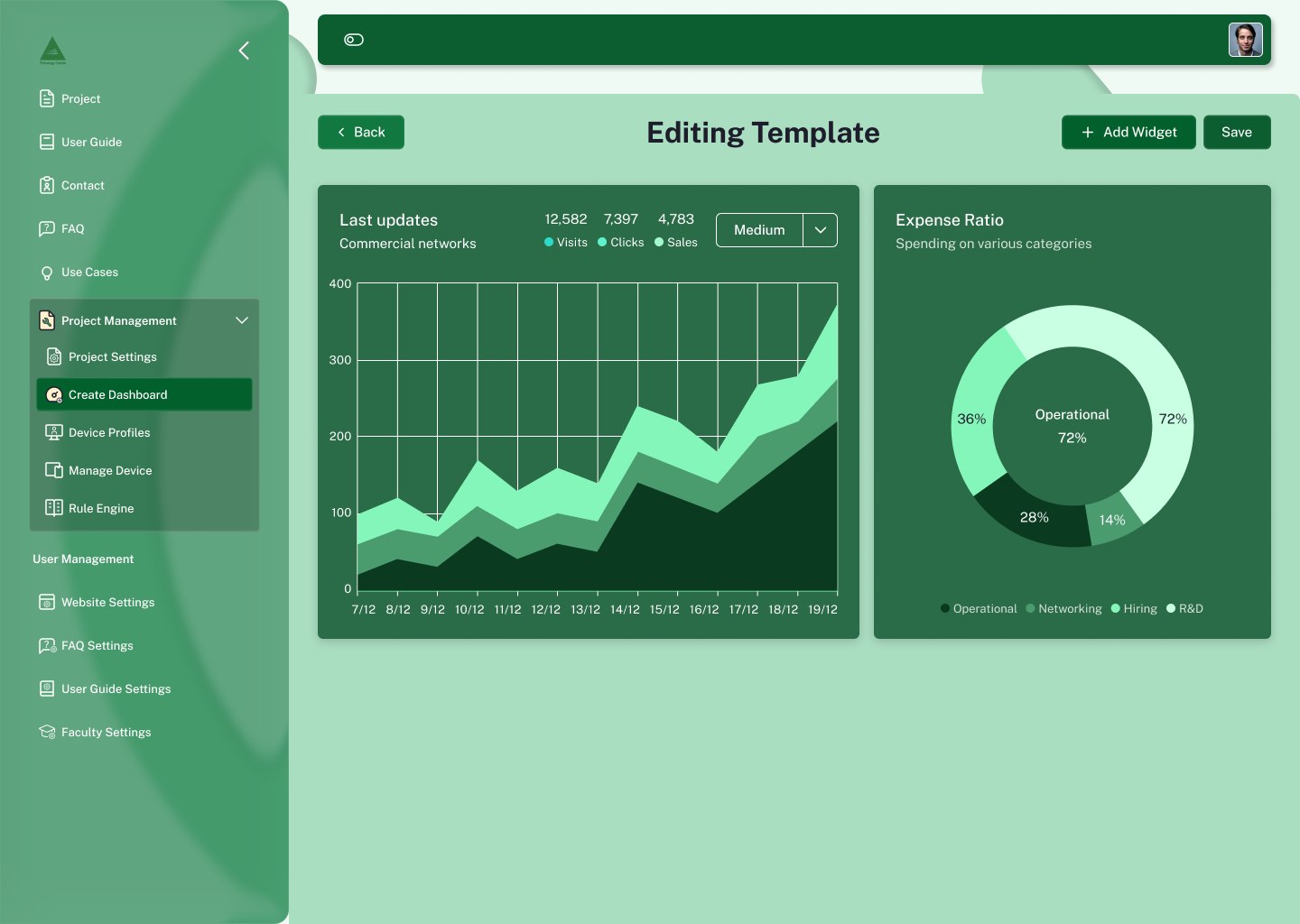
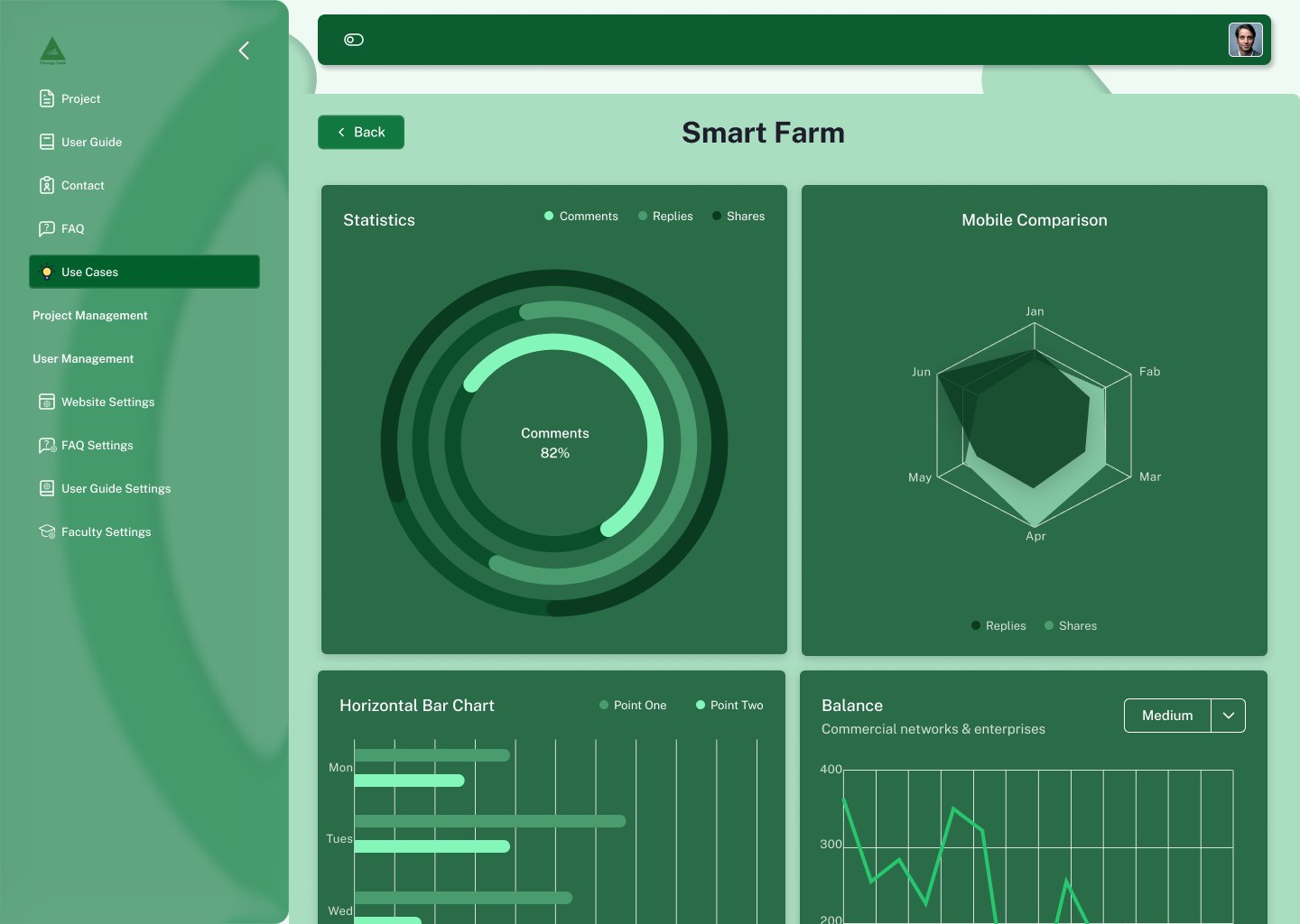
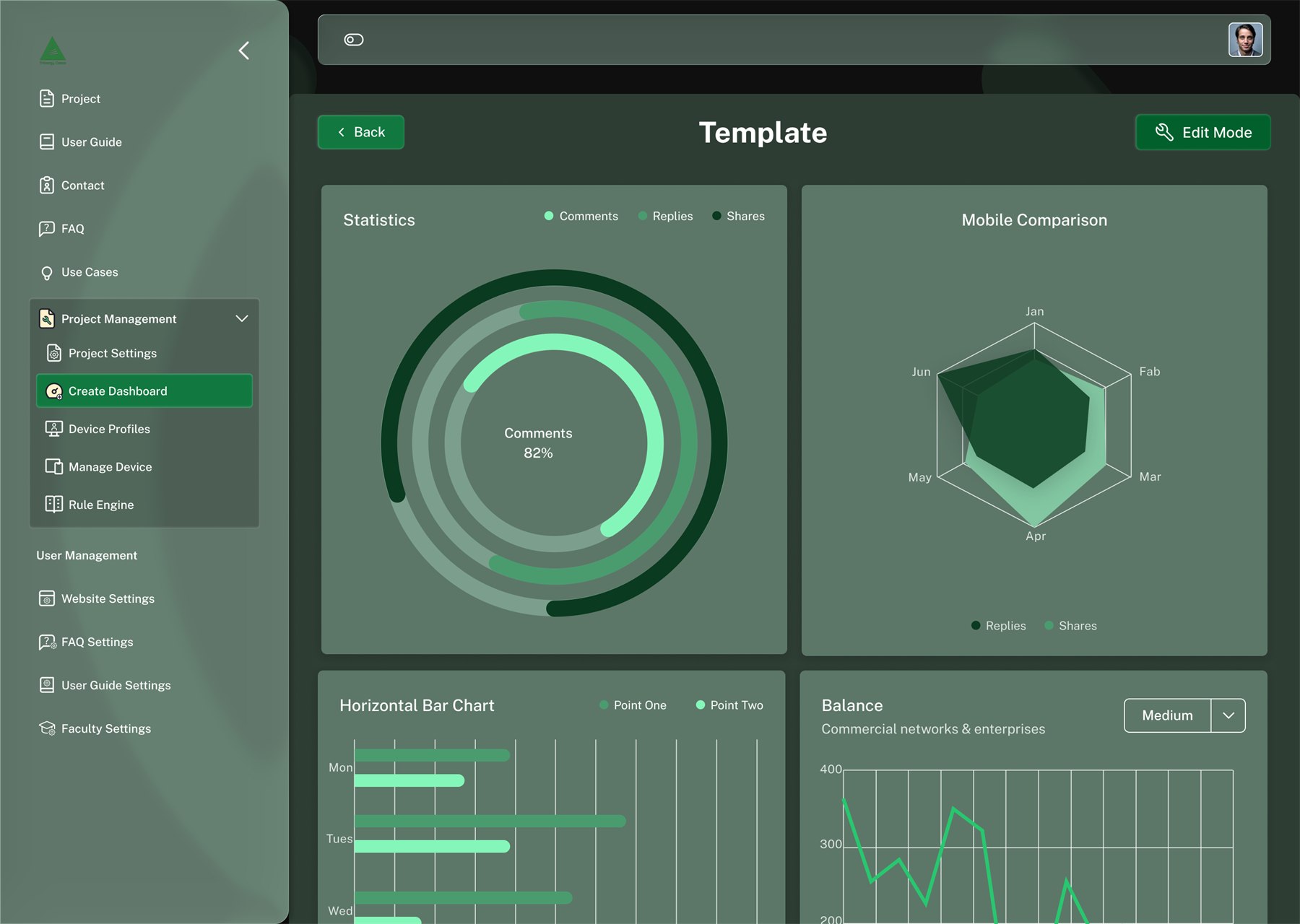
The flow that mattered most: pick a template, view it, switch to edit mode, add widgets, save. View and edit are the same layout, only the header changes, so nothing moves under the user when they cross into editing.
Modals & forms
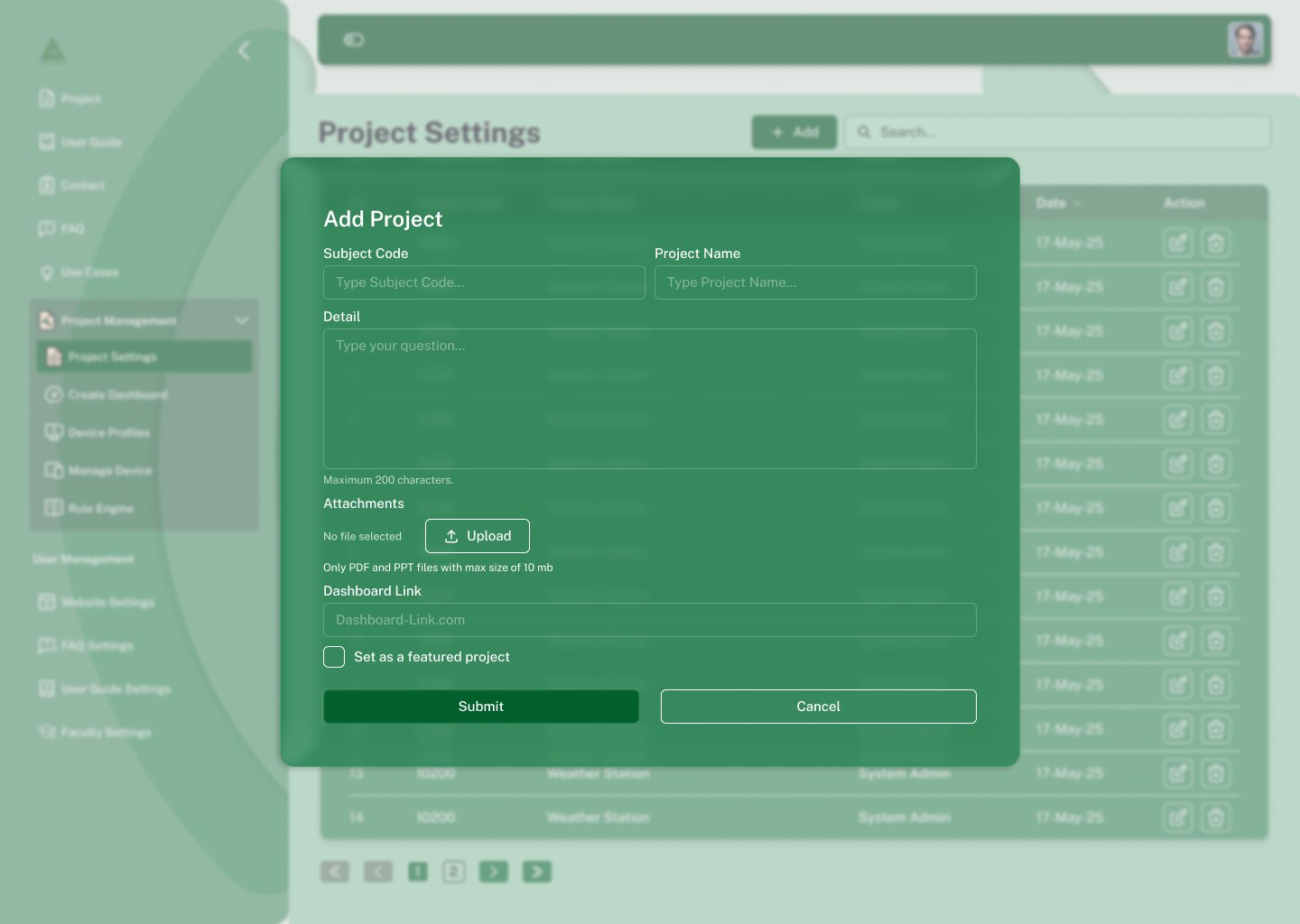
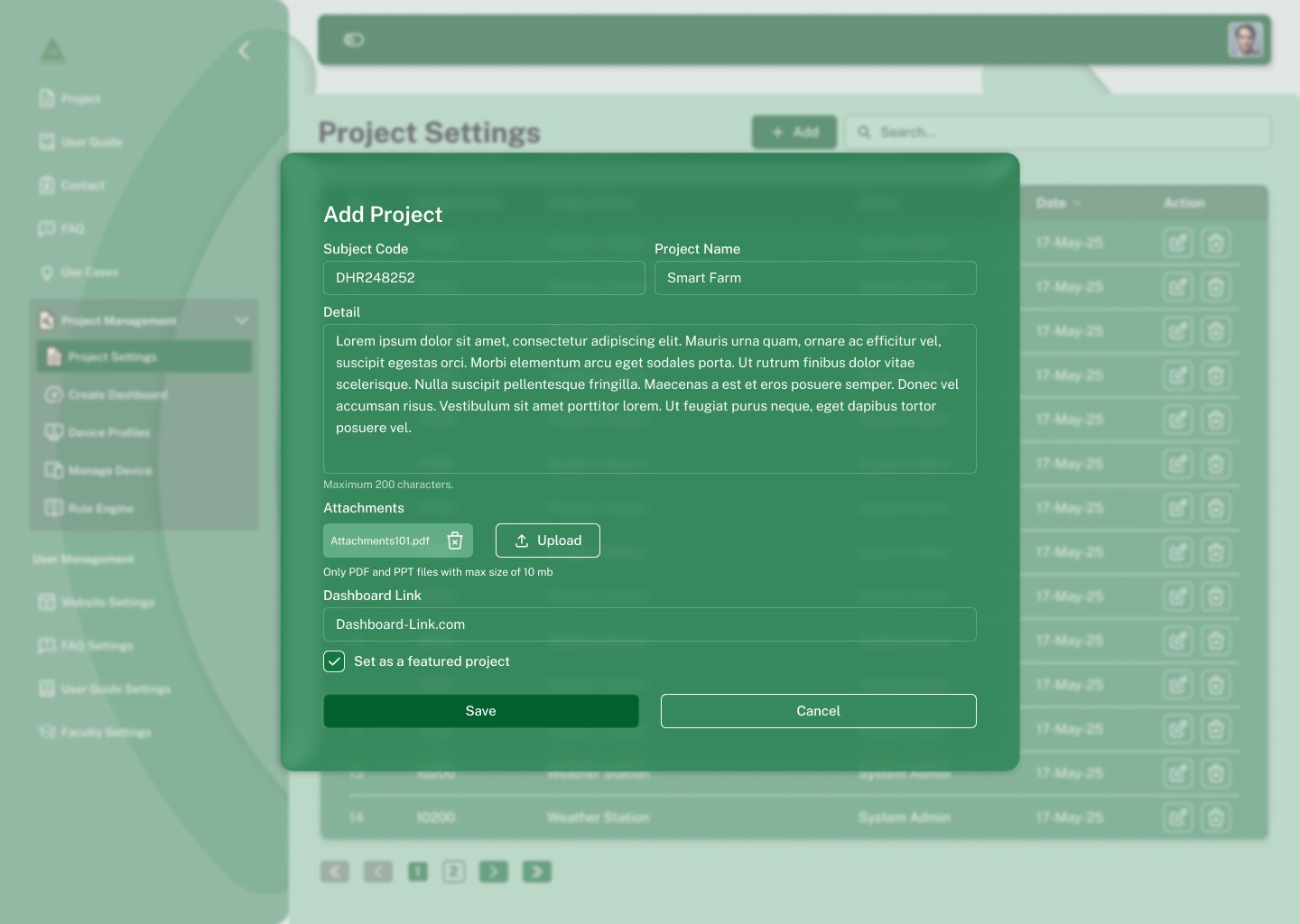
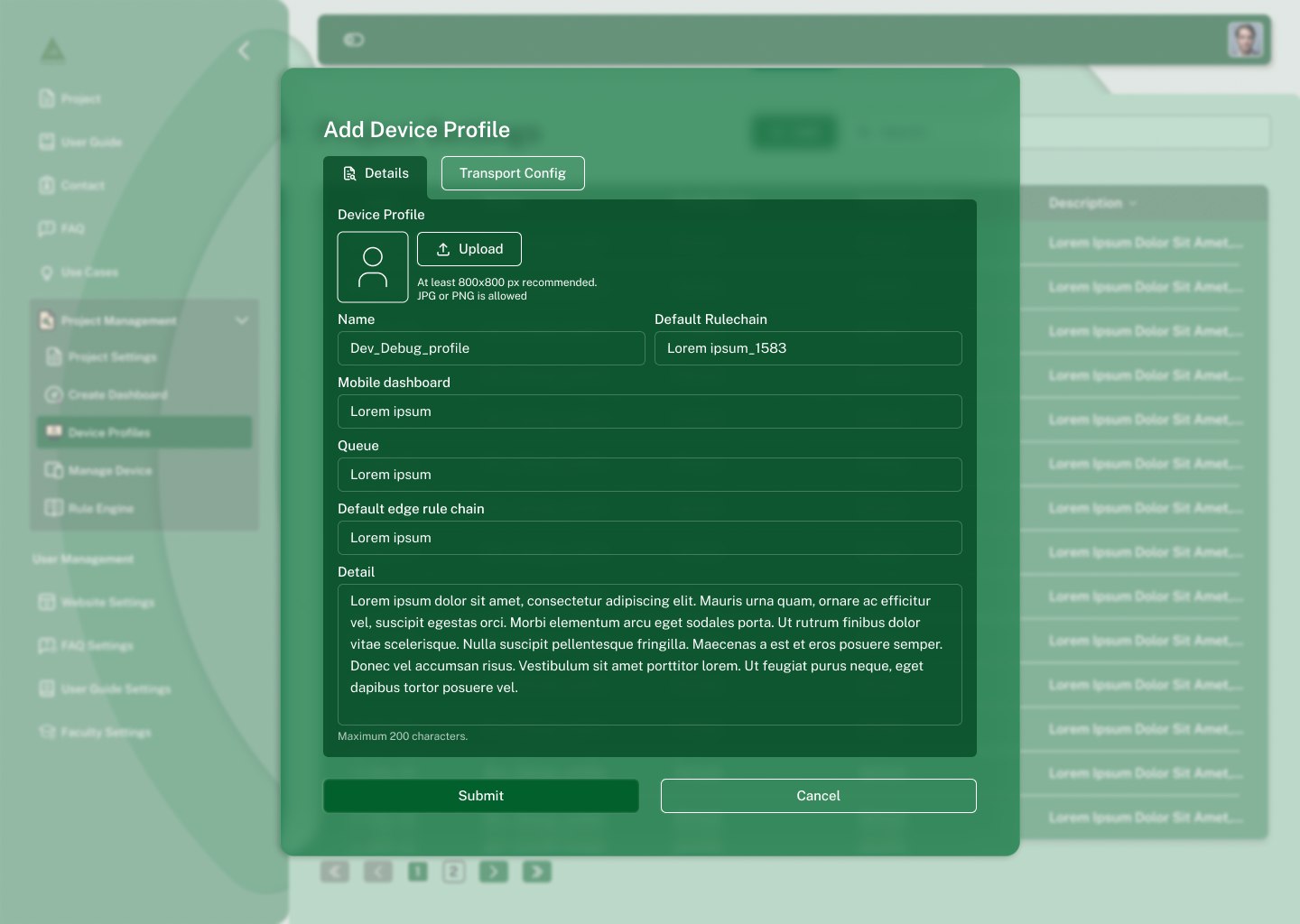
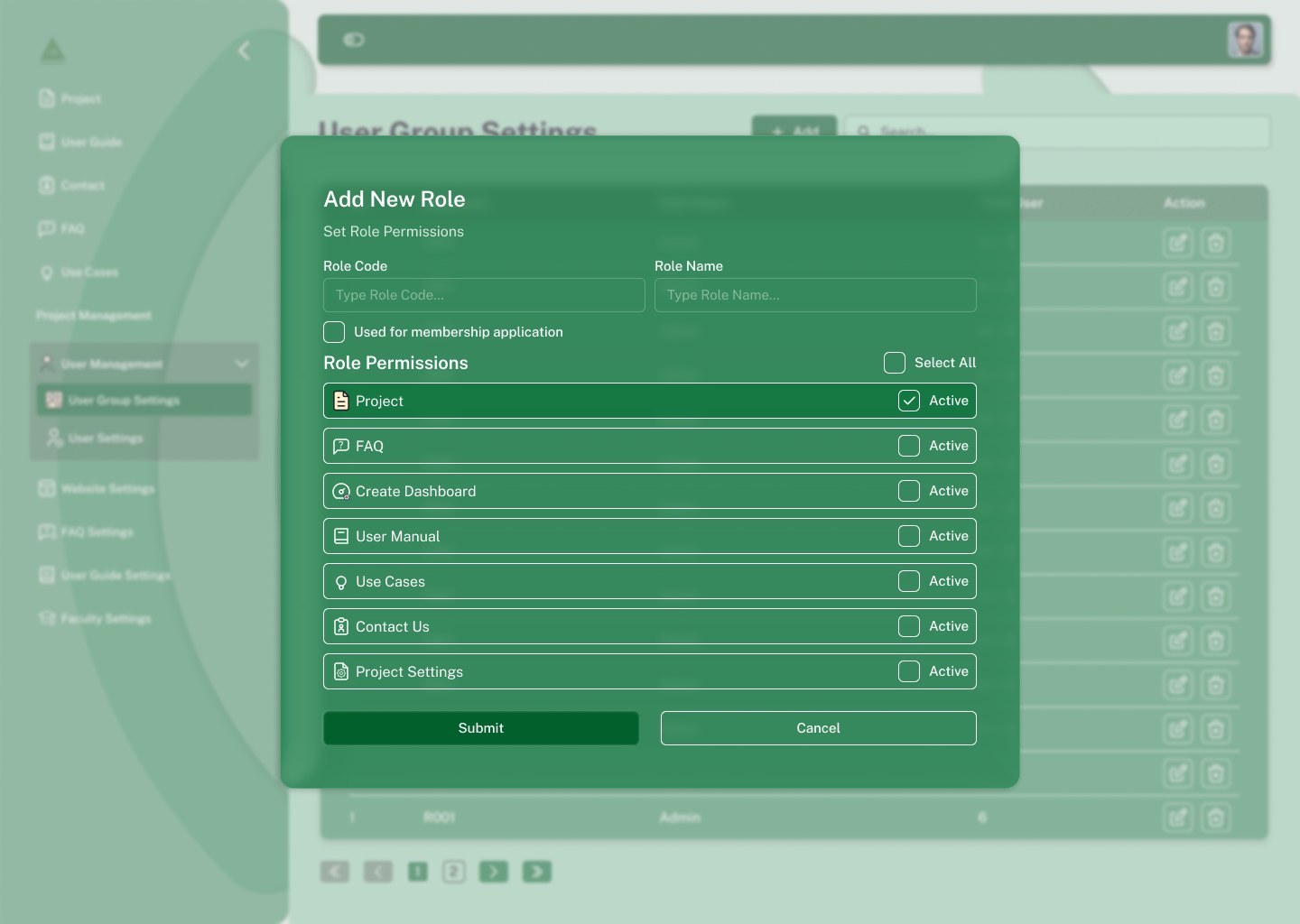
Creating anything happens in a modal over a blurred page, never on a separate route, the list you came from stays visible behind, so cancelling costs nothing. All of them share one skeleton: title, fields, character limit, then Submit and Cancel at equal weight.
Night mode
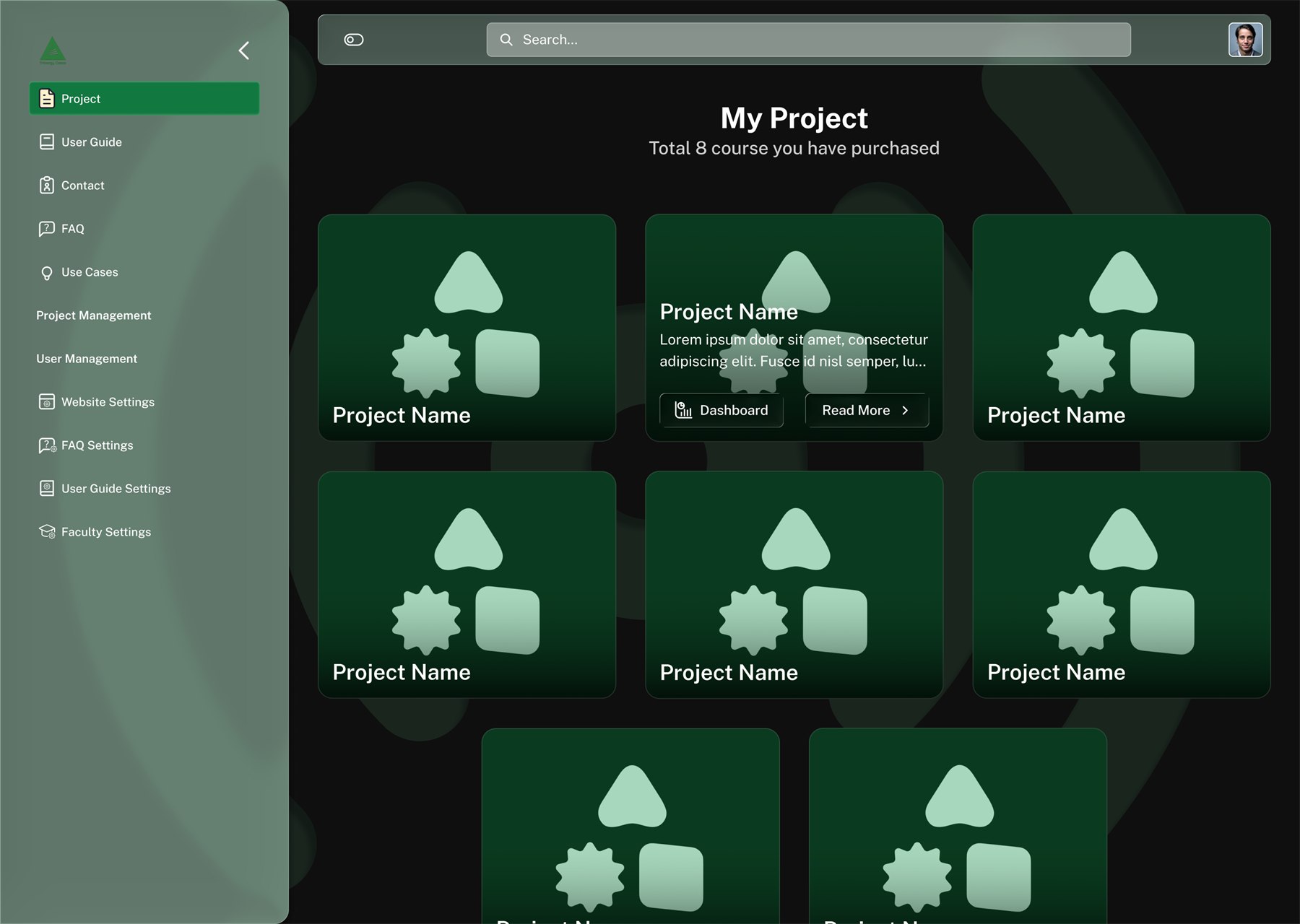
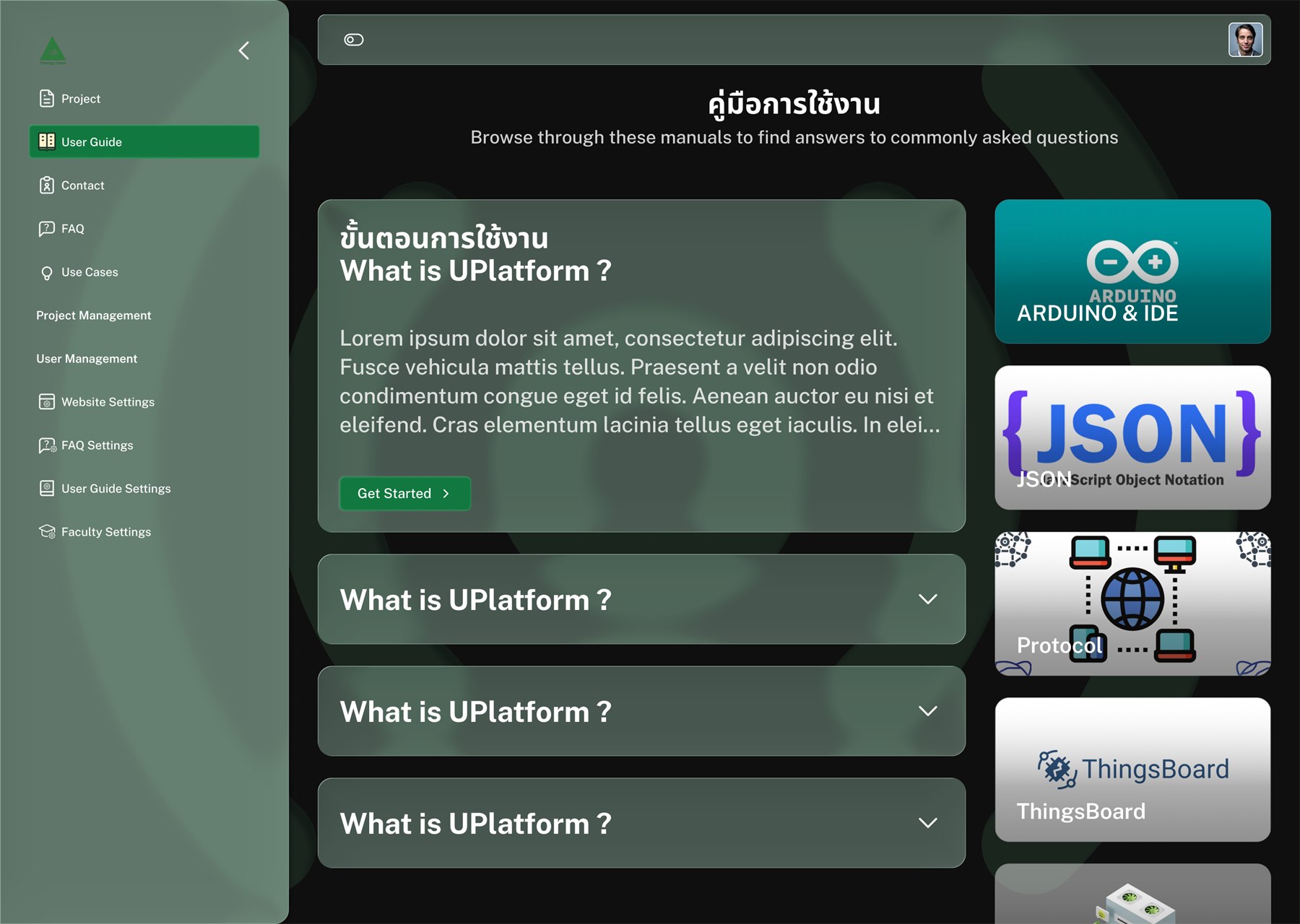
Night mode is not an inverted copy. The mint surface drops to near-black, the sidebar keeps its green identity at lower luminance, and the green fills that carry data in daylight become translucent panels so charts stay readable.
The appearance switch offers three positions rather than two, auto is the default, so a device already set to dark never flashes a white login screen. Every screen in this case study was drawn in both modes.
Responsive behaviour
The shell absorbs width changes before the content does. Below the desktop breakpoint the sidebar collapses to icons; below tablet it becomes an overlay, and content keeps its full measure instead of reflowing to two narrow columns.
Handoff to developers
Reflection
What worked
Constraining the palette to four values early made the dense screens, tables, rule chains, widget grids, far easier to keep legible. Building the shell as one component with explicit states meant the twelve product screens were mostly composition, not new design.
What I would do differently
I would define the data-table and empty-state patterns before designing individual settings pages, rather than extracting them afterwards. I would also test the rule-engine board with faculty earlier, it is the one surface where the interface model, not the visual design, decides whether people can use it.