
Storade
Where stories trade
A reading marketplace that gives independent authors a fair way to publish and get paid, and gives readers a calmer way to find stories worth their time.
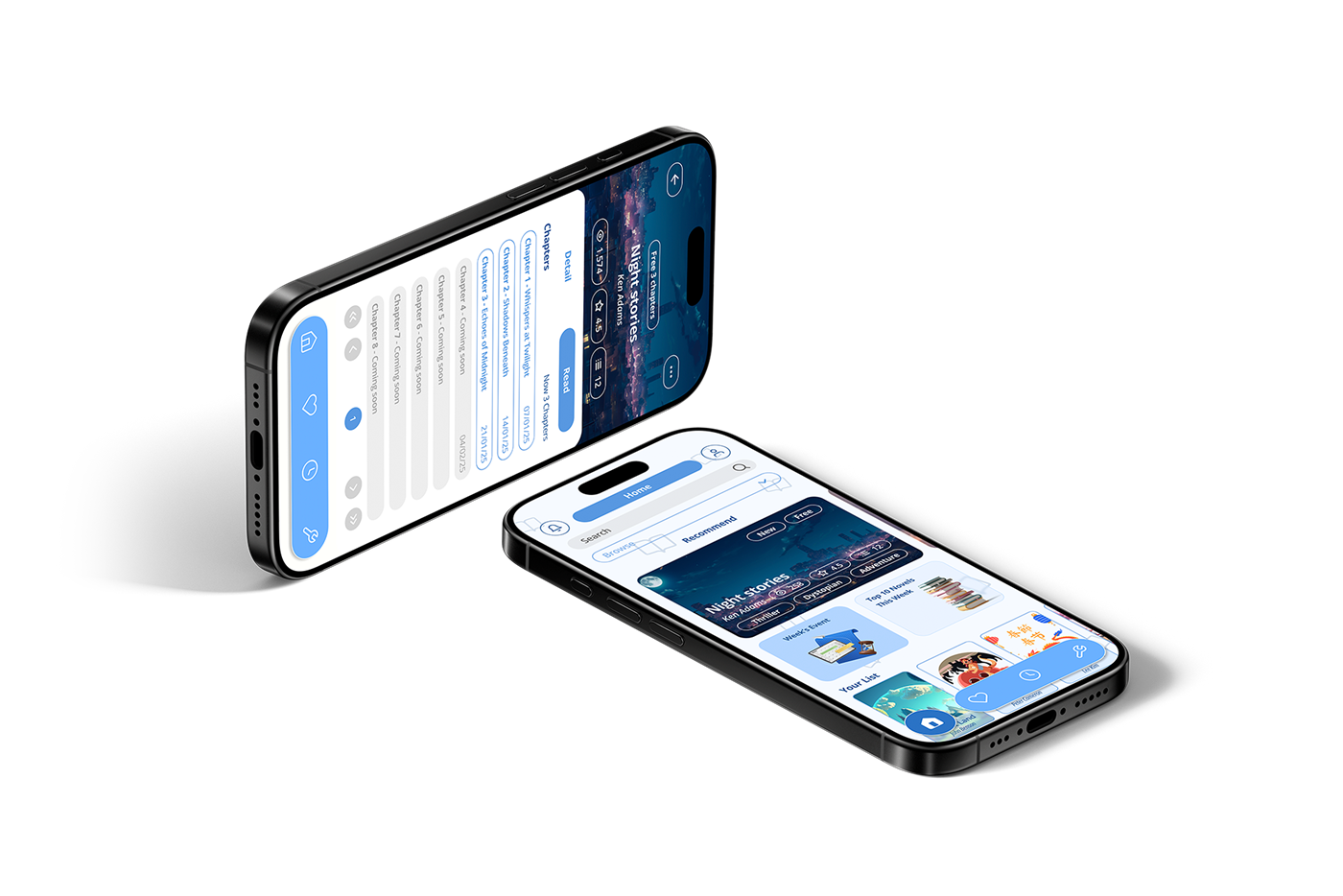
Serialized fiction is crowded at the top and silent everywhere else.
New authors publish into a void: no fan base, no marketing budget, and no clear view of how their earnings are calculated. Readers have the mirror problem, scrolling past the same mainstream titles while niche genres stay buried behind paywalls placed before the first chapter.
Storade was designed as a two-sided marketplace where discovery, feedback and revenue all happen in the open.
Without an existing audience or marketing knowledge, good work simply stays unread.
Authors can't see how a split is calculated, and readers have no light-touch way to support them.
Niche titles are overshadowed, and there is no reliable signal for when a followed author publishes.
Build one product that serves two opposing users without either side feeling like the compromise.
Two audiences, researched separately.
I started with competitor research across existing serialized-reading platforms, looking specifically at how each one handles promotion, payment and author-to-reader communication. I then spoke with readers and aspiring authors about where those systems break down in practice.
The findings split cleanly into two target groups. Every feature that made it into the product traces back to a need or pain point below.

- A recommendation or feedback system from readers to improve writing.
- Copyright and revenue management, including systems to prevent copyright infringement and revenue collection.
- Easy-to-start revenue support systems, such as tipping or episodic support.
- Reaching new readers or target audiences unfamiliar with the work.
- A platform that helps promote and reach target audiences easily.
- A fair revenue-sharing system.
- No existing fan base or reputation, so strategies to attract new readers are needed.
- Lacking in-depth knowledge of online marketing strategies.
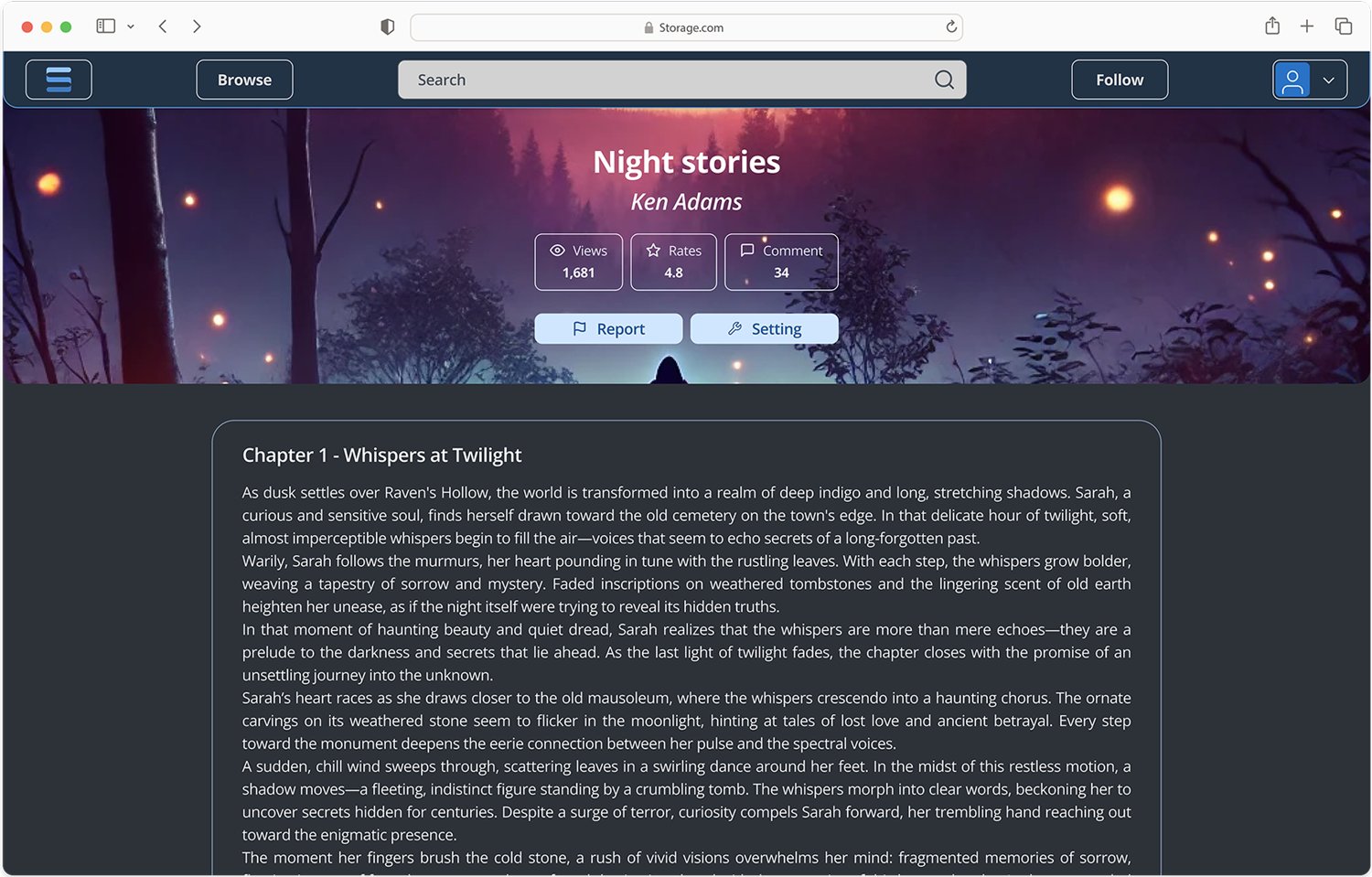
- A smooth reading experience, such as an easy-to-use app that supports all devices and features like "Night Mode."
- New release notifications, such as alerts when a followed author publishes new work.
- A variety of options, allowing access to diverse novel genres without wasting time searching.
- Flexibility, such as free-to-read episodes or attractive promotions.
- A platform that makes it easy to find specific types of content.
- Lack of communication from authors, making it unclear when new novels will be released.
- Restricted content access if a subscription or payment is required upfront.
- Difficulty finding niche novels, as they are often overshadowed by mainstream titles.
Key features










One flow that switches perspective, not products.
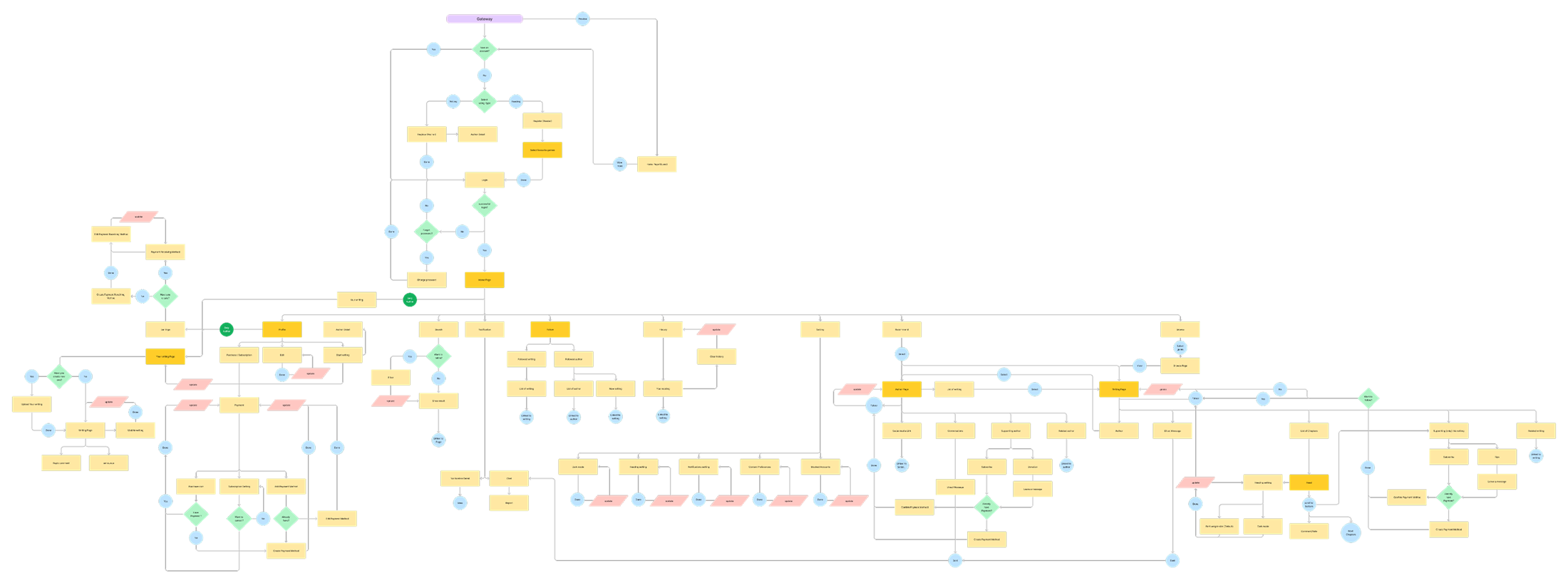
Authors and readers share an account, a library and a navigation model. Rather than building two apps, I mapped both journeys onto a single flow and marked the points where the interface changes perspective: publishing tools appear for authors, following and support tools appear for readers.
The full flowchart covers account creation, genre onboarding, browsing, reading, publishing, monetisation and settings, including every error and empty state.
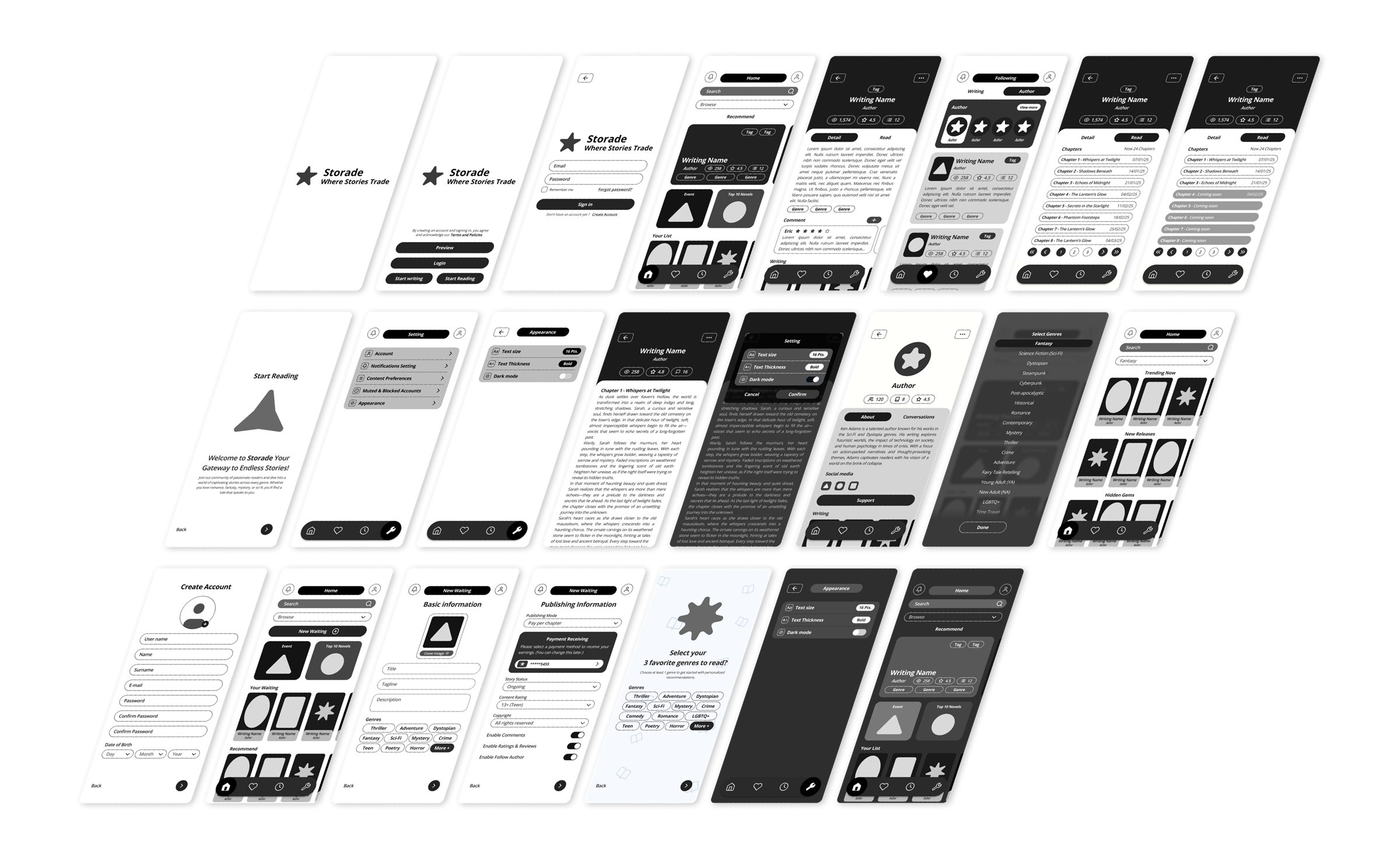
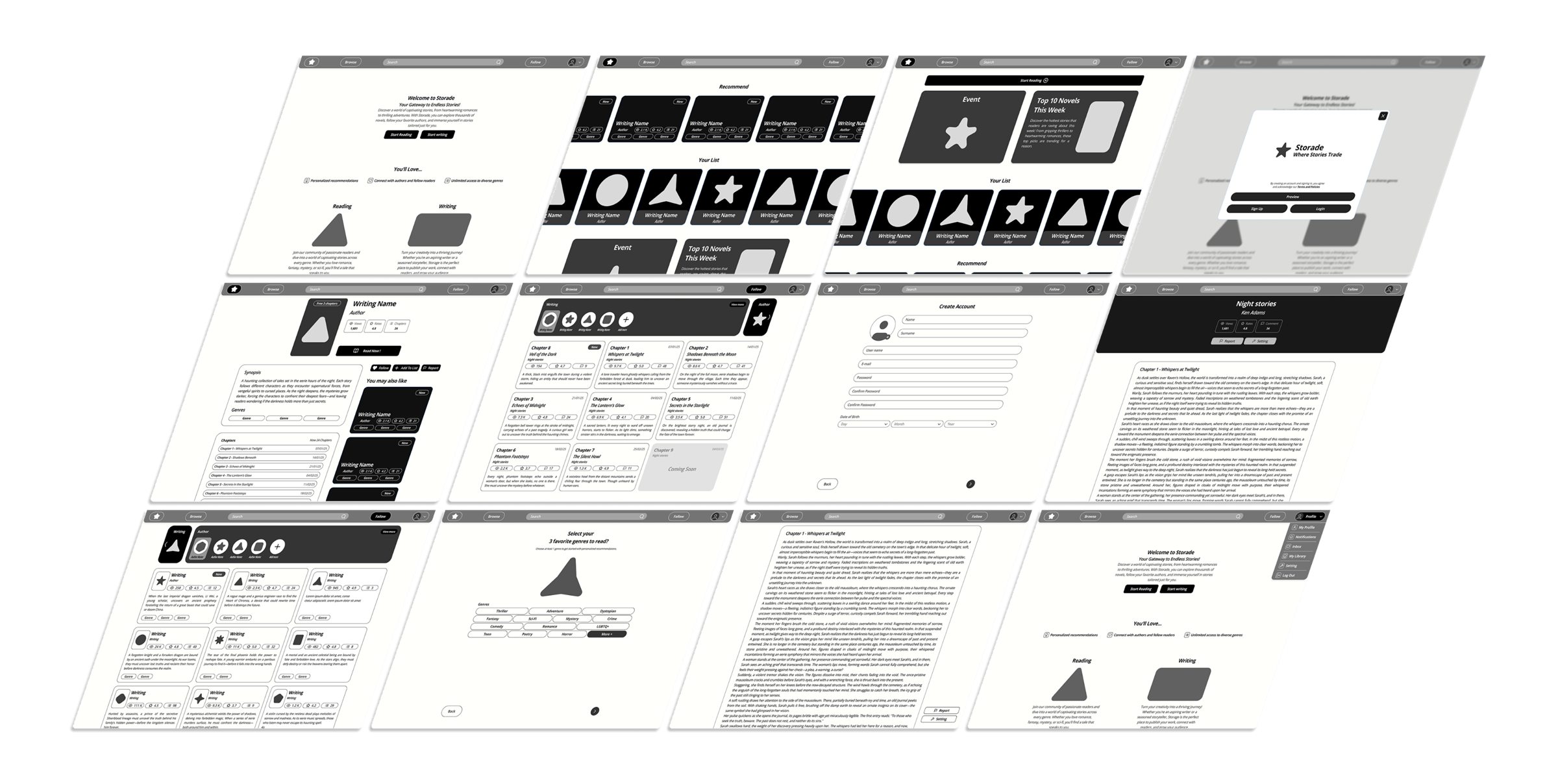
Greyscale first, so structure was settled before style.
Every screen was wireframed in greyscale for both platforms before any colour was applied. Mobile carried the reading experience; desktop carried browsing, publishing and account management. Feedback from this stage was applied to the structure rather than to individual screens, which kept the two platforms from drifting apart.



Built once, used on both platforms.
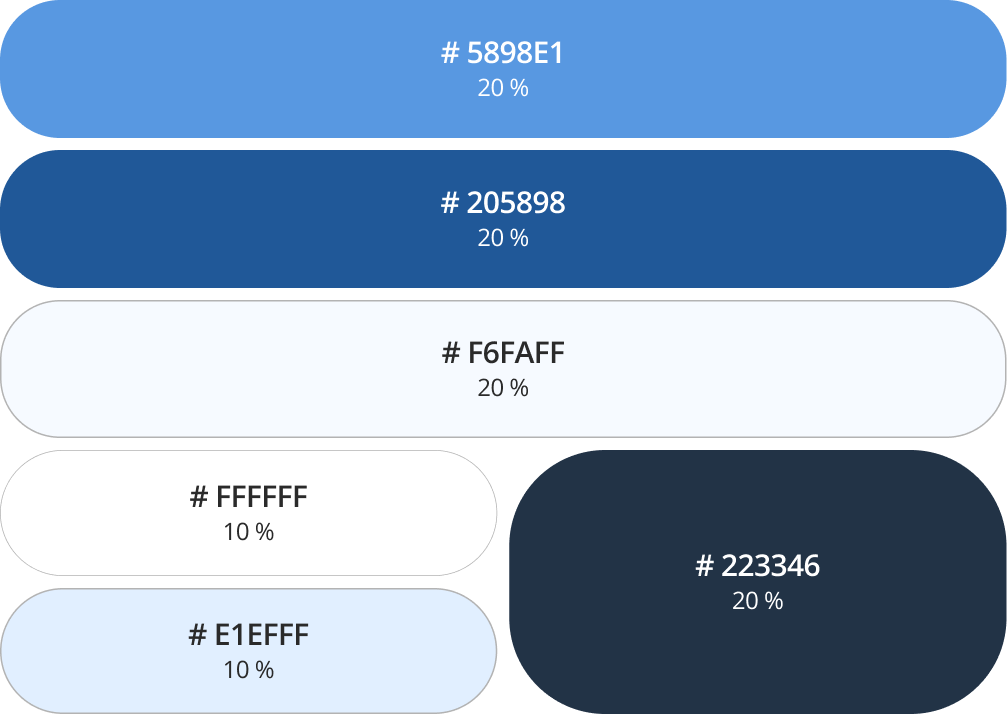
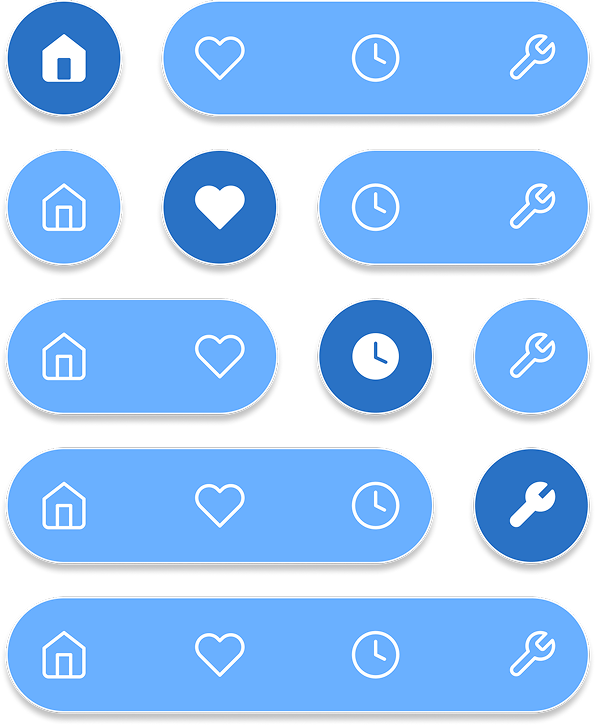
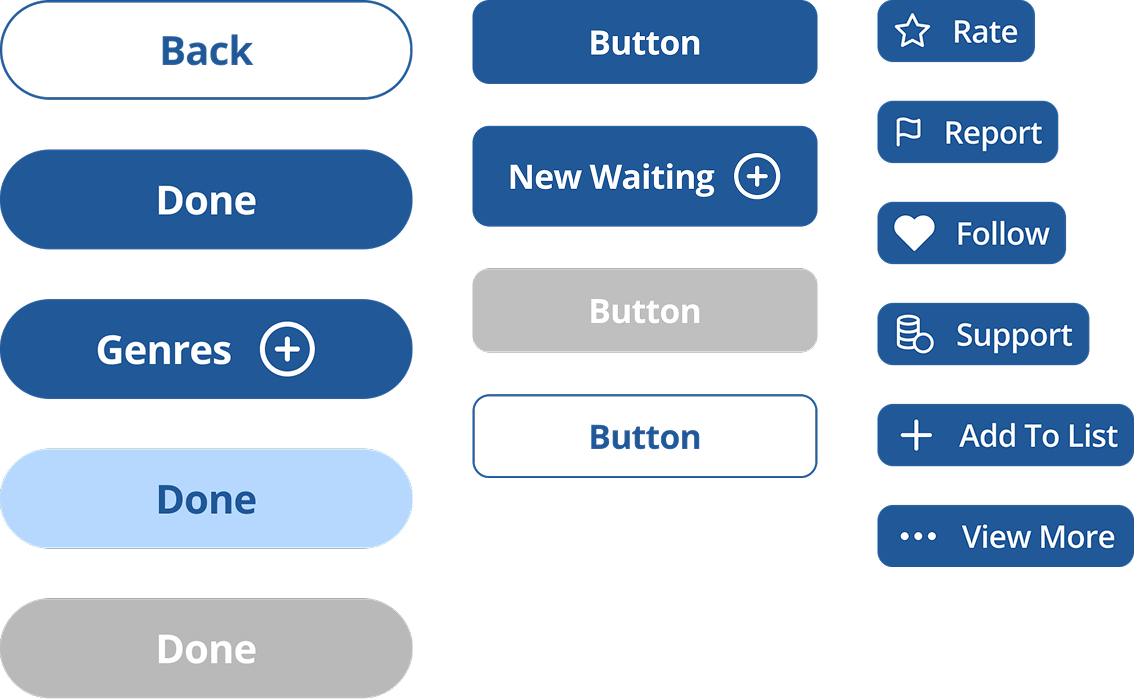
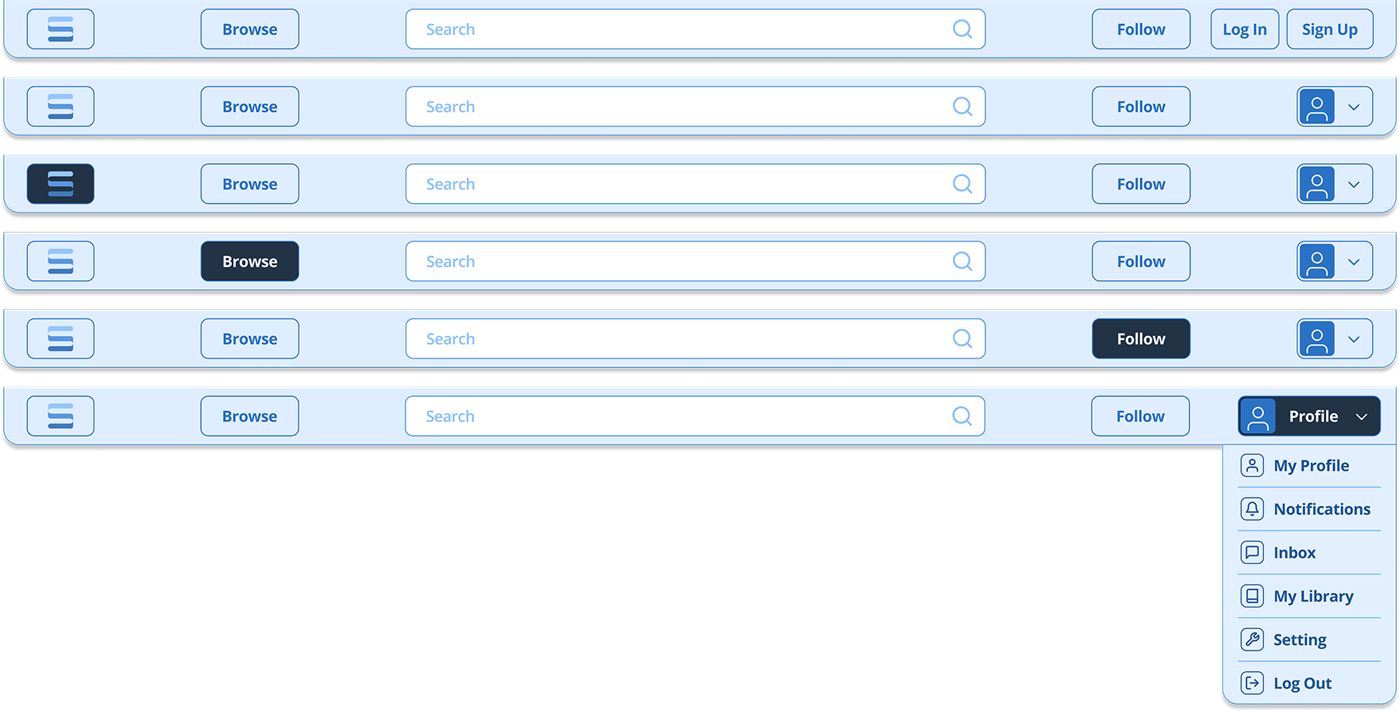
Open Sans across the whole product, in three weights, on a blue-to-navy scale that keeps long-form text comfortable in both light and dark reading modes. Navigation, buttons, chips and dropdowns were built as variant sets, so a change to a component propagated to every screen instead of being repainted by hand.

The interface, screen by screen.
Mobile first, then the responsive web build. The four flows below are the ones that carry the product: getting in, reading, publishing, and keeping up with authors.
Getting in
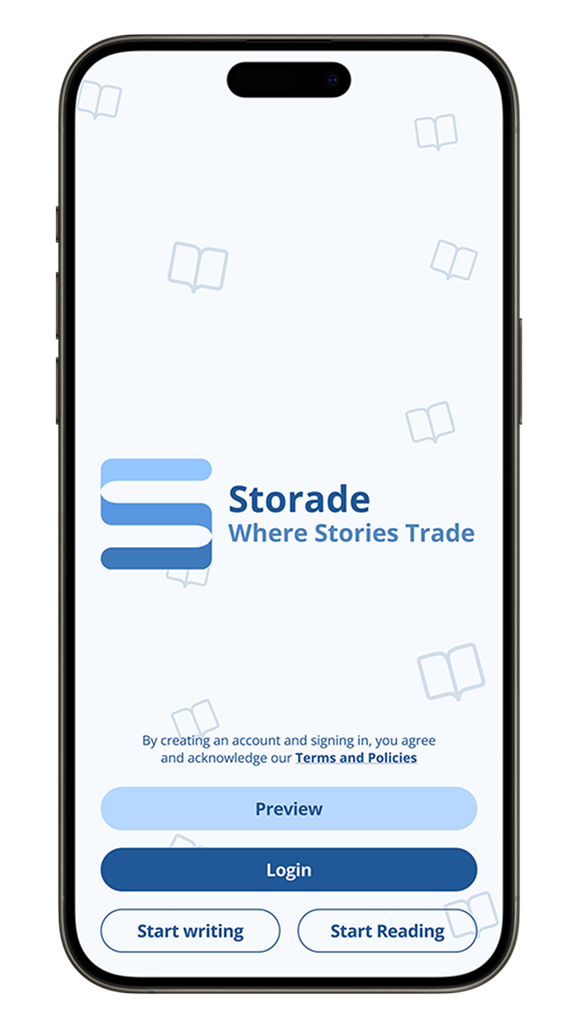
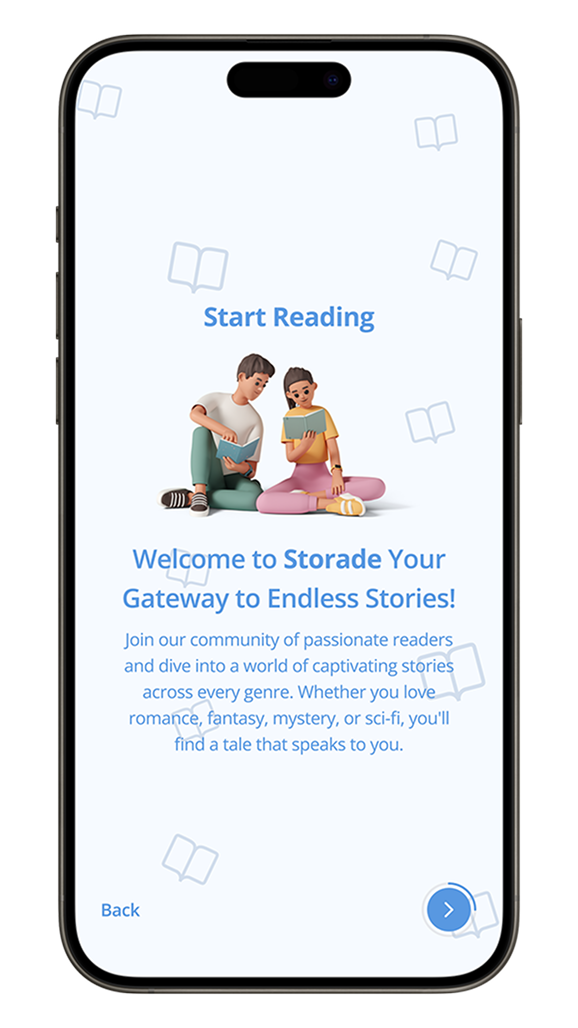
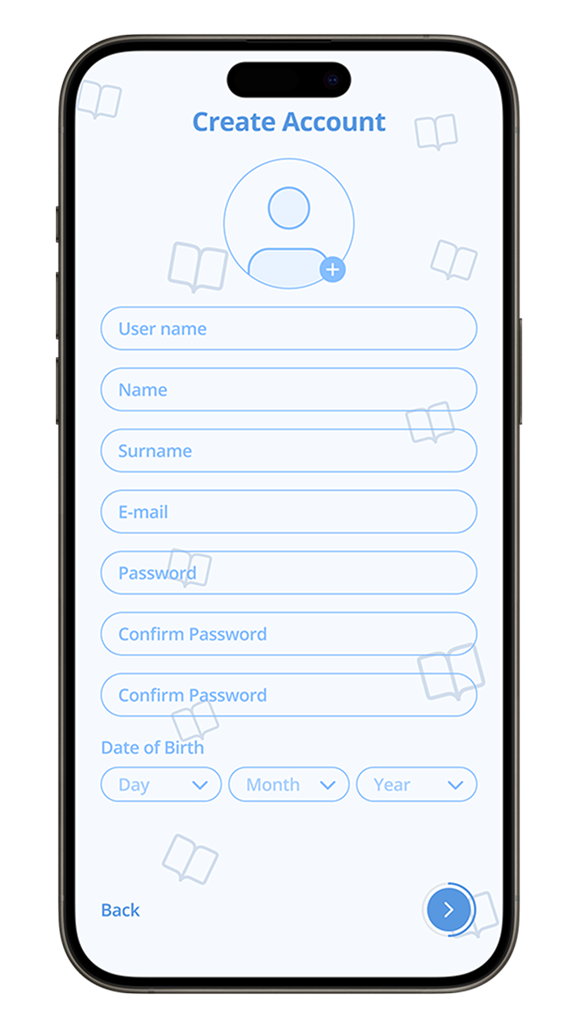
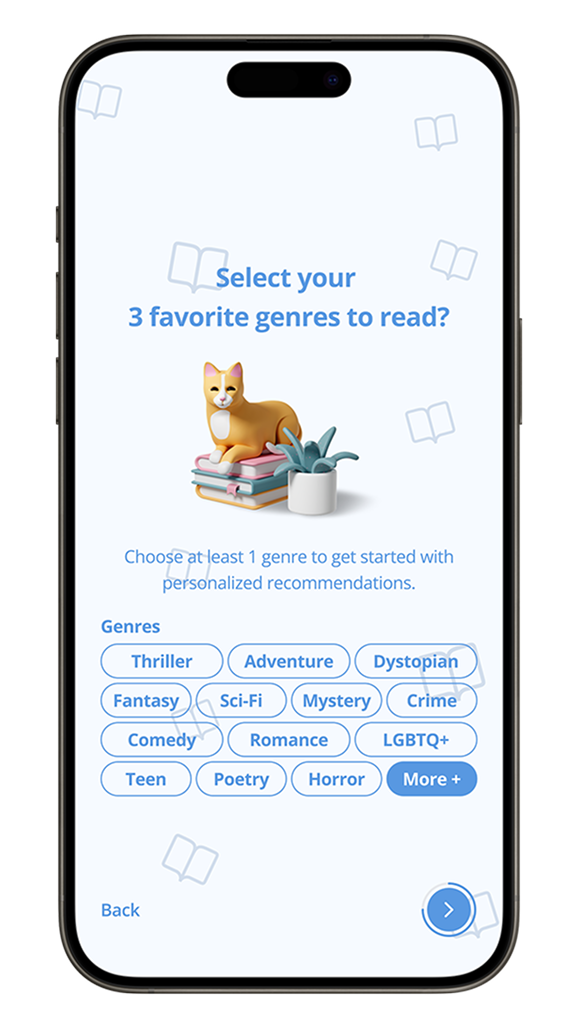
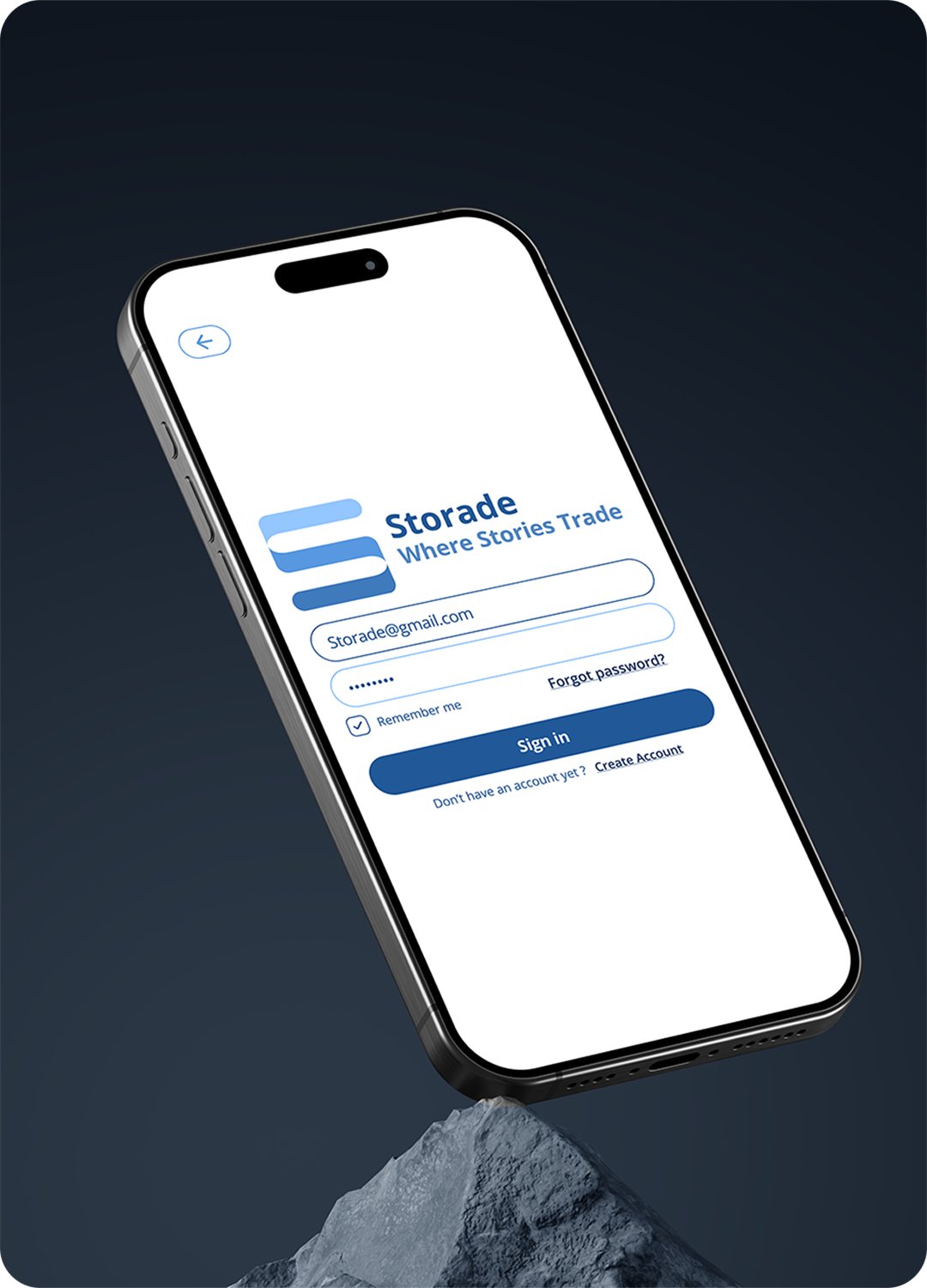
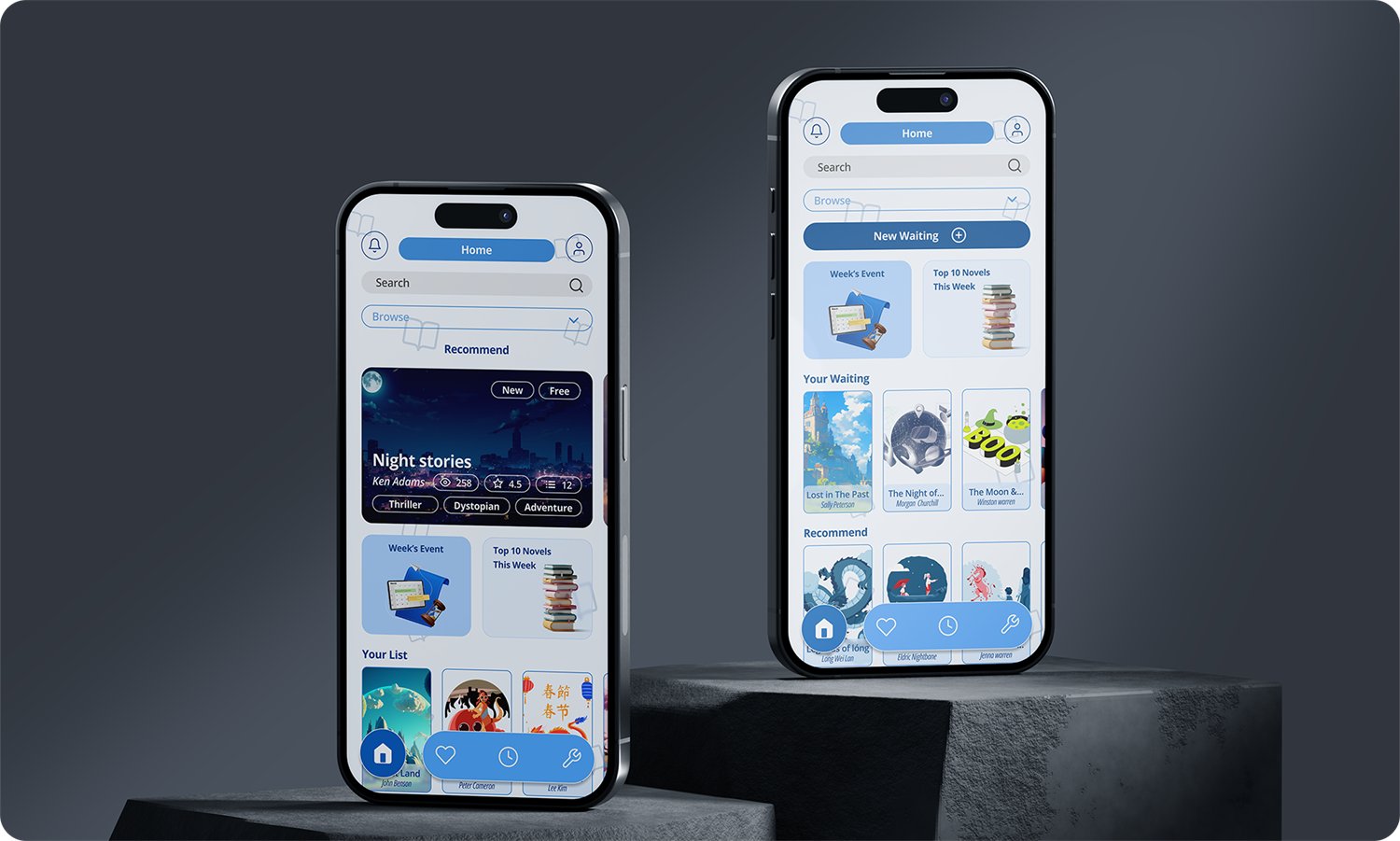
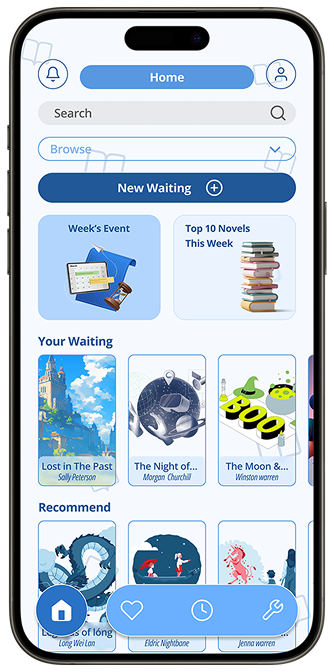
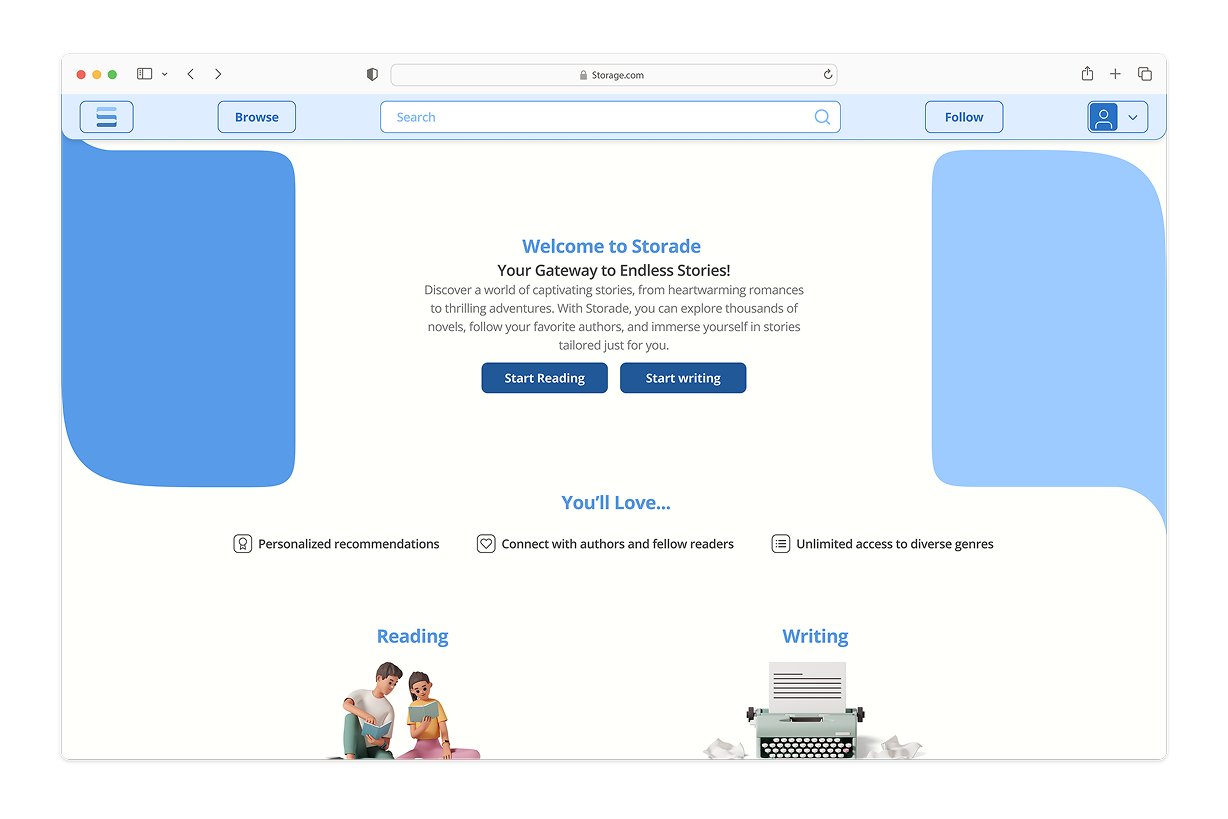
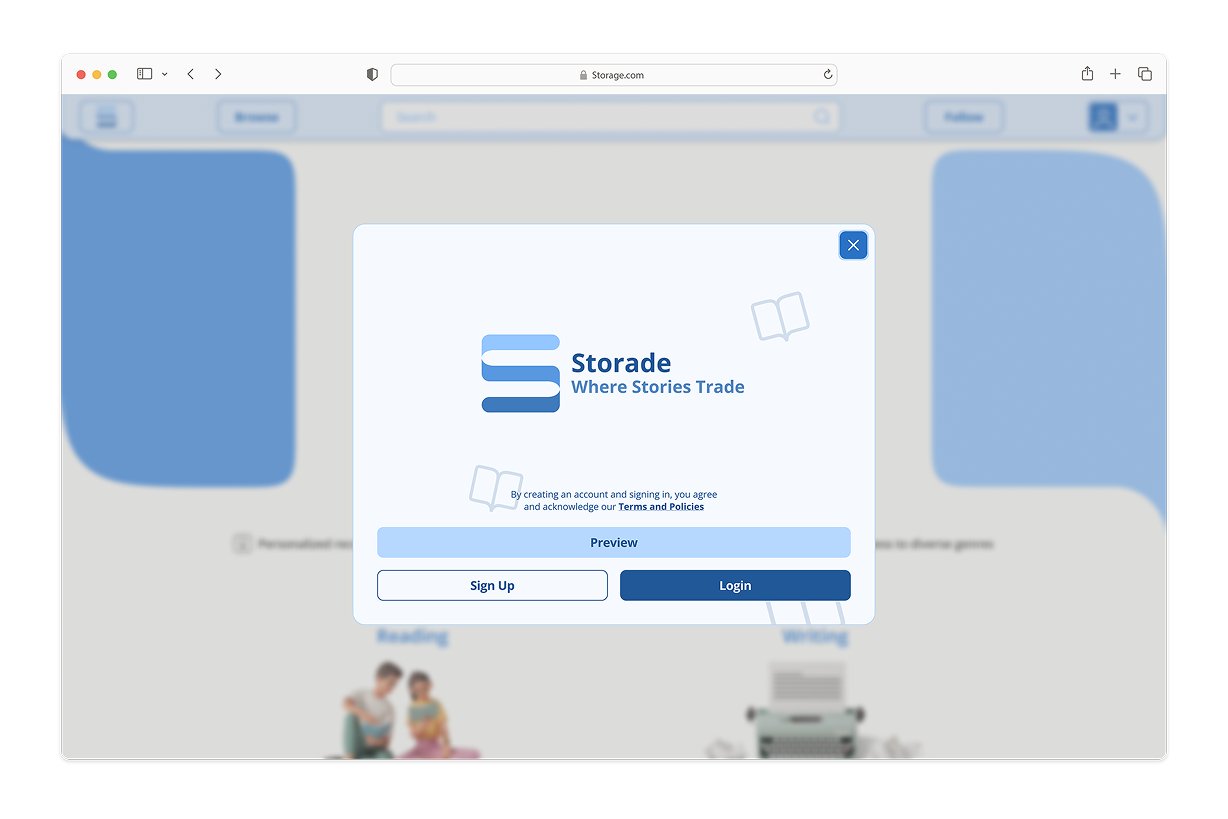
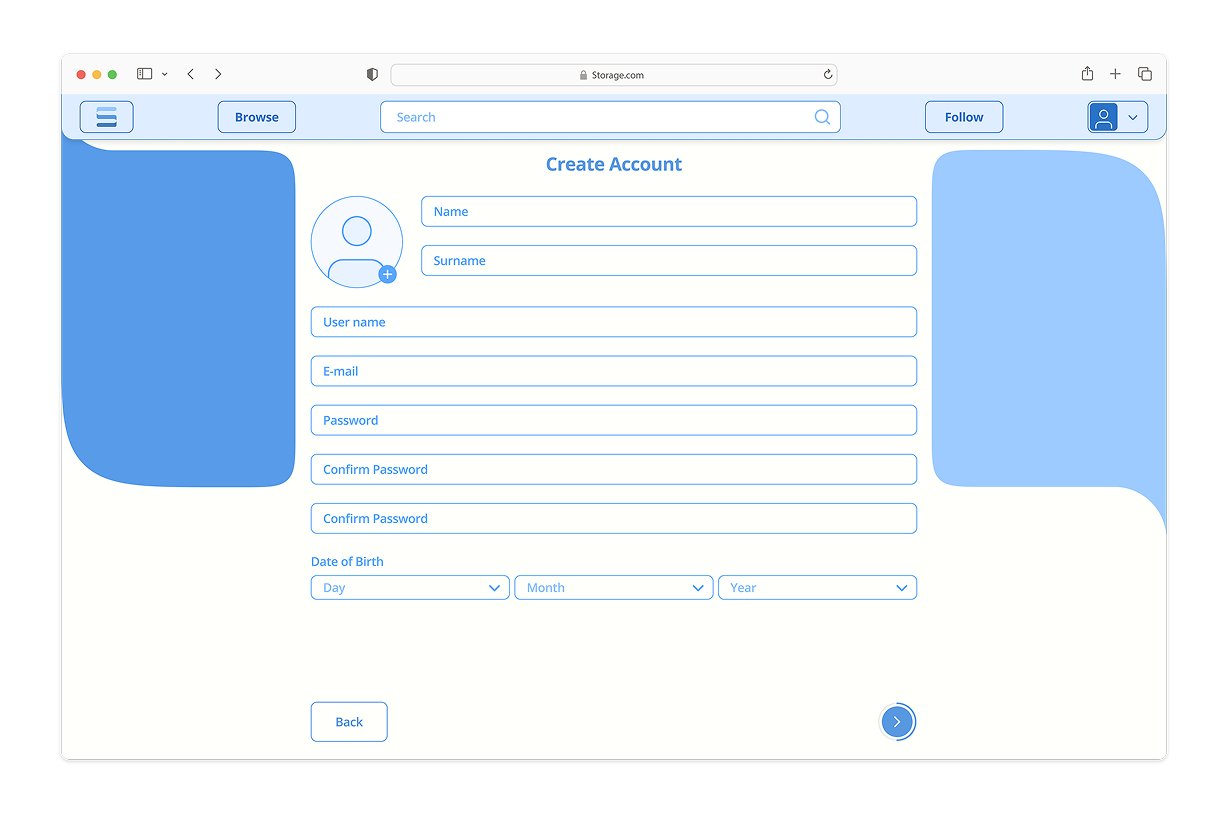
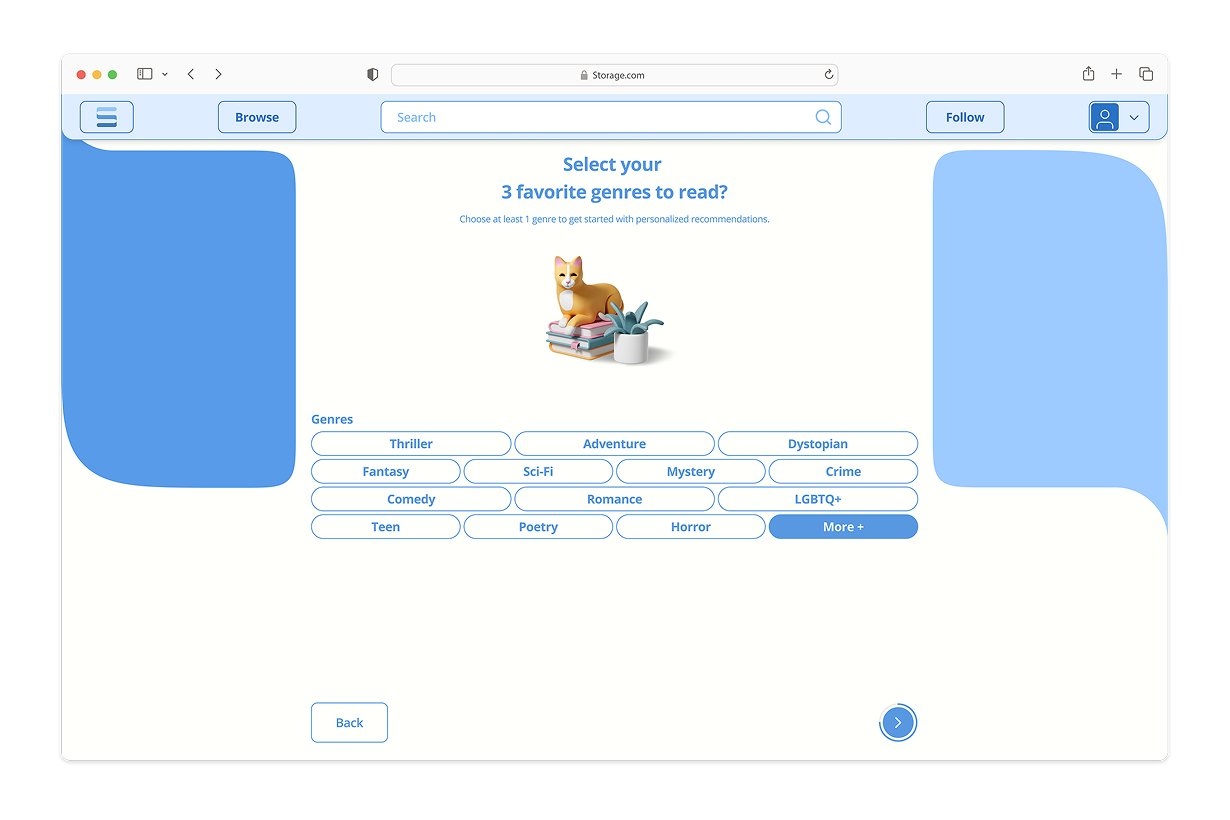
Account creation and genre onboardingReaders can preview the marketplace before signing up. Picking three favourite genres seeds recommendations immediately, so the home screen is never empty on first open.
Reading
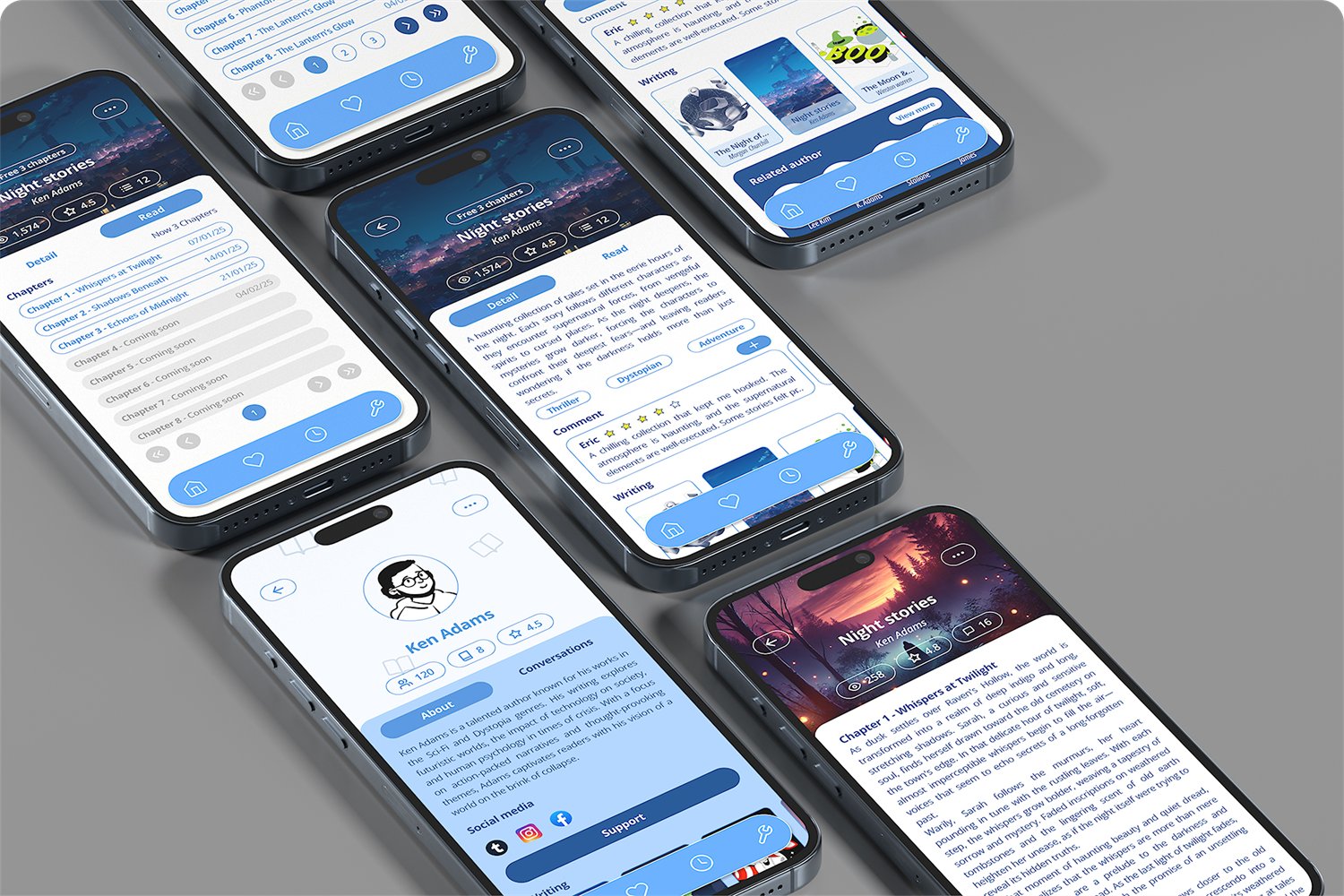
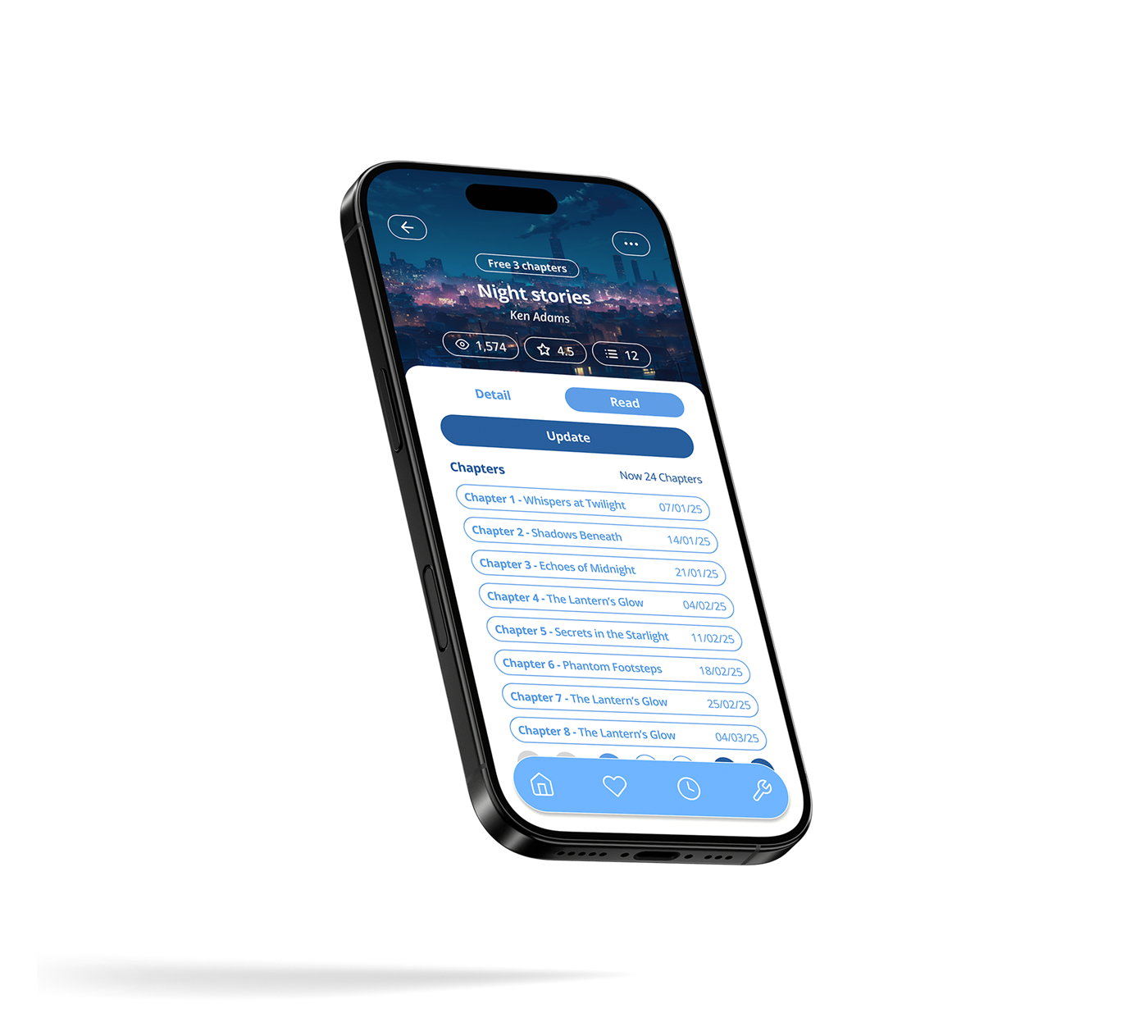
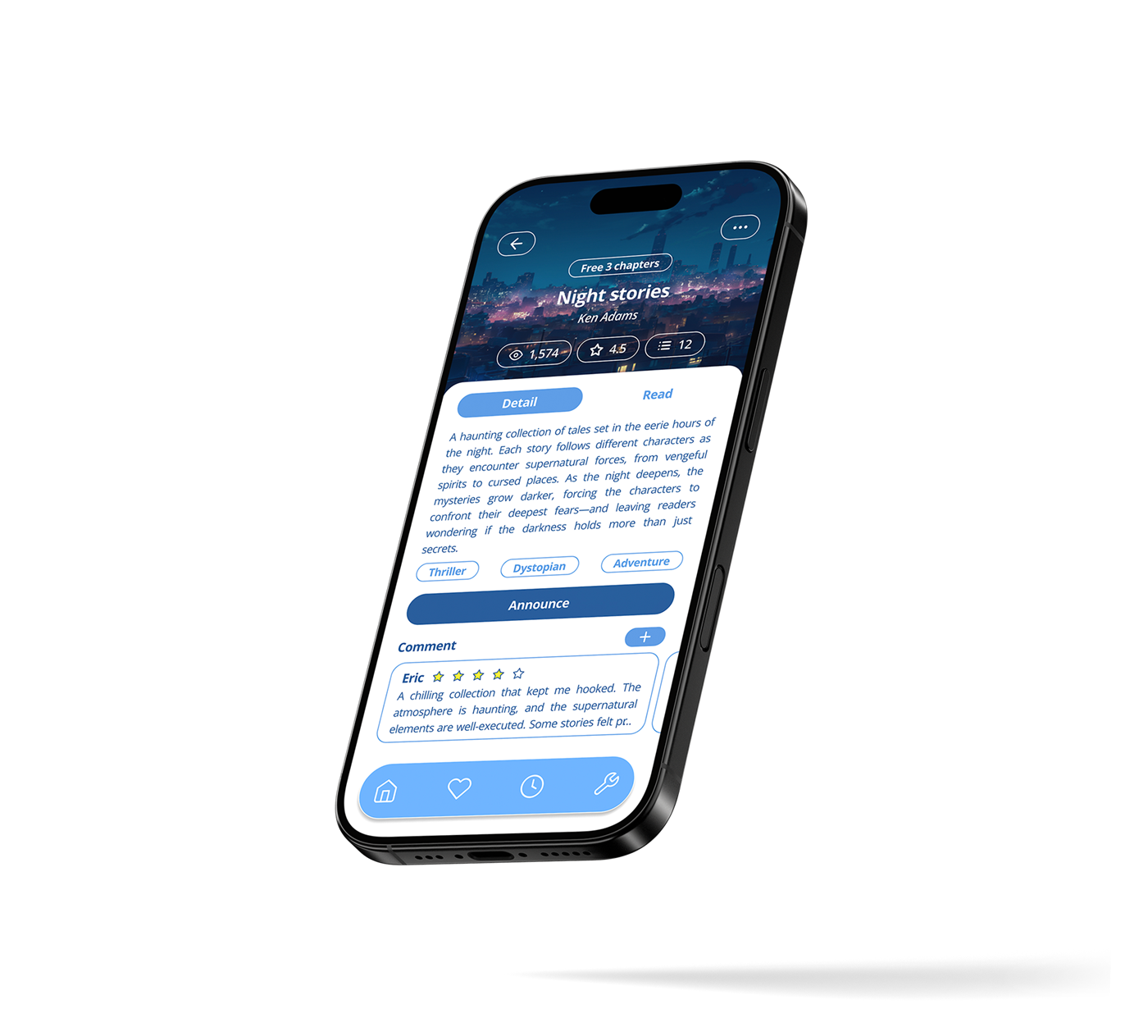
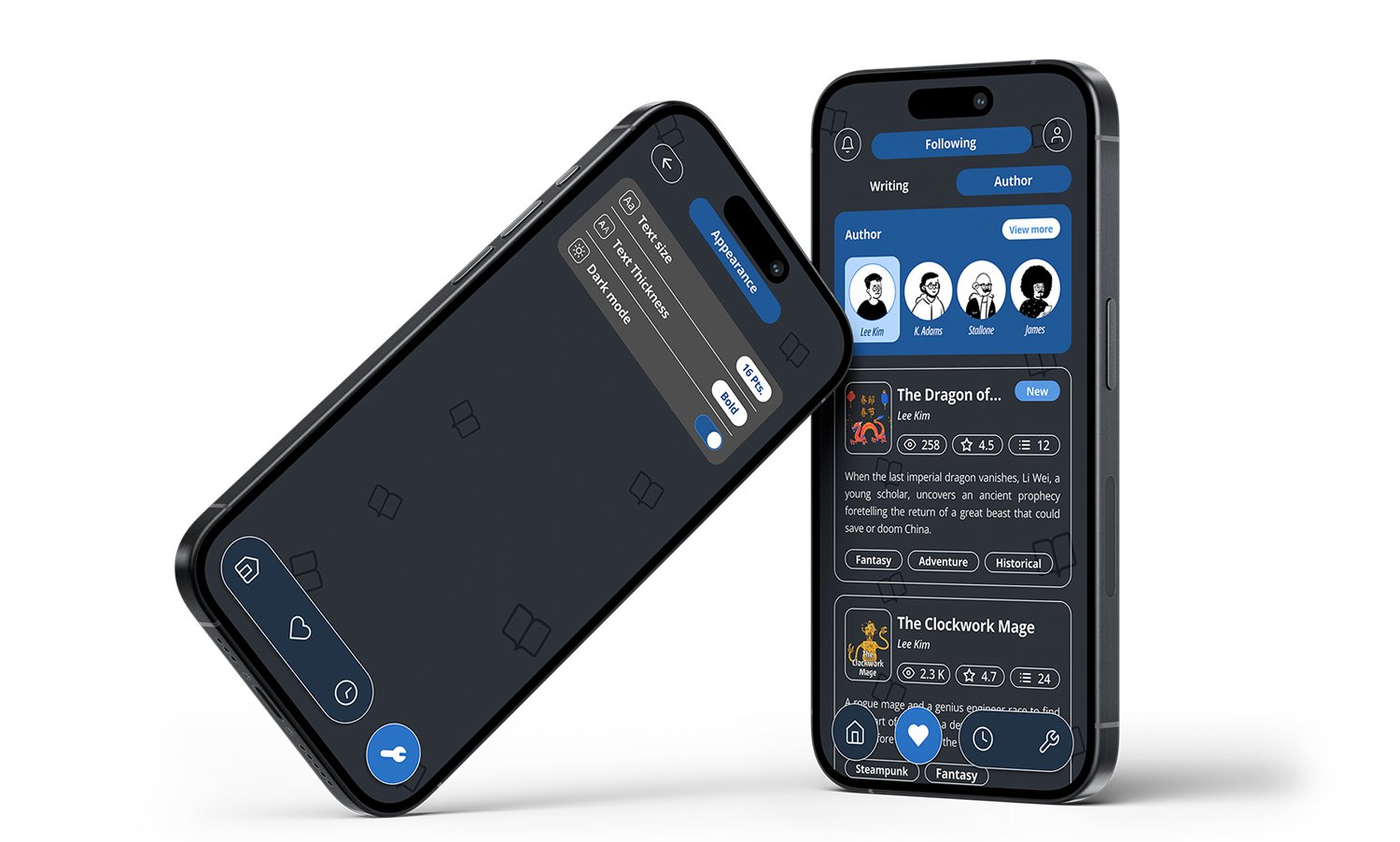
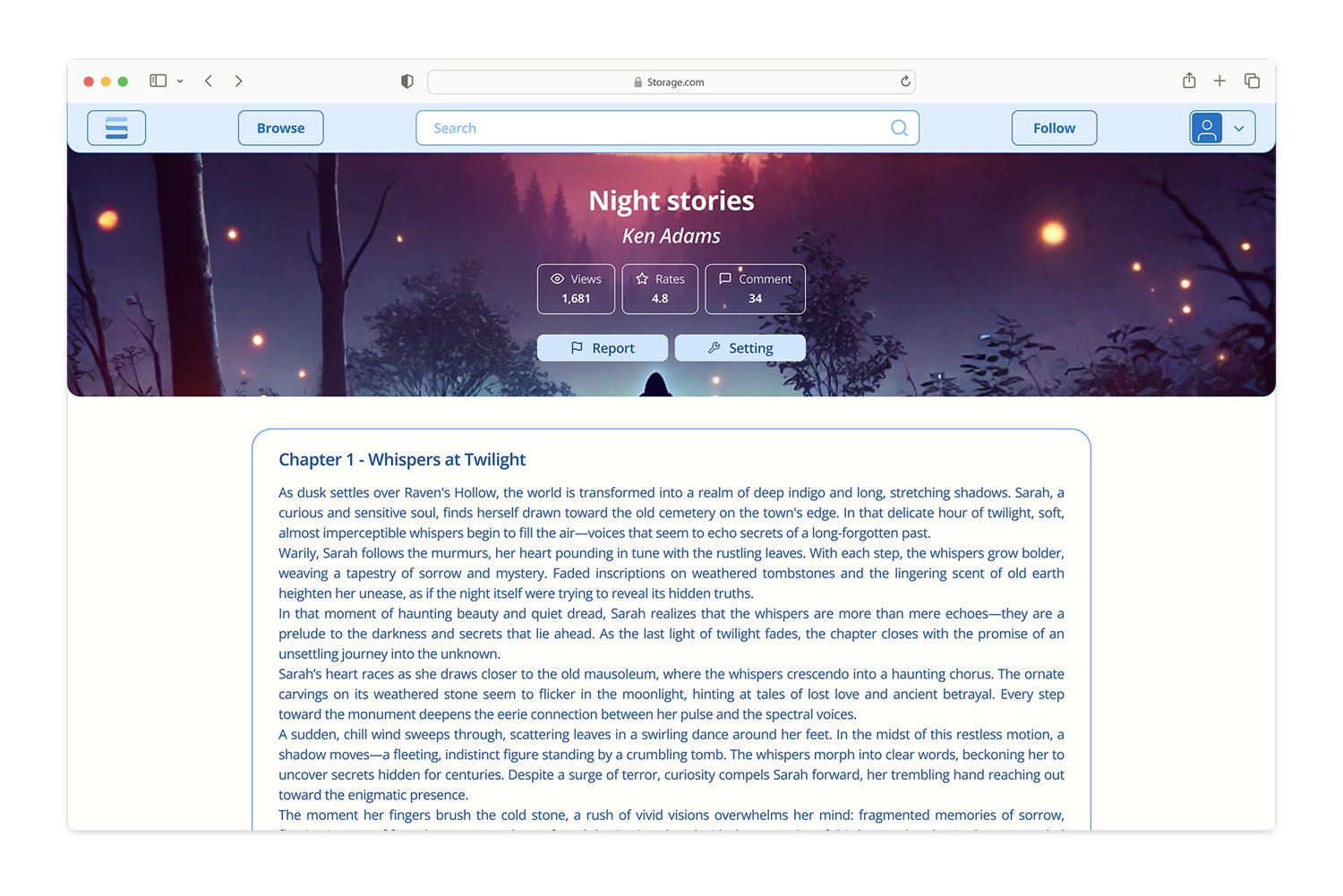
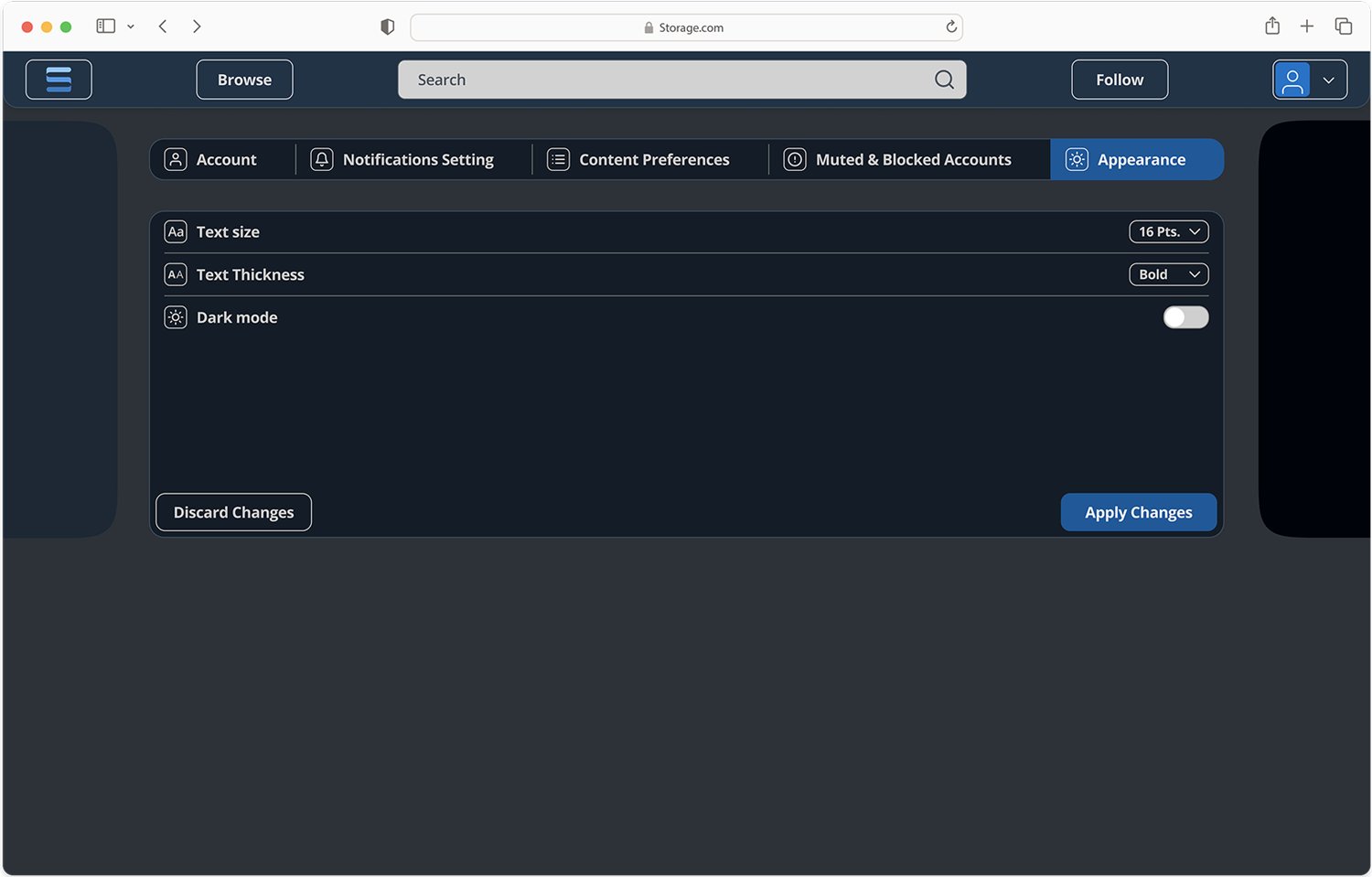
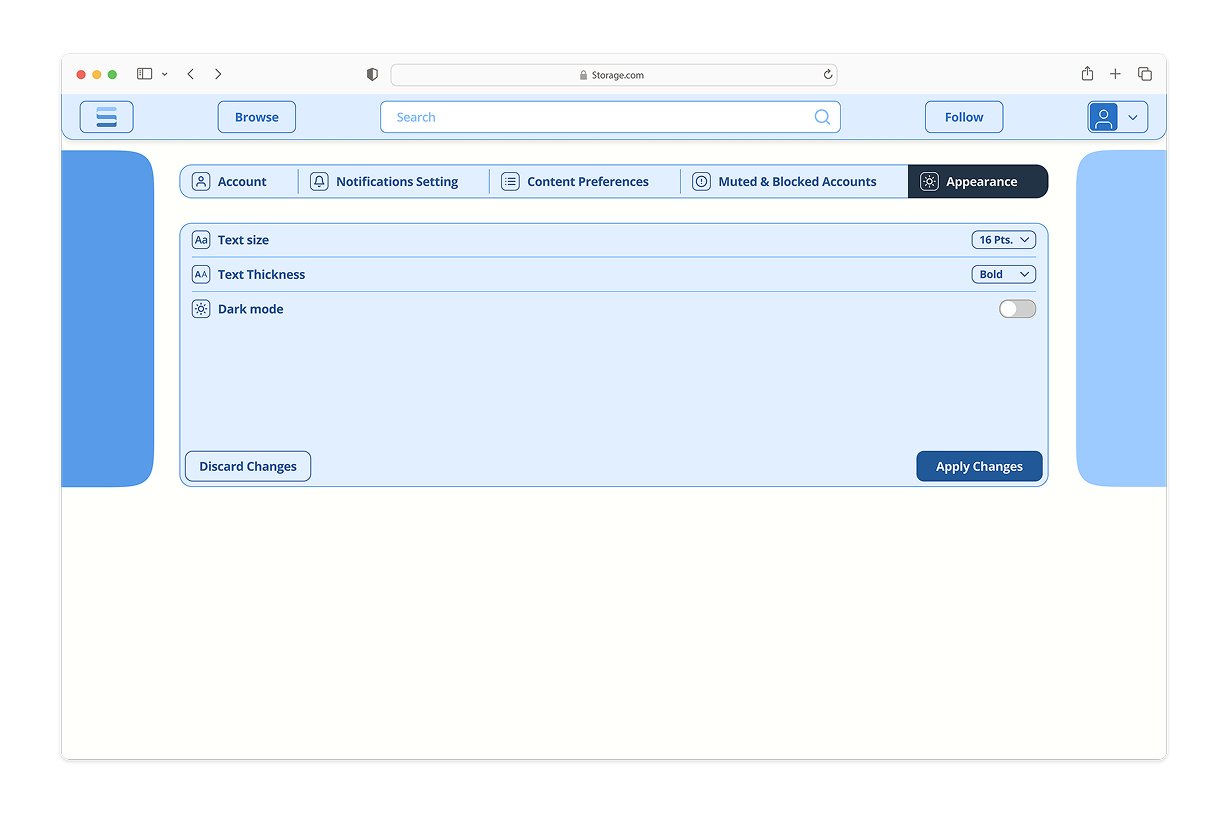
Books, authors and the reading screenA novel page leads with free chapters, ratings and genre tags before it asks for anything. Text size, weight and night mode are adjustable from inside the chapter, so the reading screen adapts instead of forcing a settings detour.
Publishing
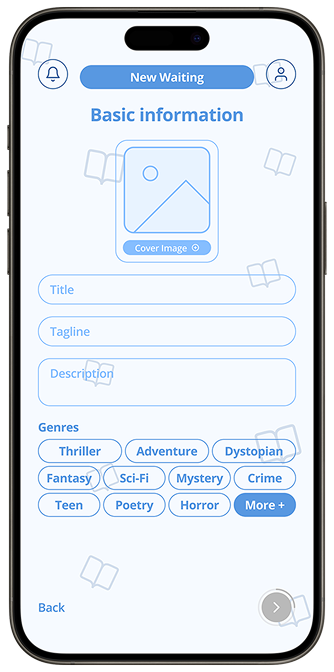
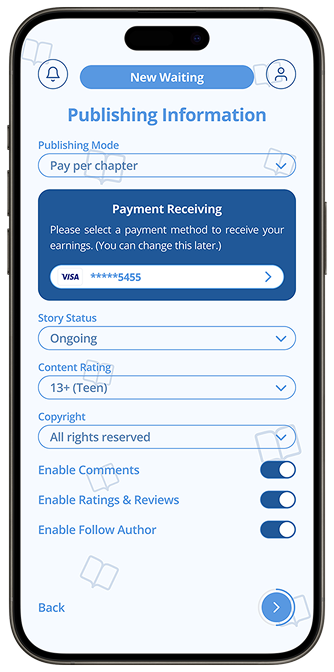
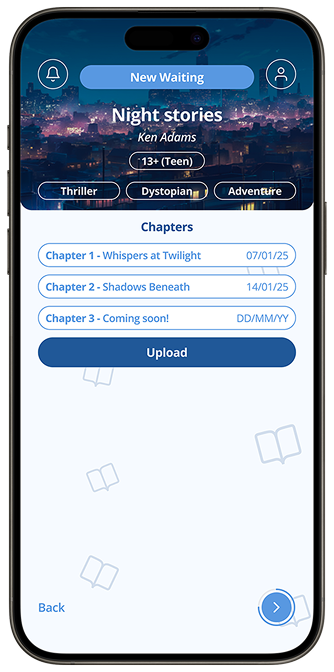
Four steps from idea to live chapterThe publishing flow separates the creative decisions from the commercial ones. Story details come first, then publishing mode, payment and rights, then upload. Nothing about money is hidden behind a second screen.
Night mode
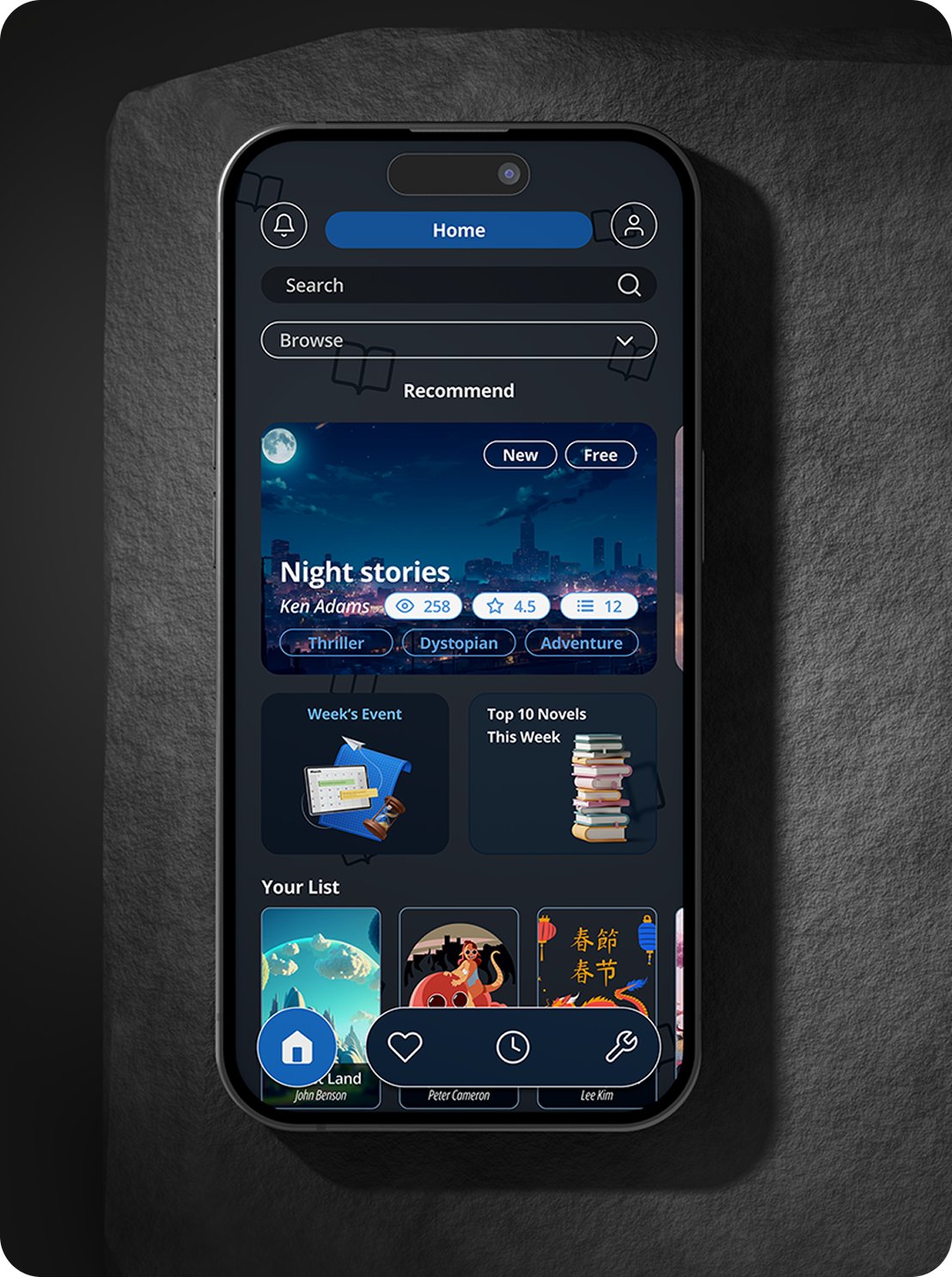
A full theme, not an inverted oneNight mode was designed as its own set of tokens rather than a filter over the light theme, so cover art keeps its contrast and body text stays soft enough for long sessions.
Desktop
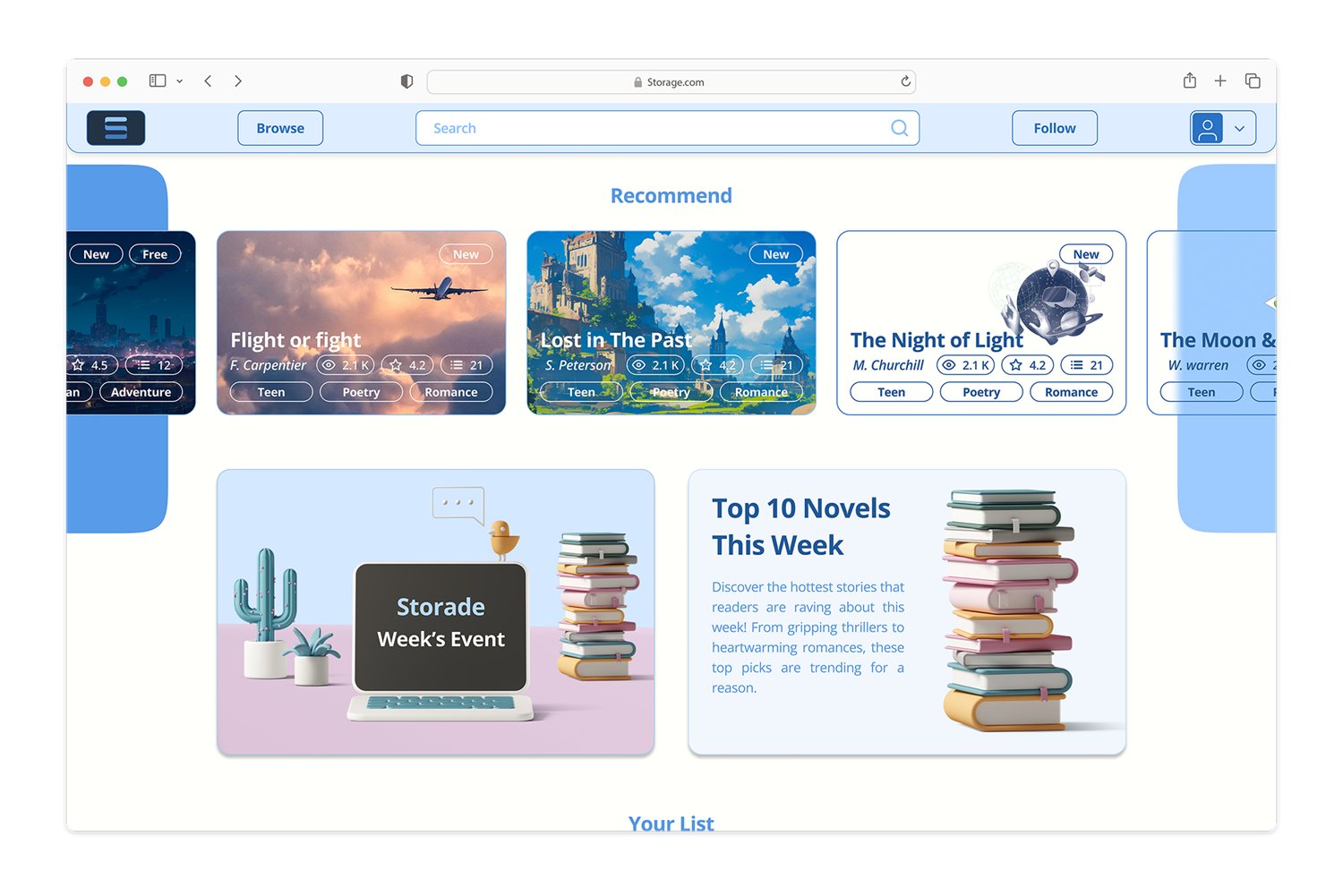
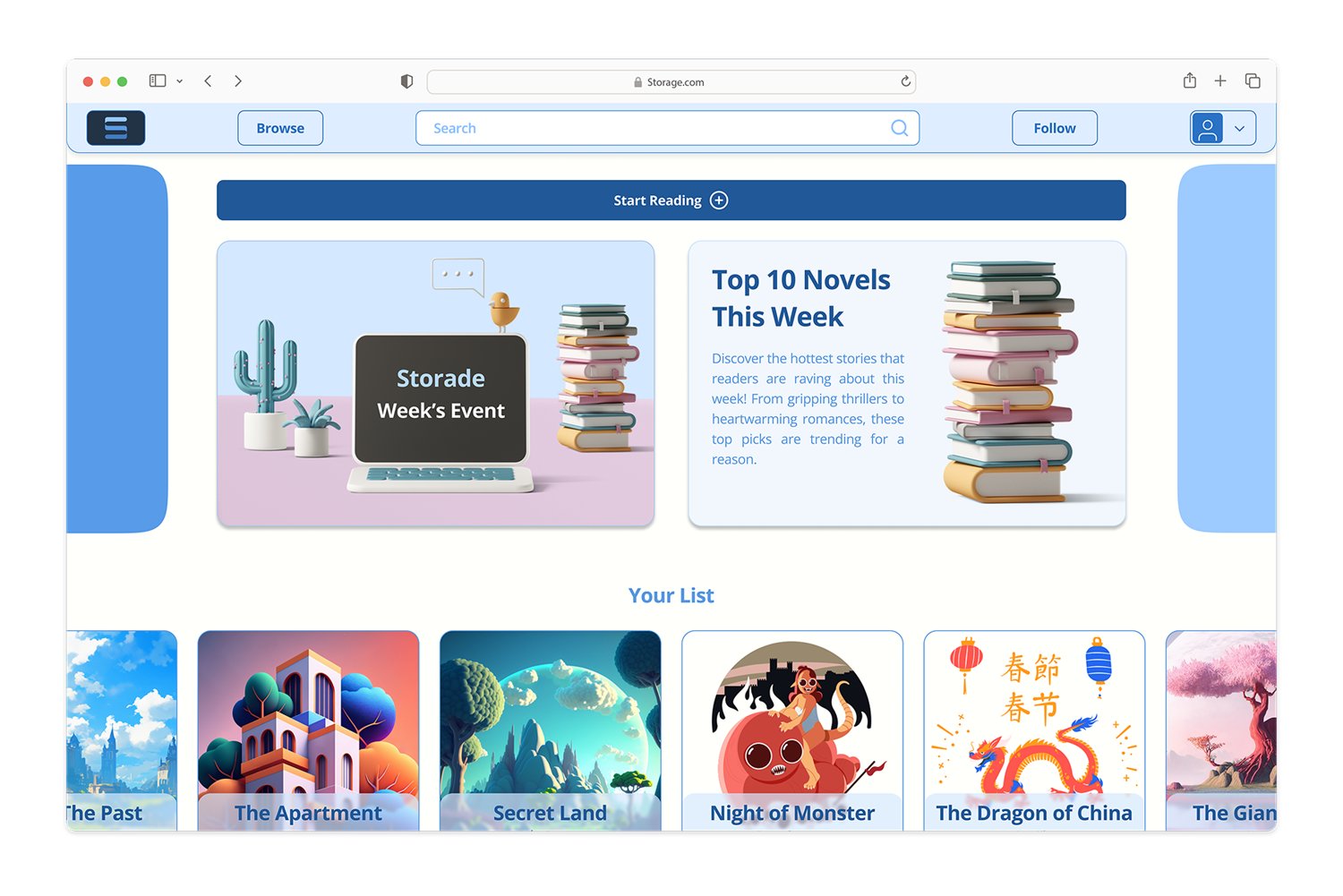
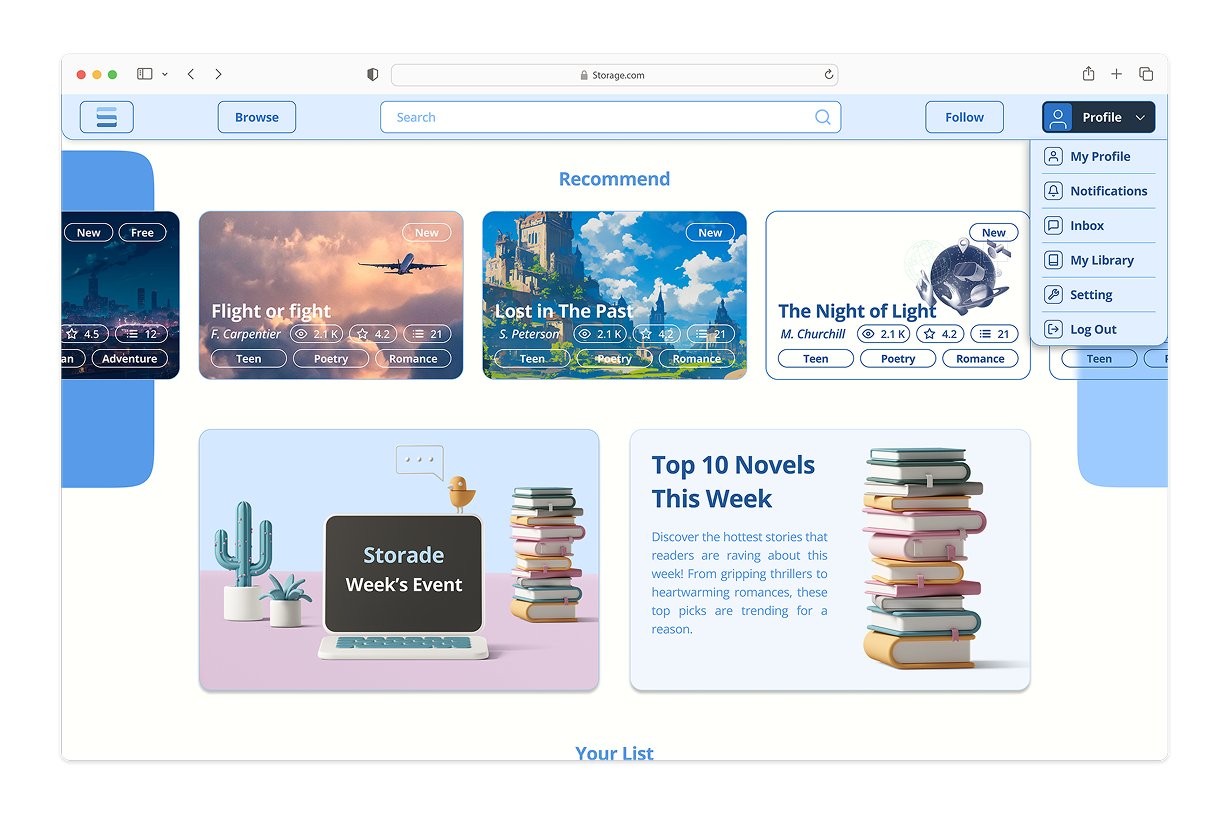
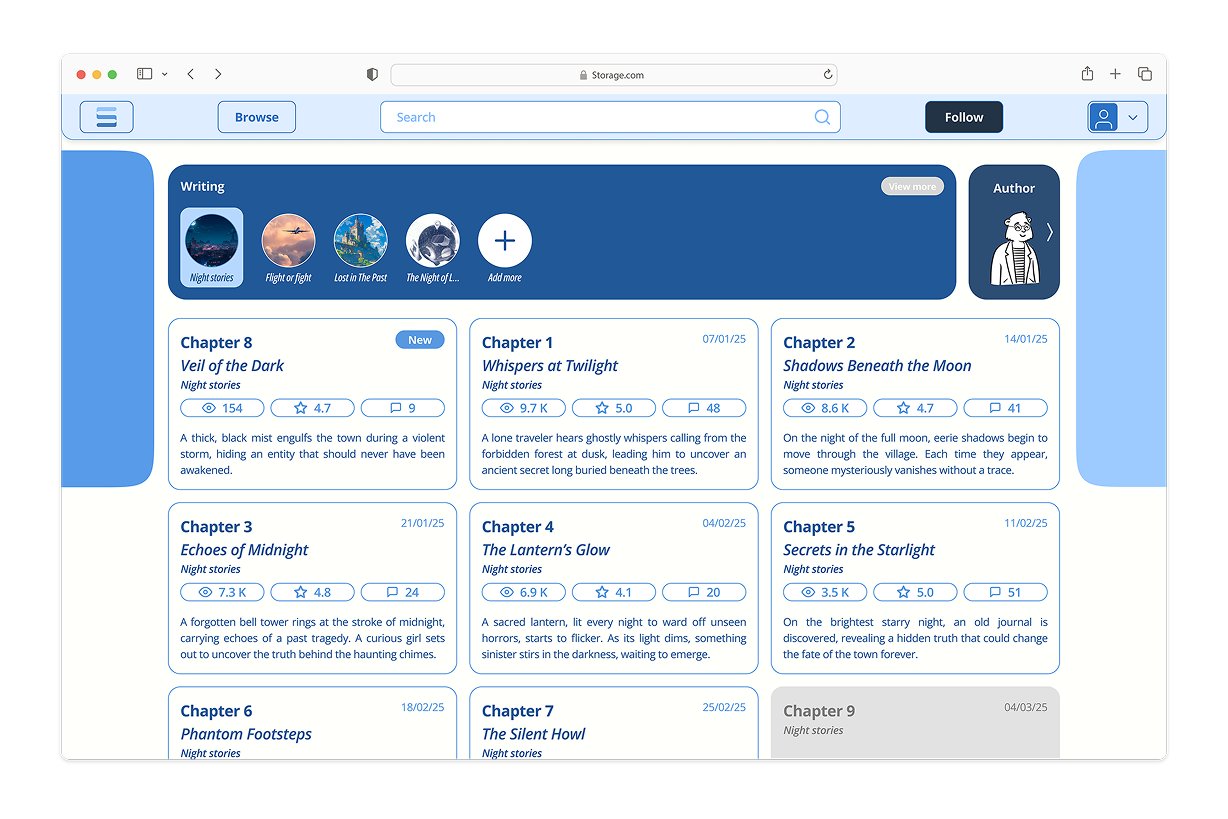
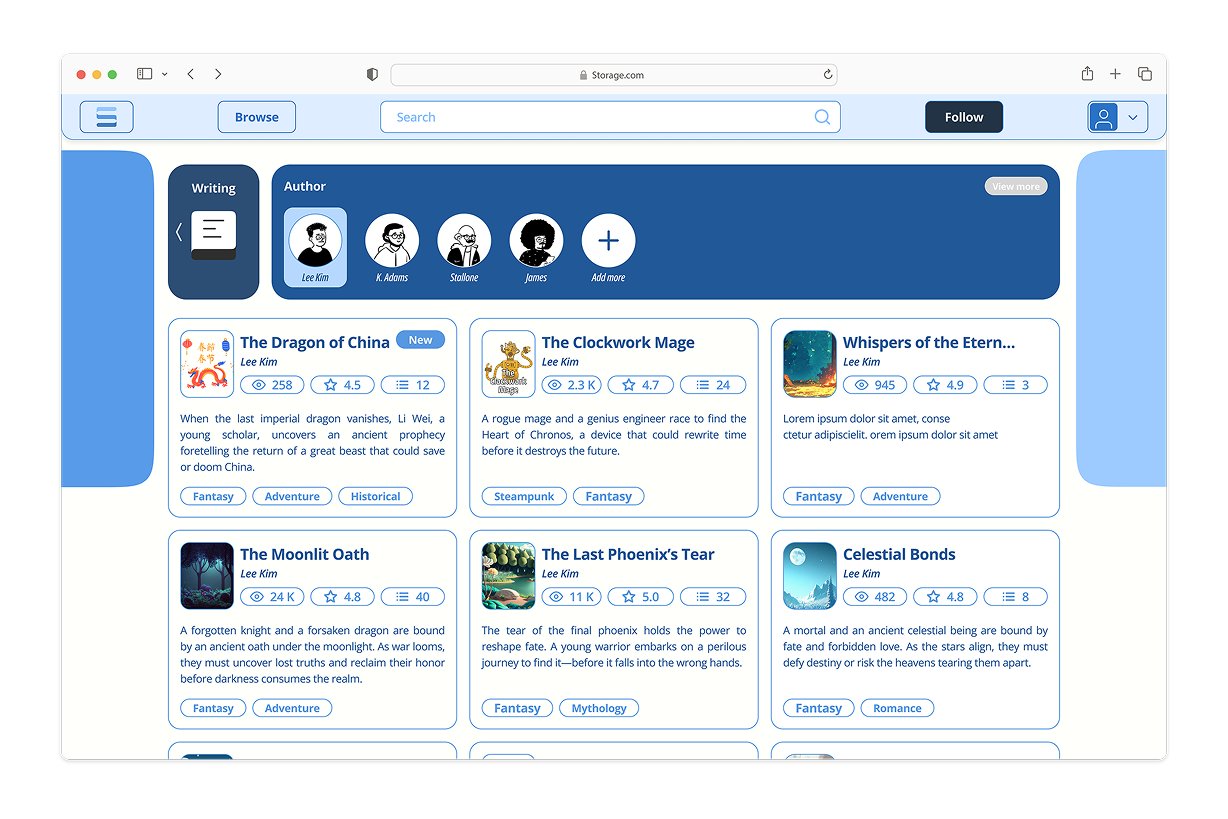
The same system, more roomOn the web the tab bar becomes a persistent header, and the extra width goes to browsing and to the author's chapter management, where seeing many rows at once genuinely helps.
Handed over as a system, not a stack of screens.
Development received the file with named components, documented states and spacing taken from the system rather than measured off individual screens. Working through implementation questions with the team is also where several details were simplified: anything that needed a paragraph of explanation to build usually needed a paragraph of explanation to use.
The biggest takeaway was learning how to balance user needs, business requirements, and technical constraints while keeping the experience clear and consistent. It also improved how I structure design decisions and communicate them with the team.