UX/UI Design Internship · FYNNCORP Capital Group
CMCC-Chance is a web-app platform that carries competitors from application and team forming, through case upload and task management, all the way to the award announcement.
01 · Context
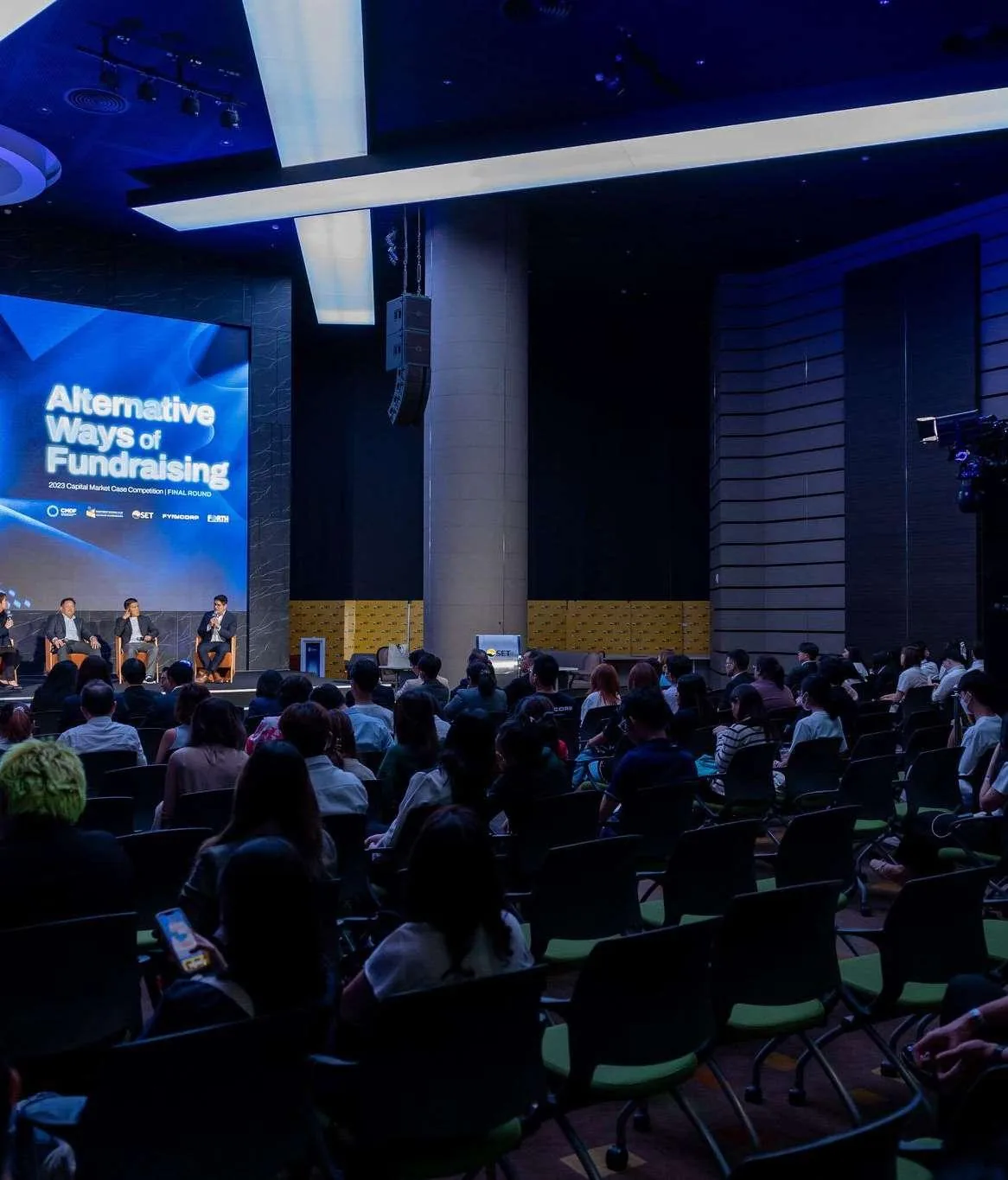
Capital Market Case Competition (CMCC) is the first and only capital market case competition in Thailand. It gives interested youth an opportunity to unlock their potential and express their creativity, while contributing to the development of Thailand's capital market.
The competition runs each year across multiple rounds, from open application to a final pitch in front of industry judges. Everything around it, registrations, teams, case submissions, scoring, was handled outside a single system.

02 · The brief
The project was assigned to me as an intern, supervised by a Senior UX/UI Designer and scheduled against a timeline set by the team's project manager.
Applying, finding teammates, tracking what is due next and where to submit the case all live in different places. Students lose track of the stage they are in.
Applicant data, team composition, submissions and scores need to be read, compared and acted on in one place, including on desktop, during judging.
Make the whole competition legible: at any moment, a competitor should know what stage they are in, what is expected of them, and what happens next, and an organiser should be able to see the same picture across every team.
03 · Process
Mobile came first and absorbed most of the schedule; desktop and back office were derived from the same design system once the mobile patterns were validated.
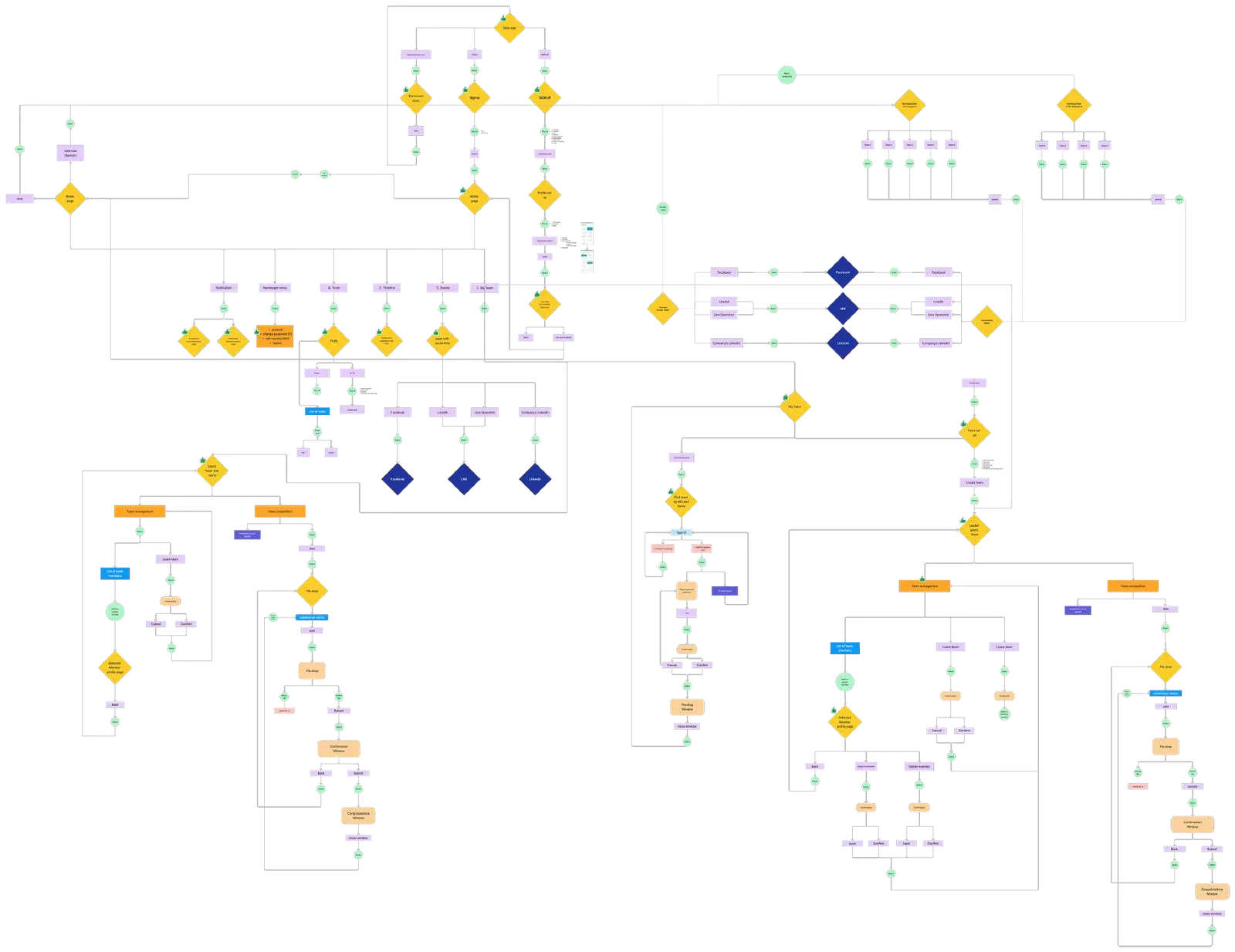
04 · UX flowcharts
The flow was documented with a shared notation so engineering, PM and design read the same diagram: pages, sub-pages, windows, page contents, buttons and sub-actions, plus the text, inputs, cards and social entry points attached to each.

05 · Design system
One system served all three platforms. Type and colour were fixed first, then components were built so mobile, desktop and back office could be produced in parallel without drifting.
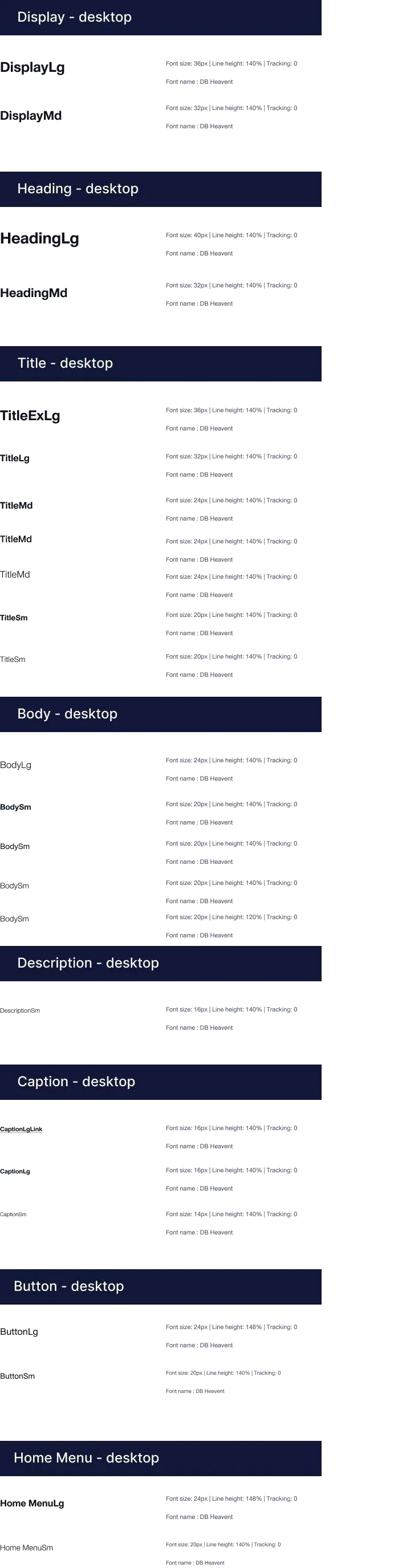
DB Heavent, Regular / Medium / Bold. One family, three weights, scaled into a named type ramp per platform.
Every step of the ramp is specified with size, line-height and weight, per platform, so build had no ambiguity.

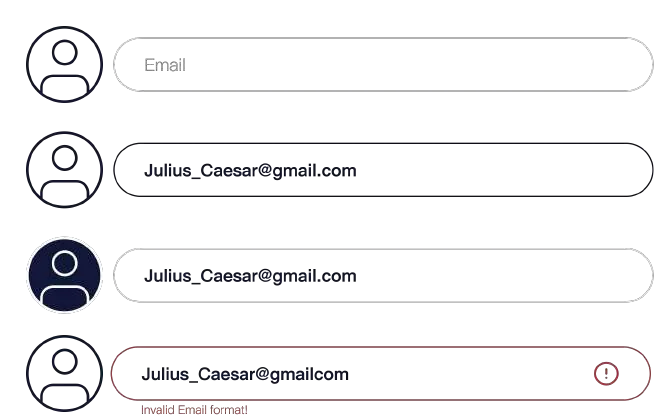
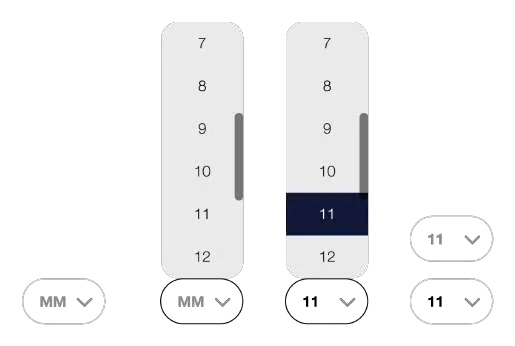
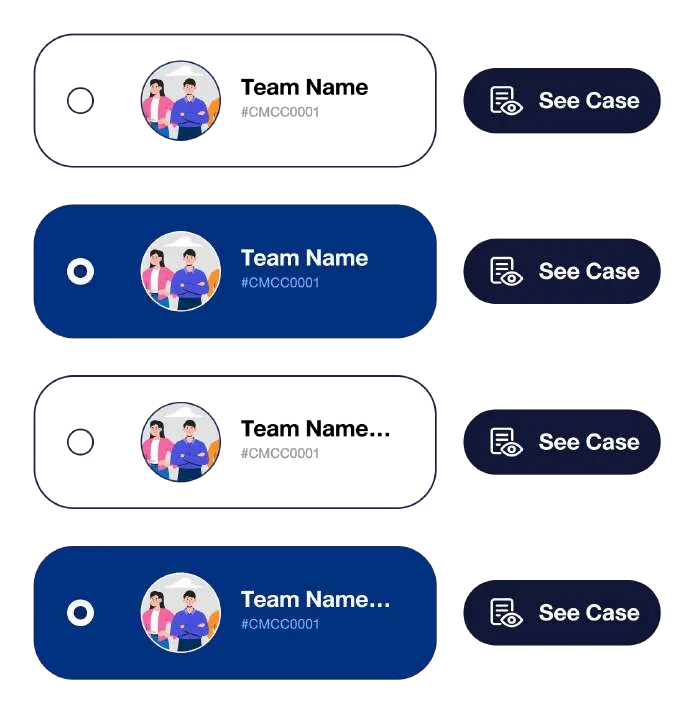
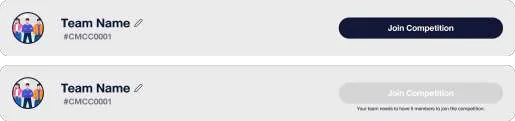
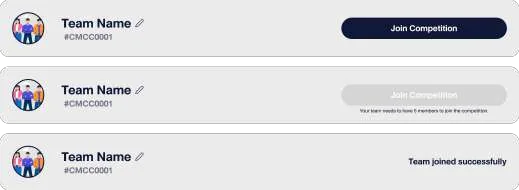
Buttons, inputs, OTP entry, team cards and task rows, each with default, filled, selected and disabled states.


06 · UI design
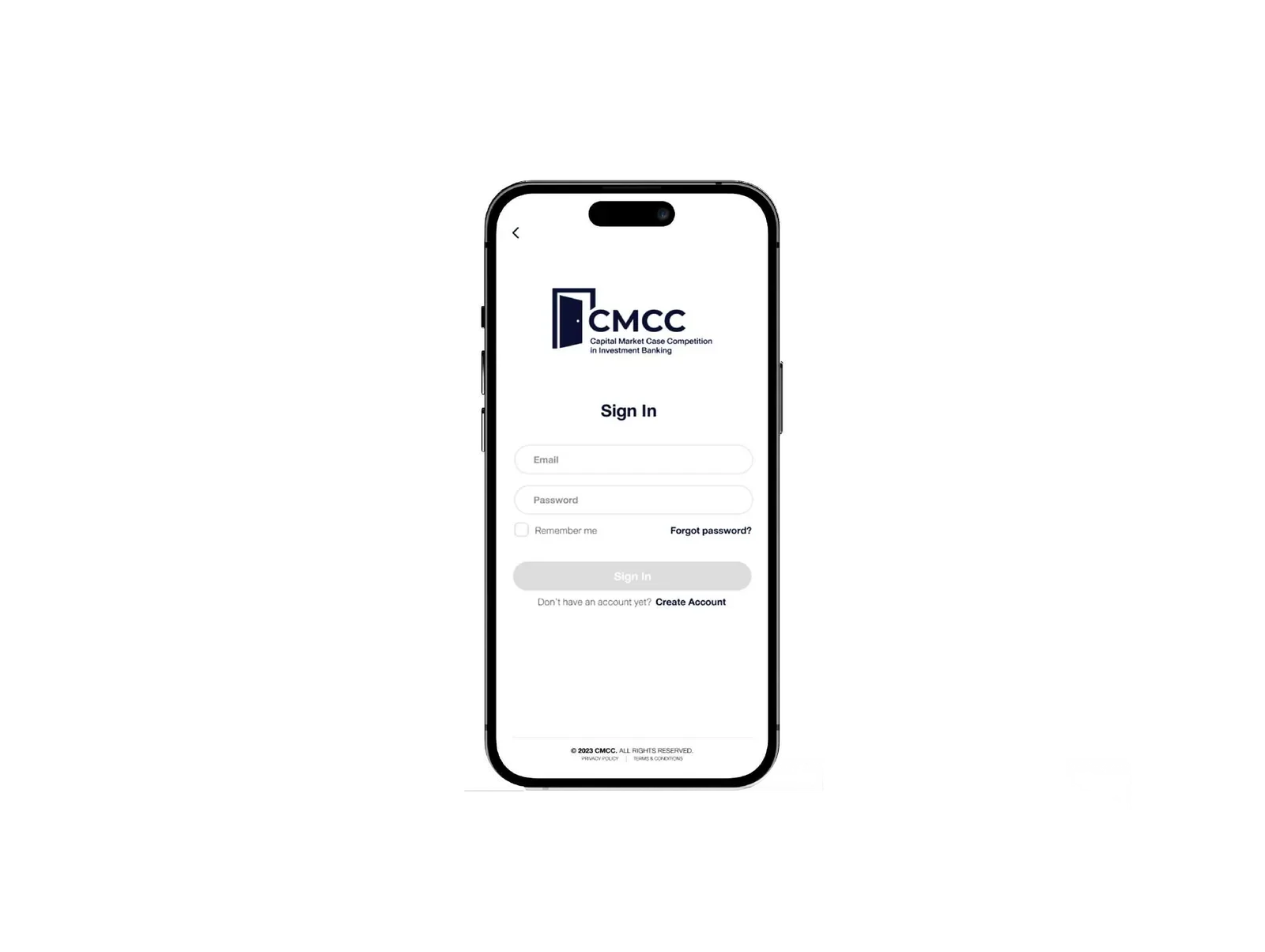
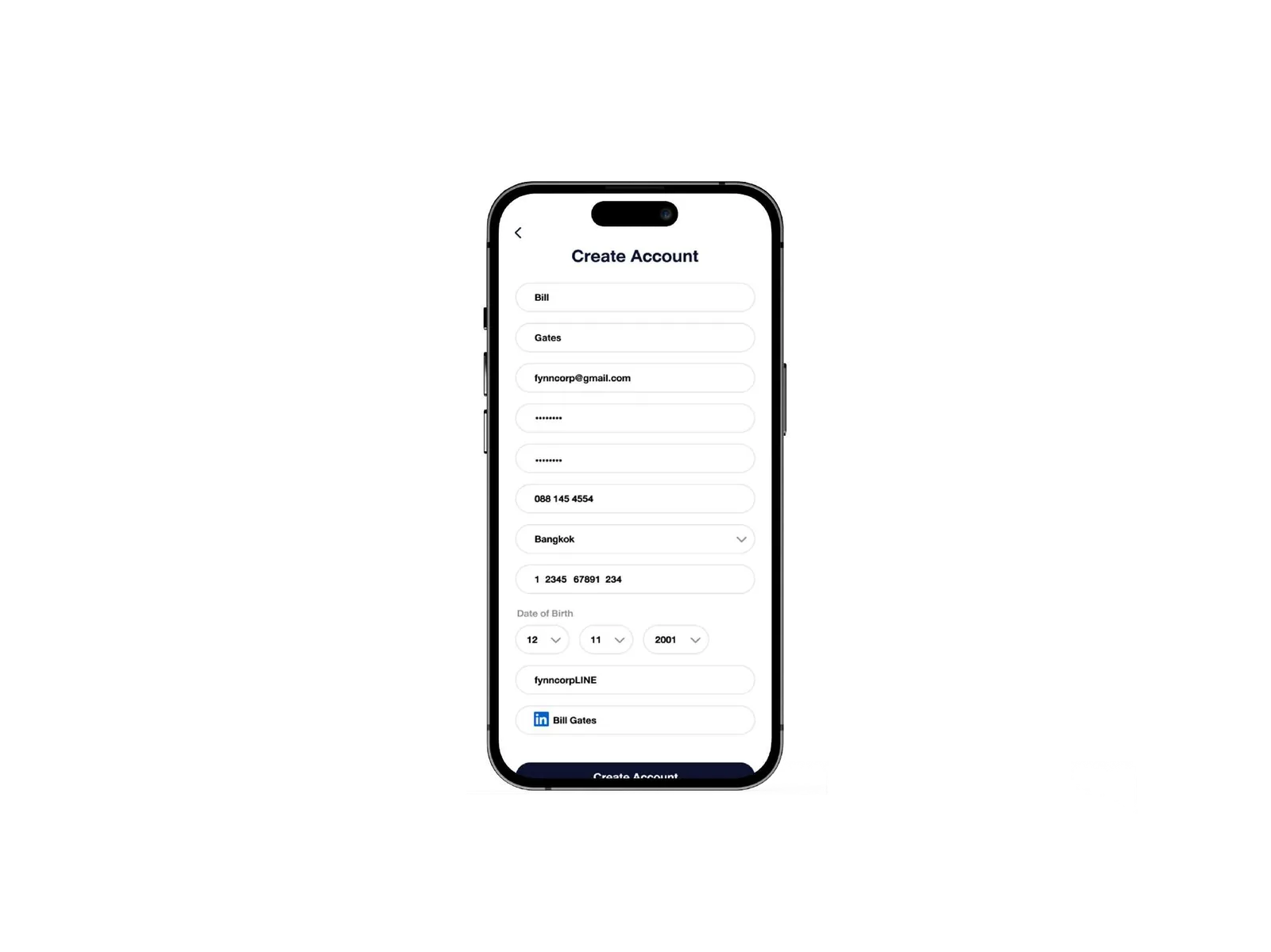
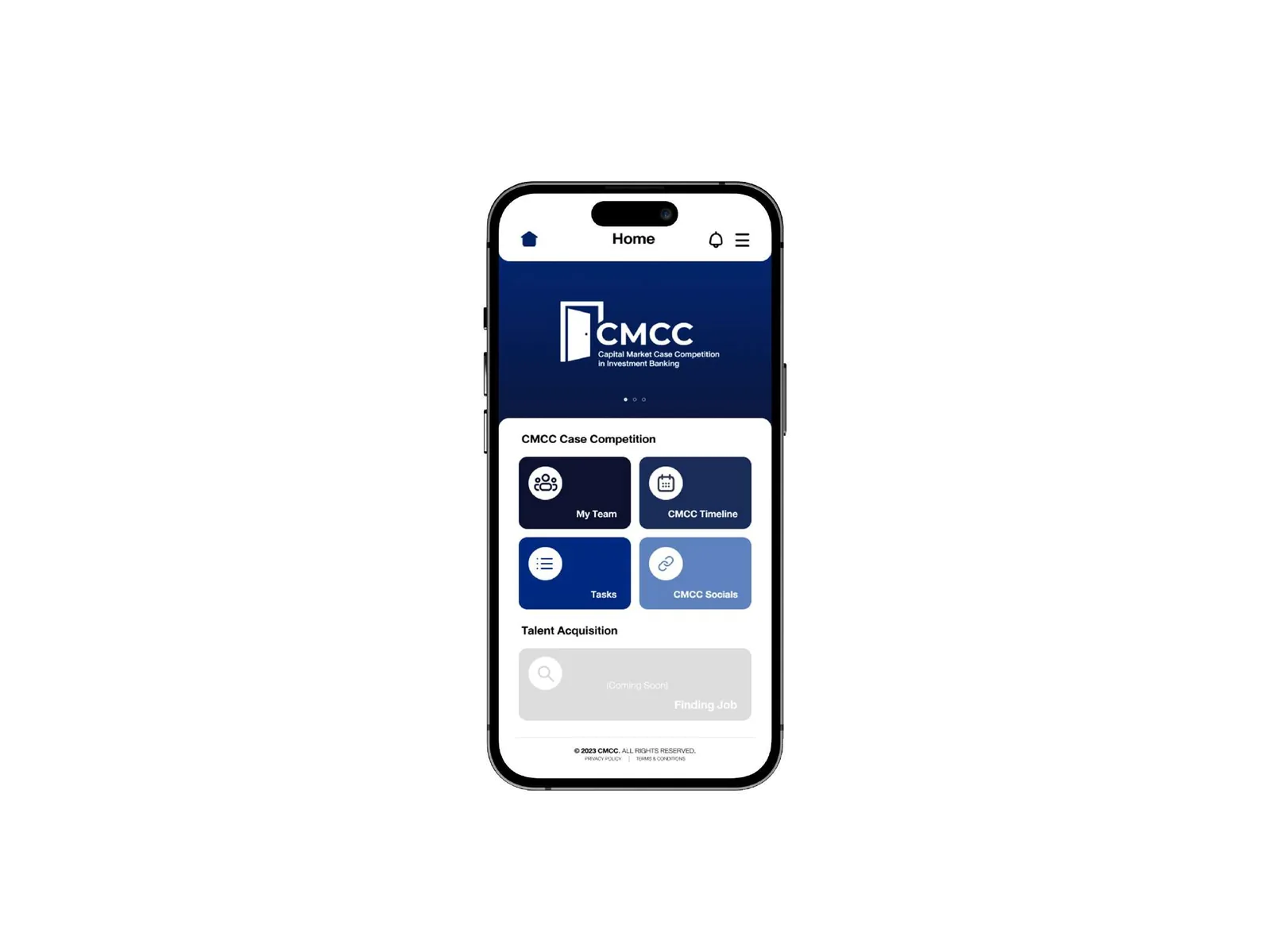
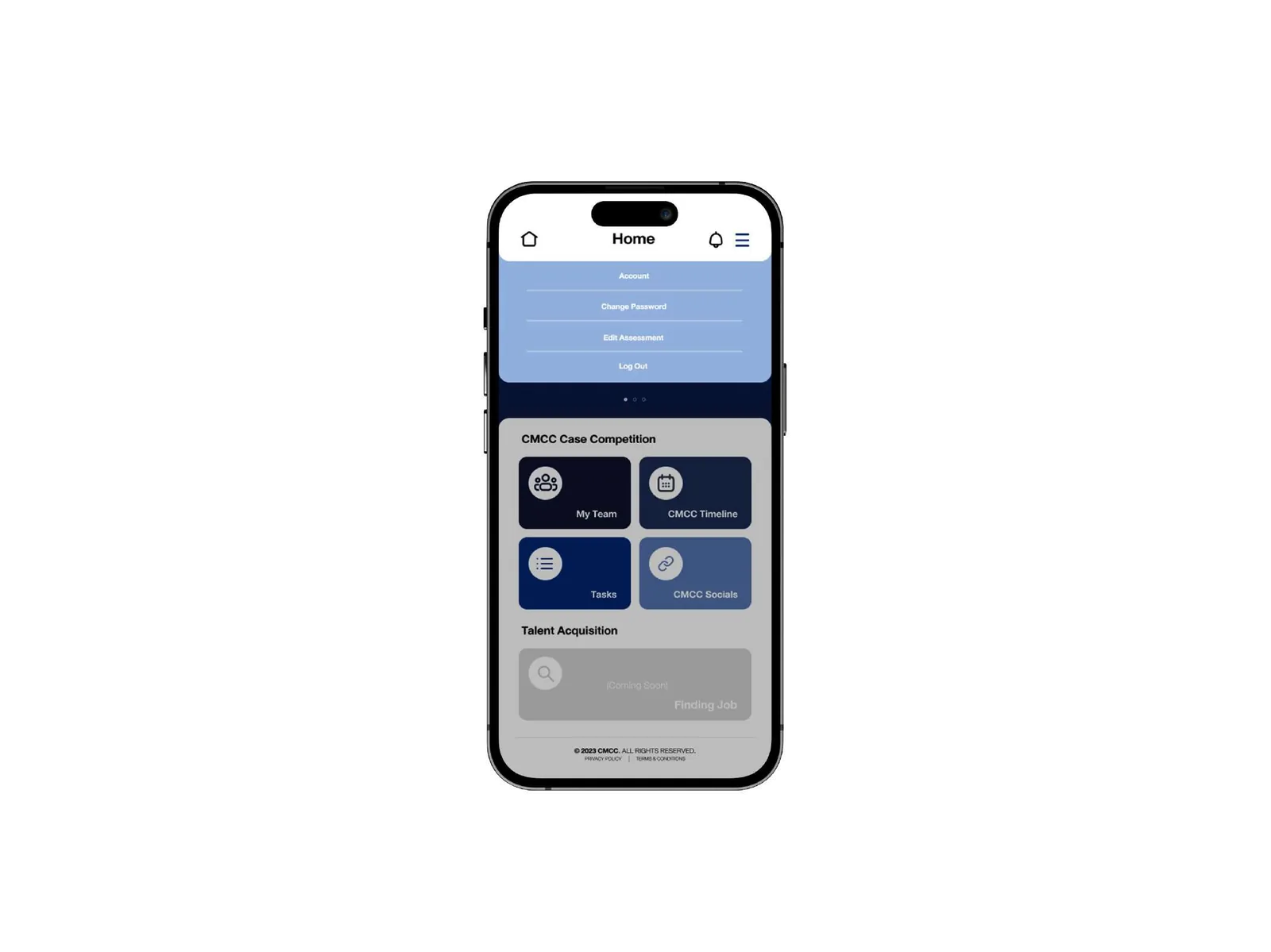
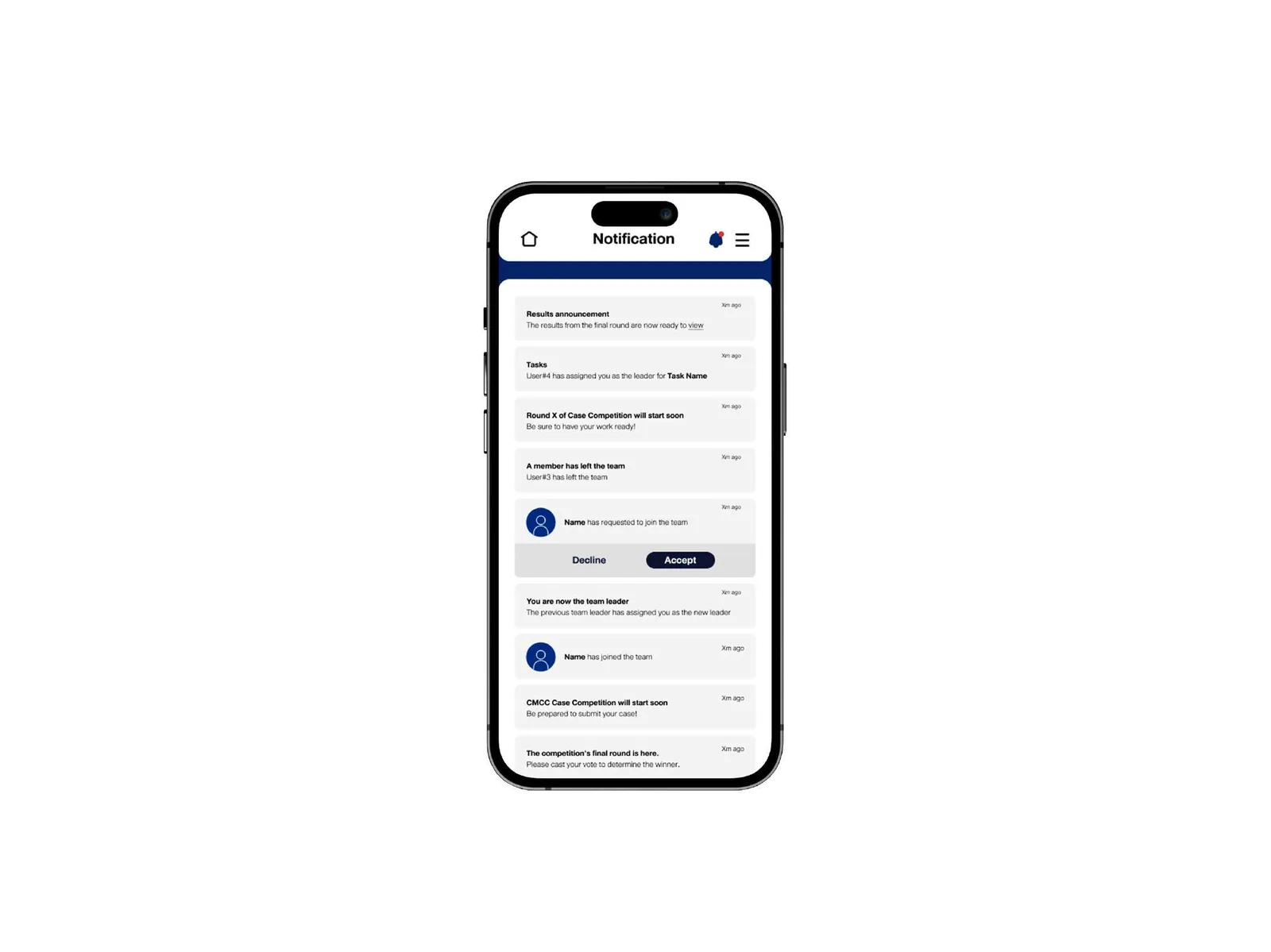
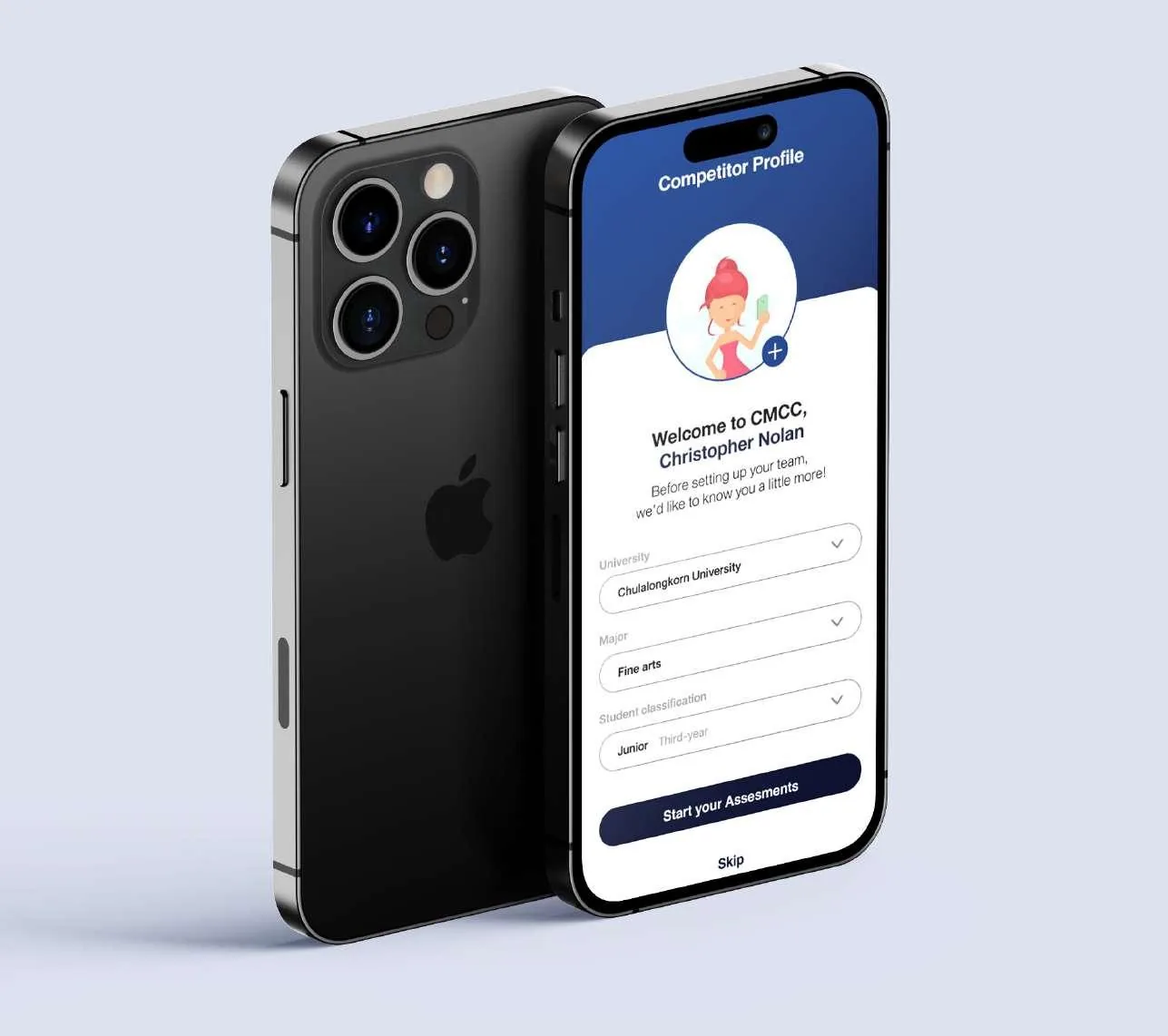
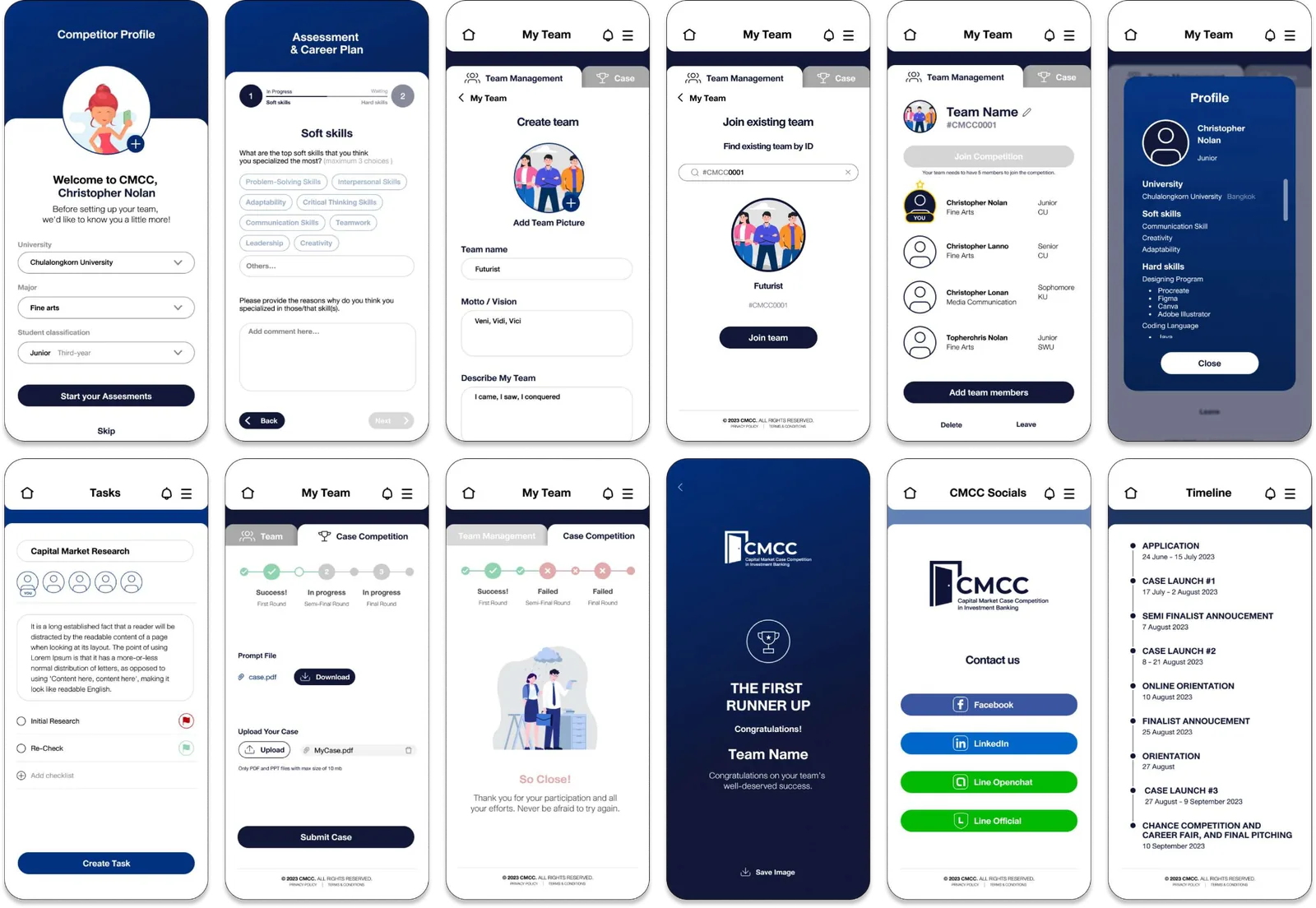
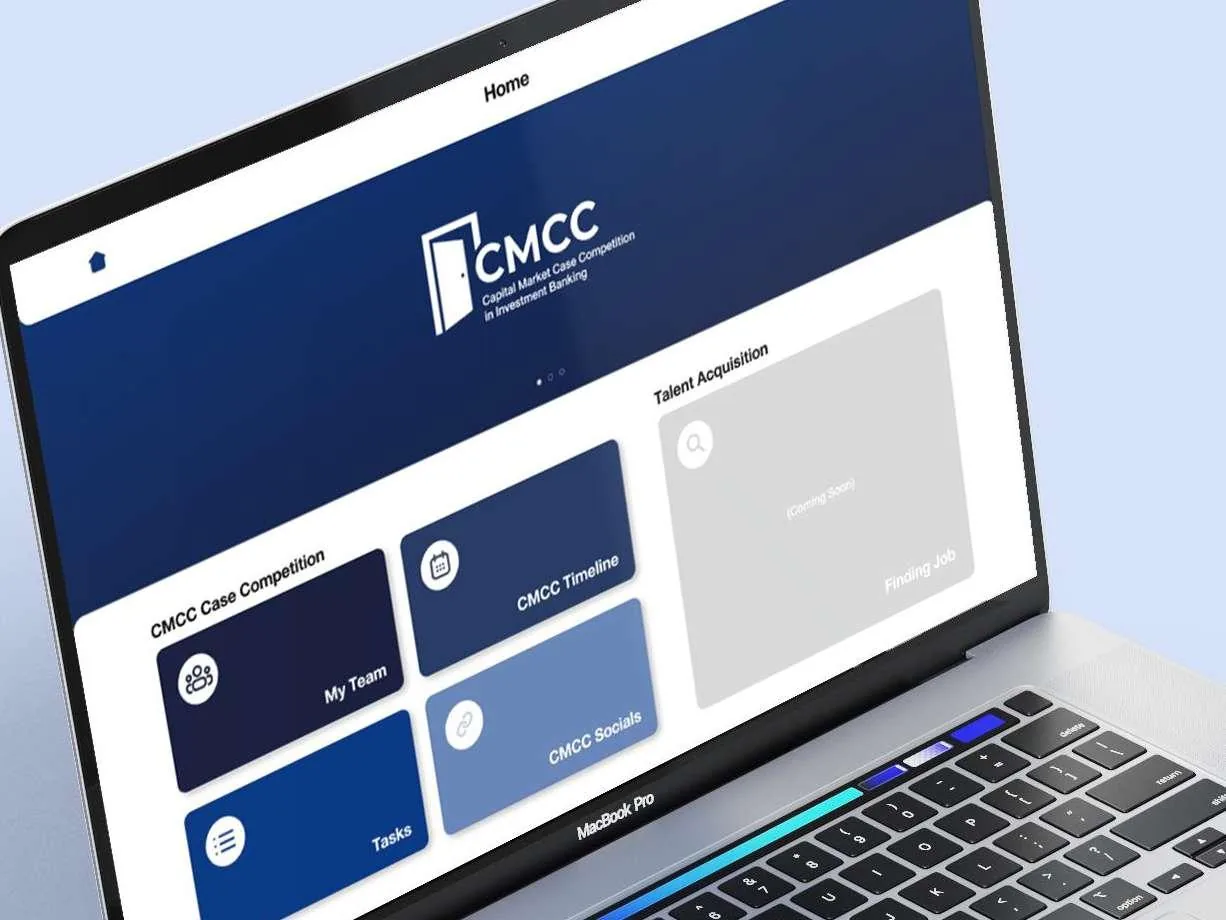
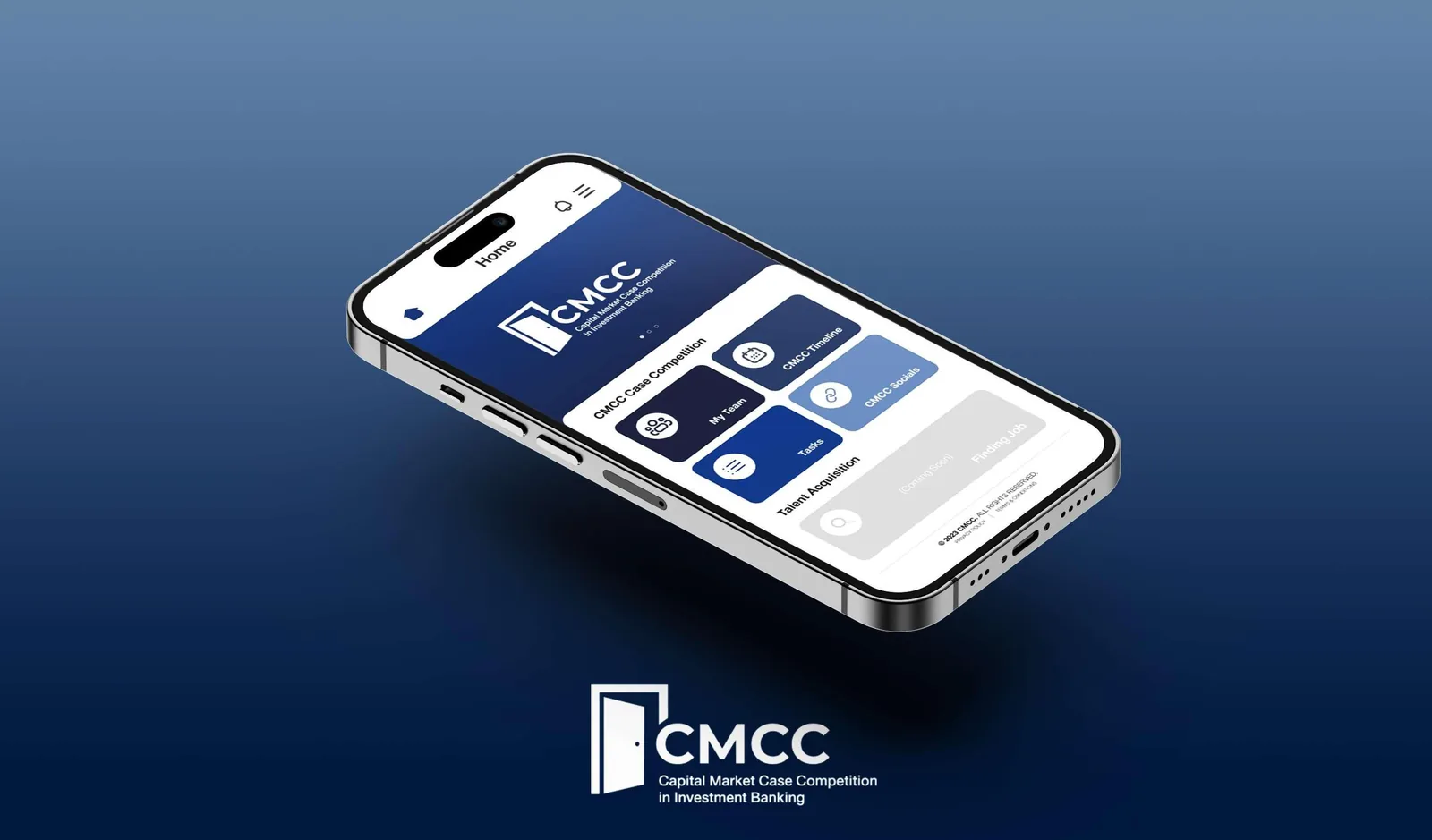
The mobile app is where competitors live. The home screen puts the four things they act on, My Team, CMCC Timeline, Tasks and CMCC Socials, one tap from launch, with talent acquisition below.


07 · UI design
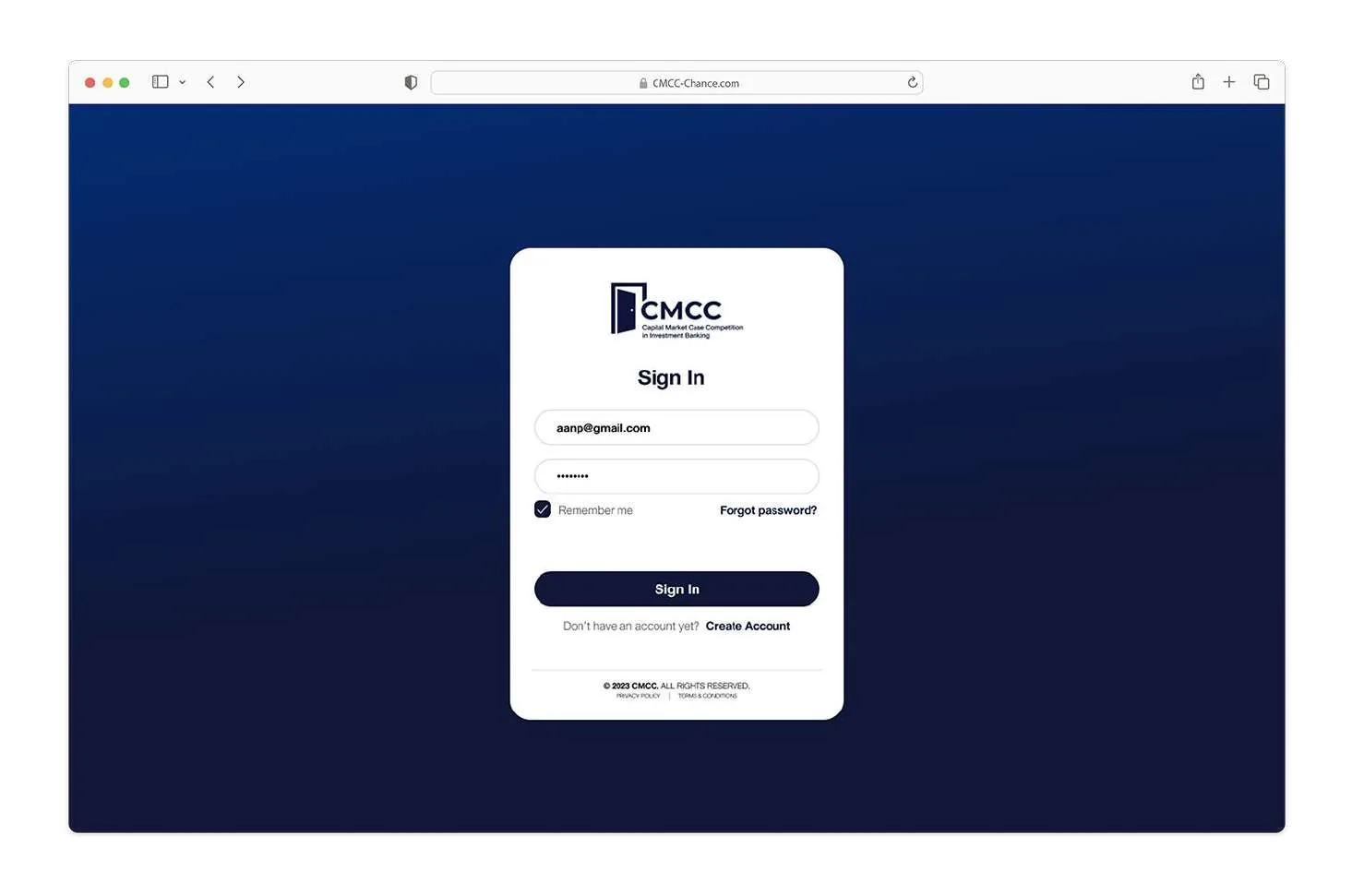
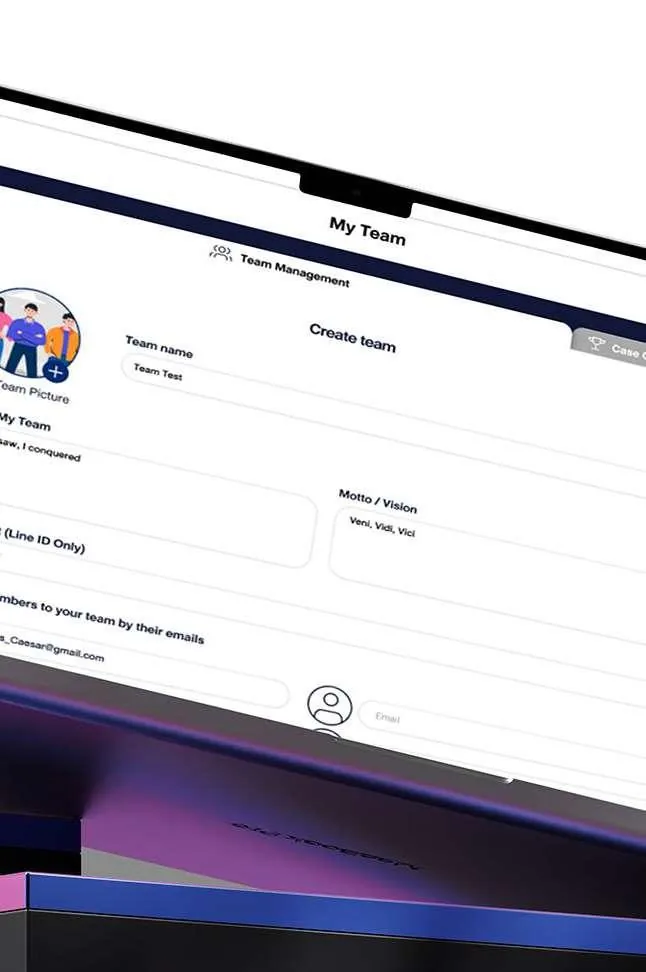
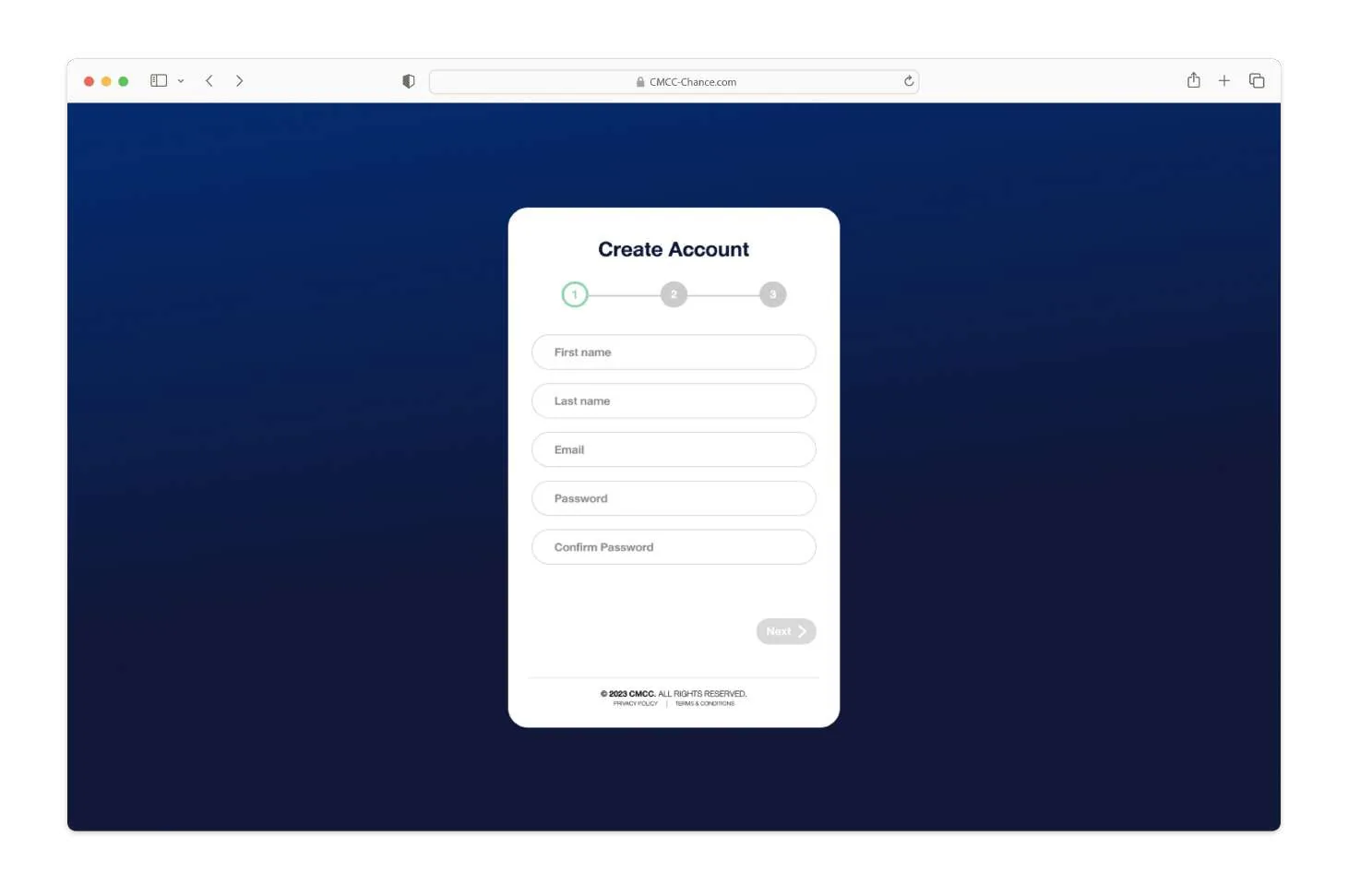
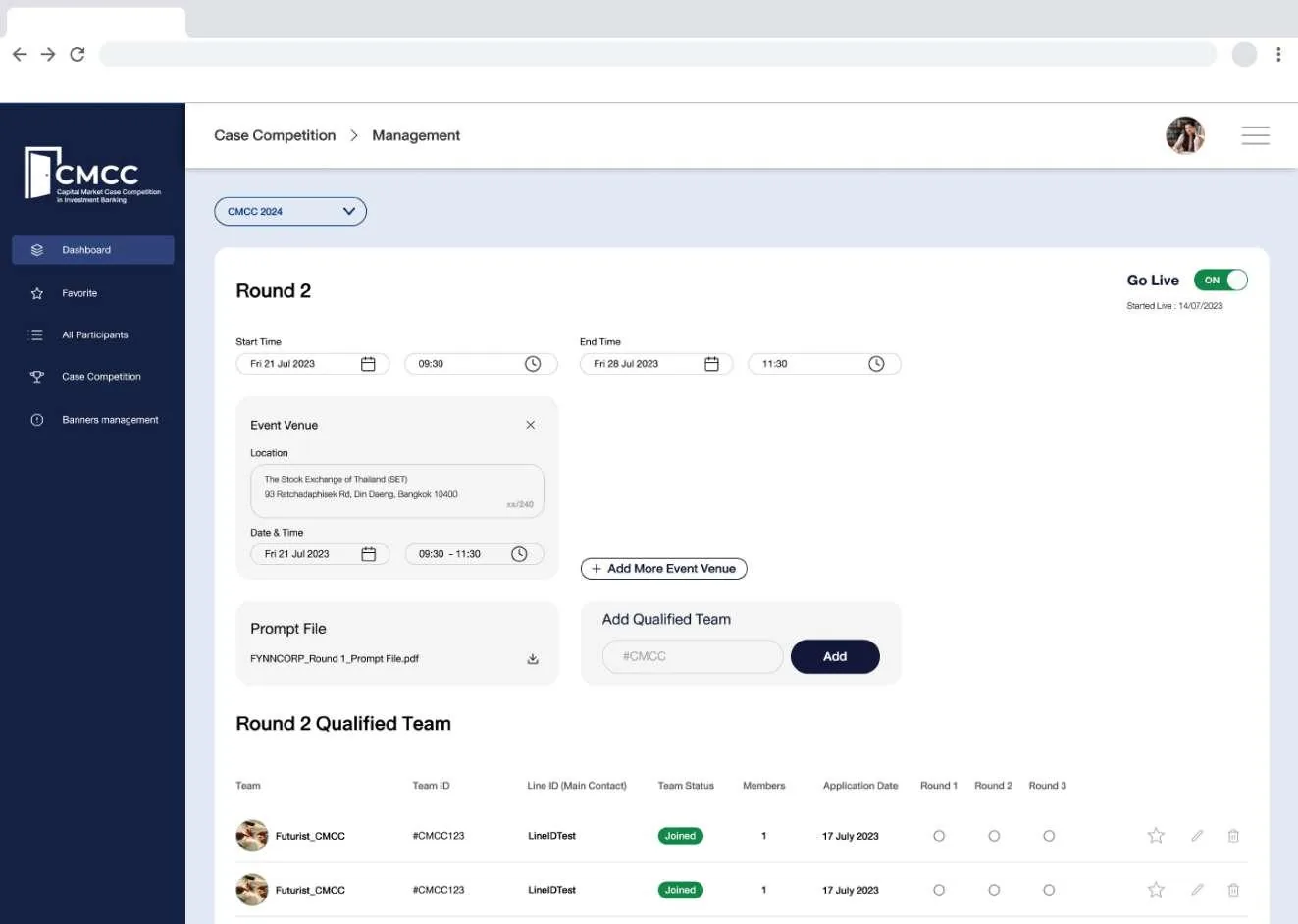
Desktop reuses the same components at a wider measure, for the moments that need room: reading a submitted case, filling long forms, and reviewing a team side by side.


08 · UI design
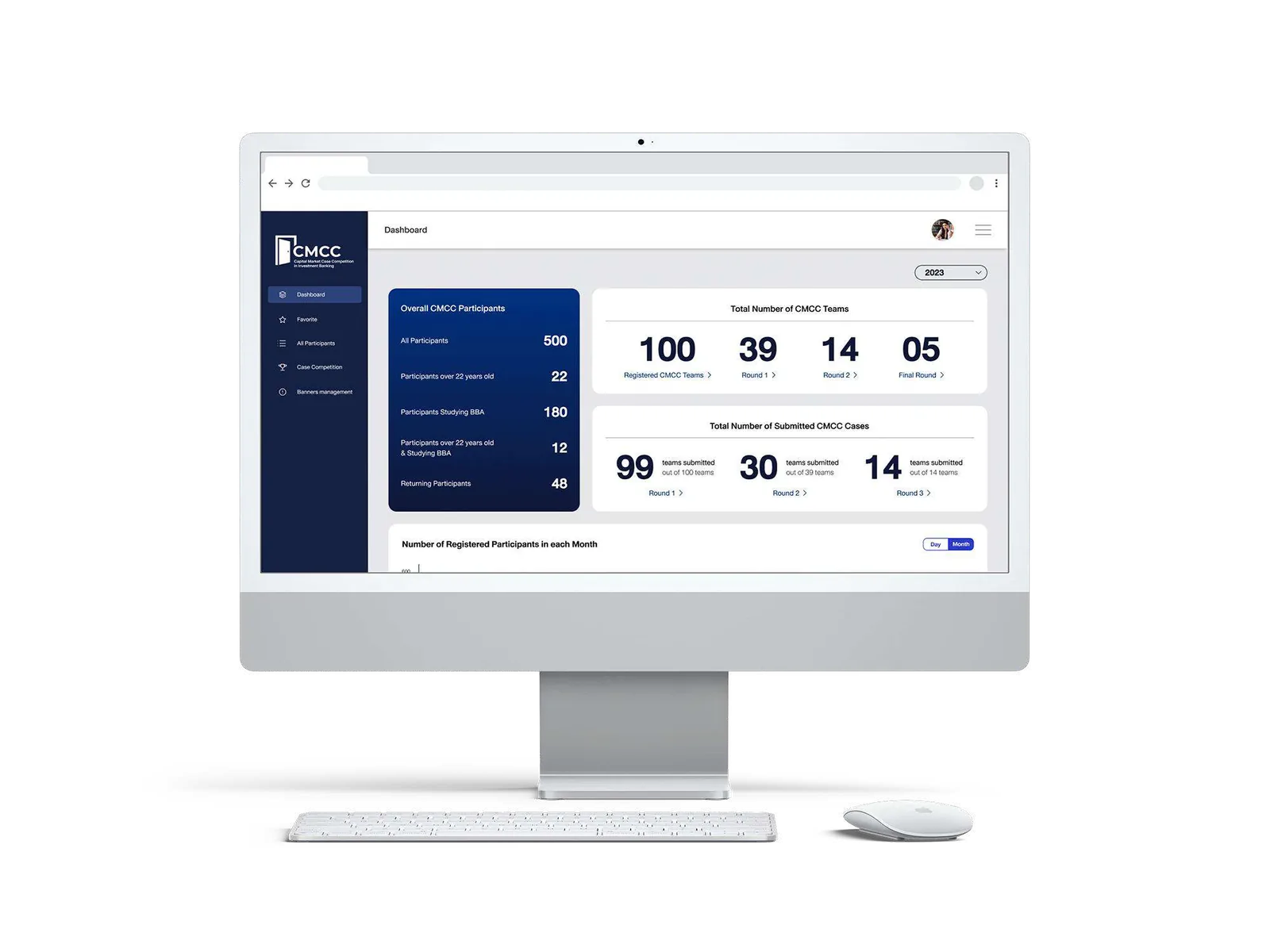
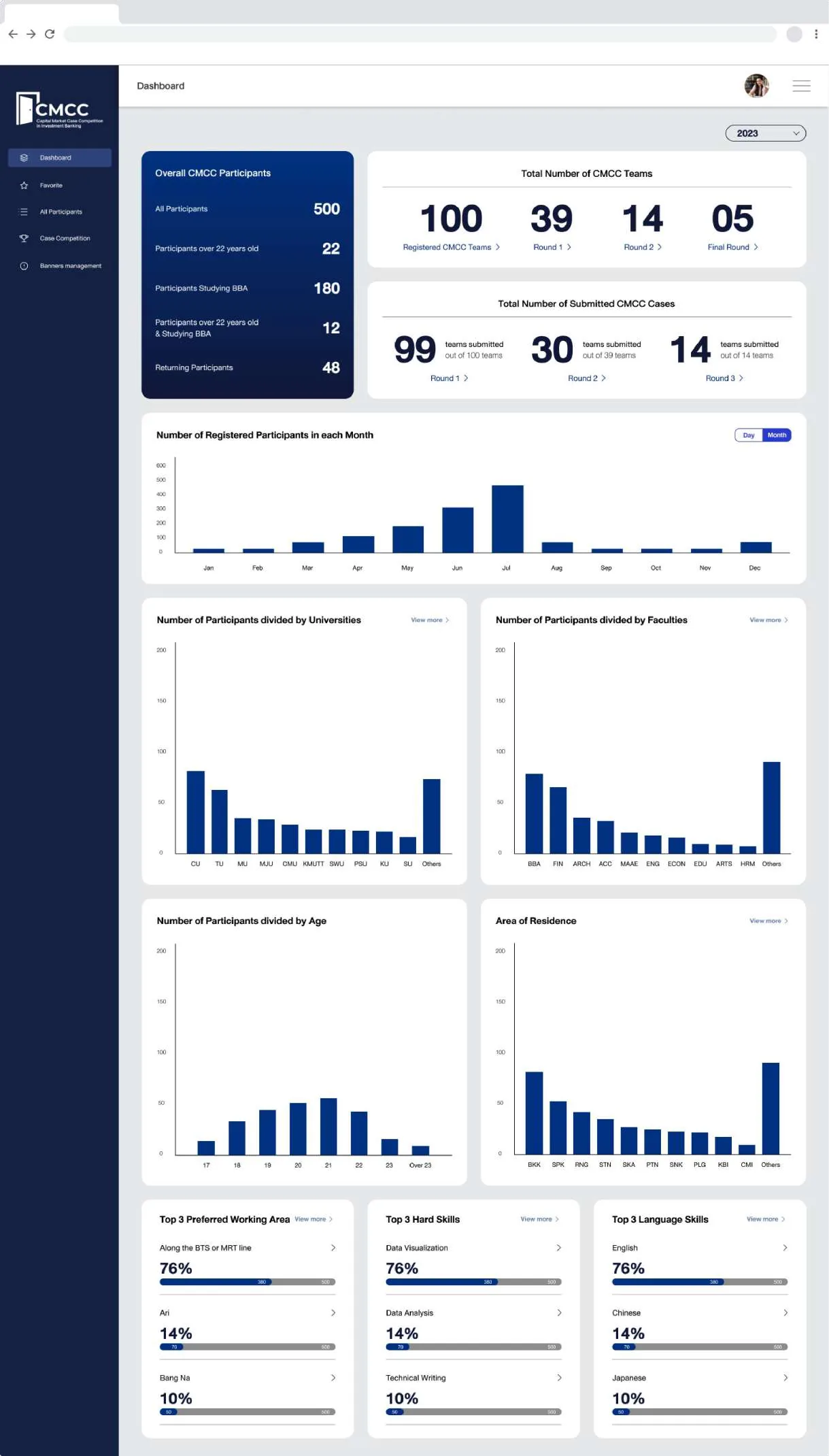
Two weeks to give organisers the view competitors never see: applicants, teams, submissions and scores in one dashboard, dense by intent.


09 · Testing & feedback
Mobile went into user acceptance testing at the end of week ten, before desktop and back office were started, so what testing surfaced could be fixed once, in the system, instead of three times in three UI sets.
Tester counts and the issue log from UAT sit in the internal project record.
10 · What I took away
Eight weeks of mobile screens went quickly because type, colour and components were settled first. Desktop and back office then cost three and two weeks instead of starting over.
A notated flow that PM and engineering could read removed most of the questions before they were asked, and made the scope of each screen obvious.
Running UAT on mobile before opening desktop meant fixes landed in one place. Testing after all three would have tripled the rework.
Working to a PM’s schedule with a senior reviewer changed how I prioritised: finish what unblocks the next person, document the rest.