One app for everything the faculty already had.
Chac Chac is a support app for student life at the Faculty of Fine and Applied Arts, Chulalongkorn University. It brings faculty information, contacts, common-area reservations, school-supply rentals and senior advice into one place, replacing a scatter of Line groups, paper forms and word of mouth.
and timeline
Faculty of Fine & Applied Arts
blueprint, IA, UI system
guest and member access
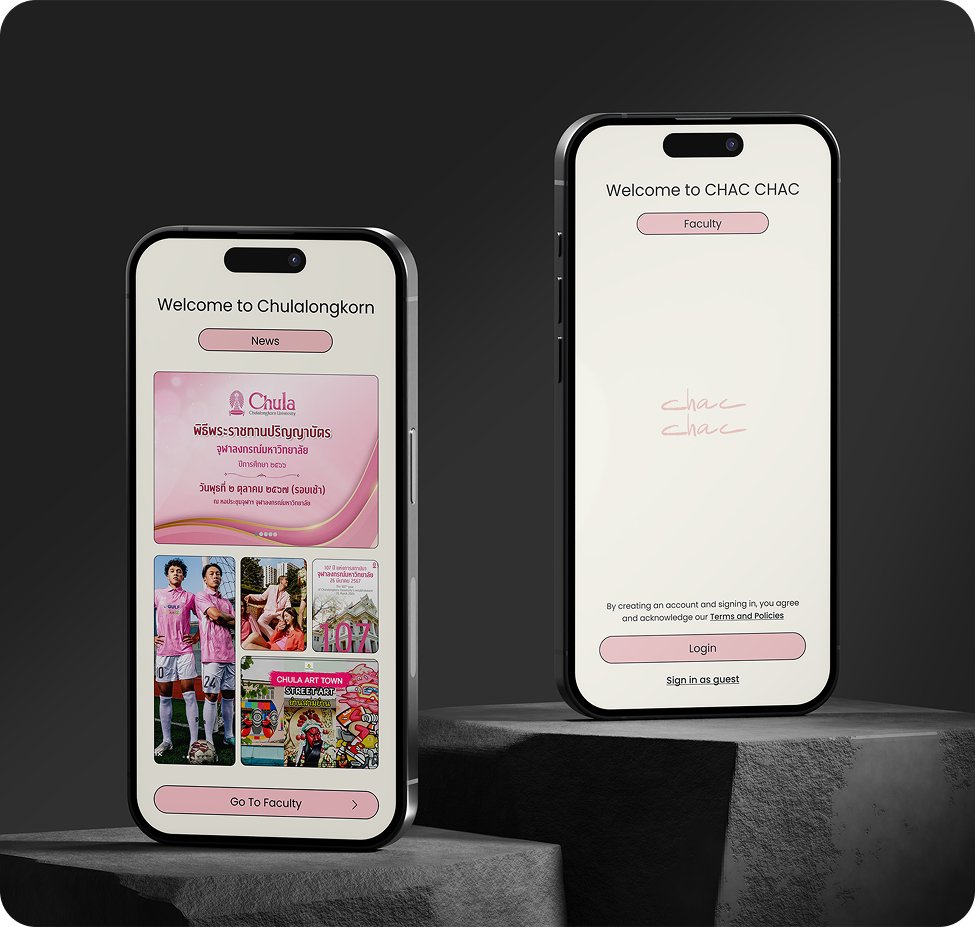
The faculty is generous with resources and vague about how to get them.
Fine Arts students depend on shared things, a computer room, a rehearsal studio, a working space, a camera lens, a set of brushes. All of it exists. None of it is findable in one place. Booking runs through whoever happens to hold the key, availability lives in someone's head, and equipment goes out on trust and comes back late.
The cost lands unevenly. First-years don't know what the faculty owns. Seniors know, but waste time negotiating for it. Staff and the student council absorb the coordination by hand. Everyone described the same thing in different words: there is no system.
Mapping who touches the service before designing any of it.
The Fine Arts student sits at the centre, but the service only works if the people around them are served too. Sorting stakeholders into internal, external and public rings made clear which needs the app must satisfy and which it only has to acknowledge.
Hold the resources and the approvals. Need visibility, not more admin.
Cross the faculty boundary. Guest access exists for them.
Context the map should surface, not something the app controls.
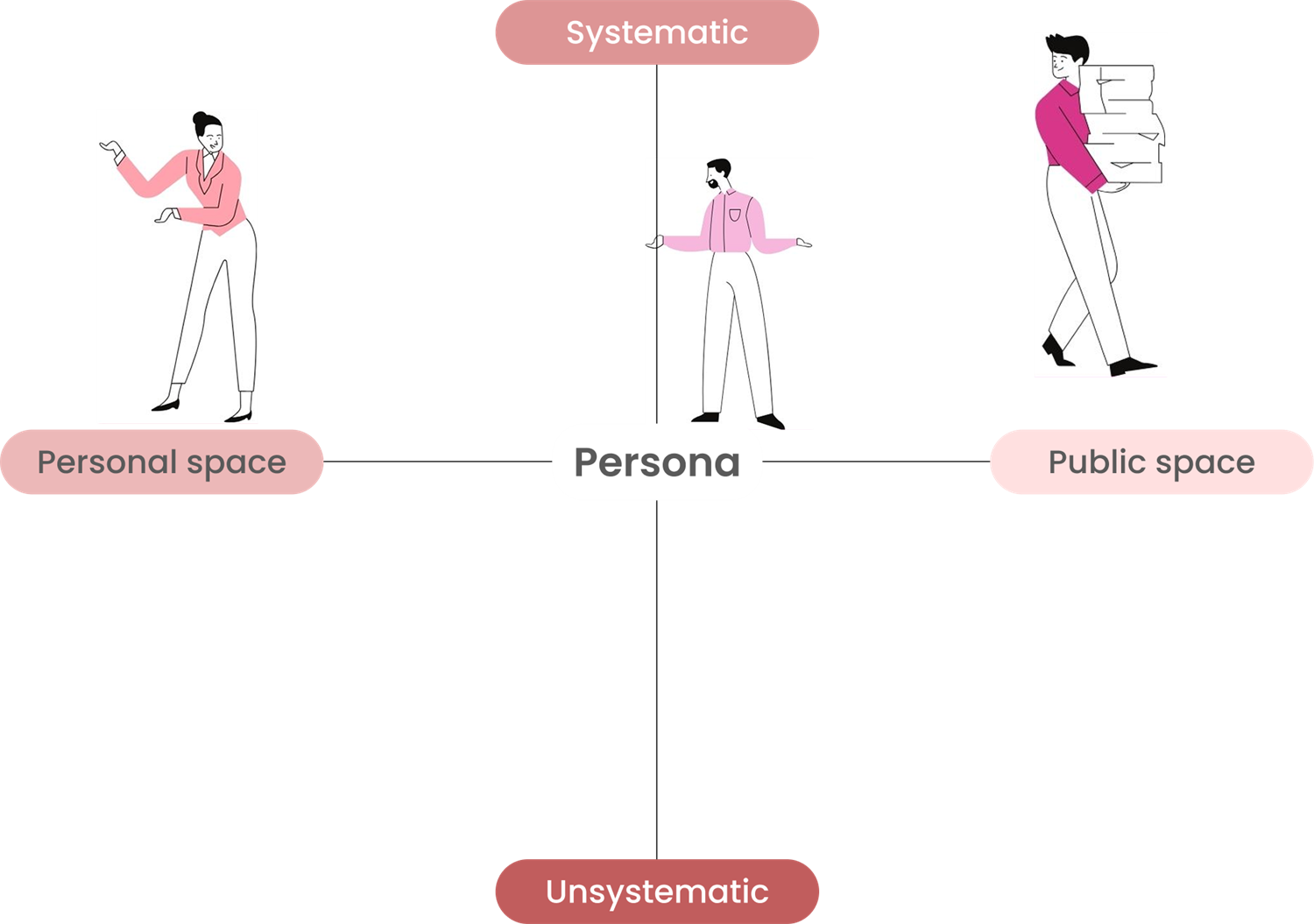
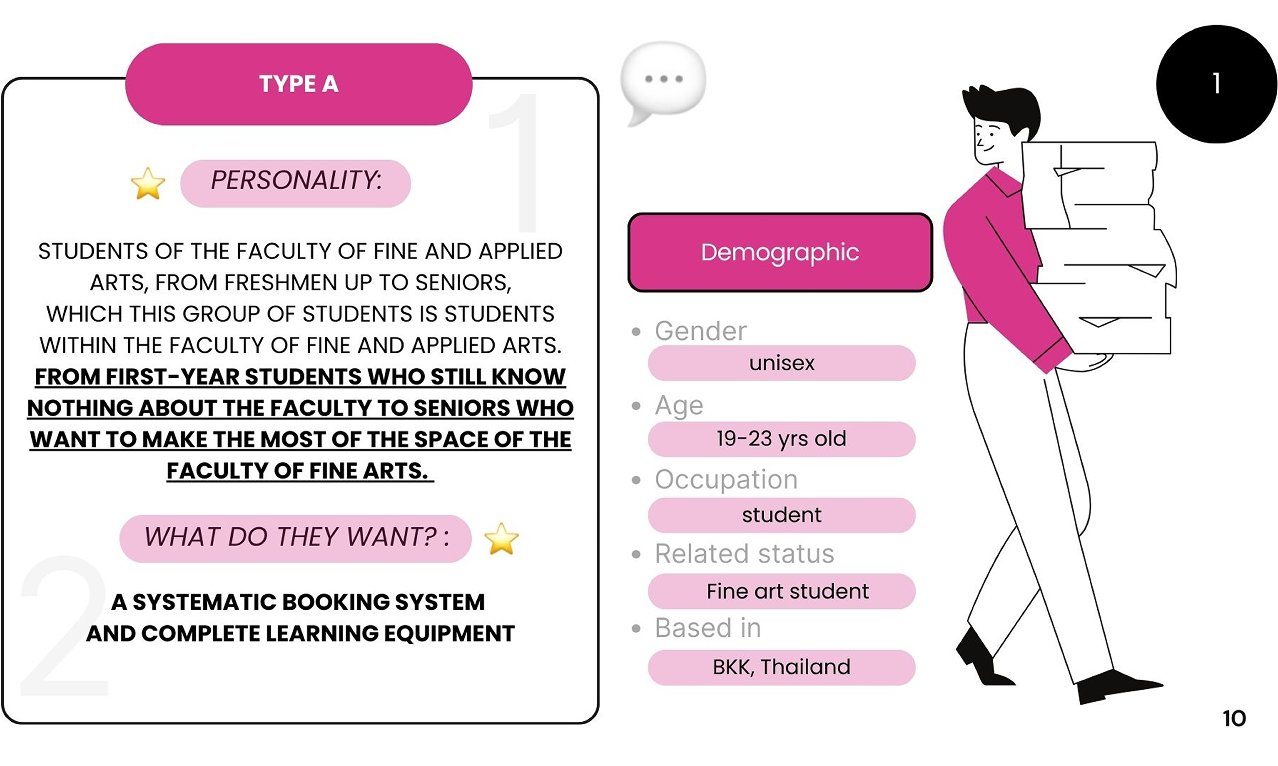
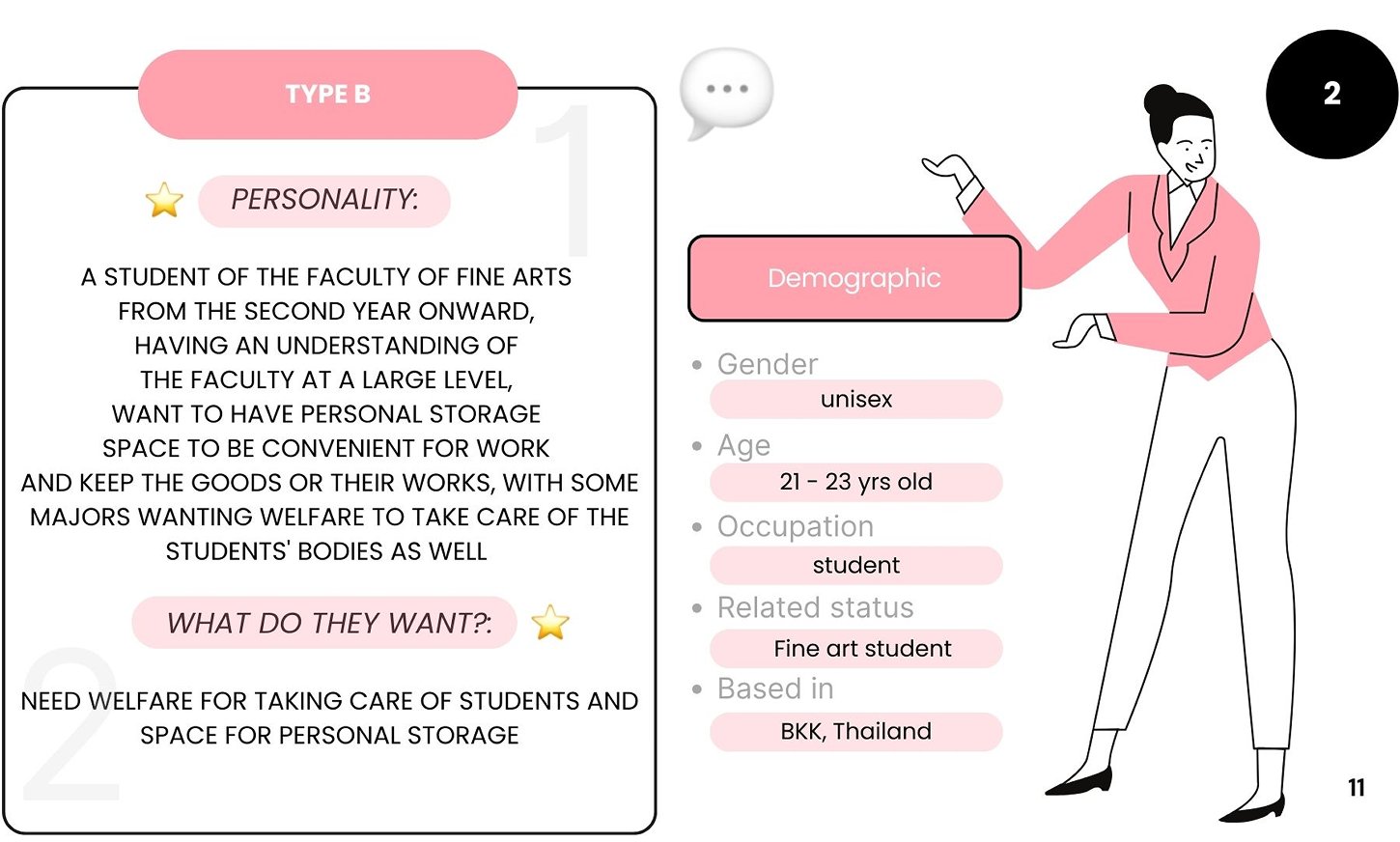
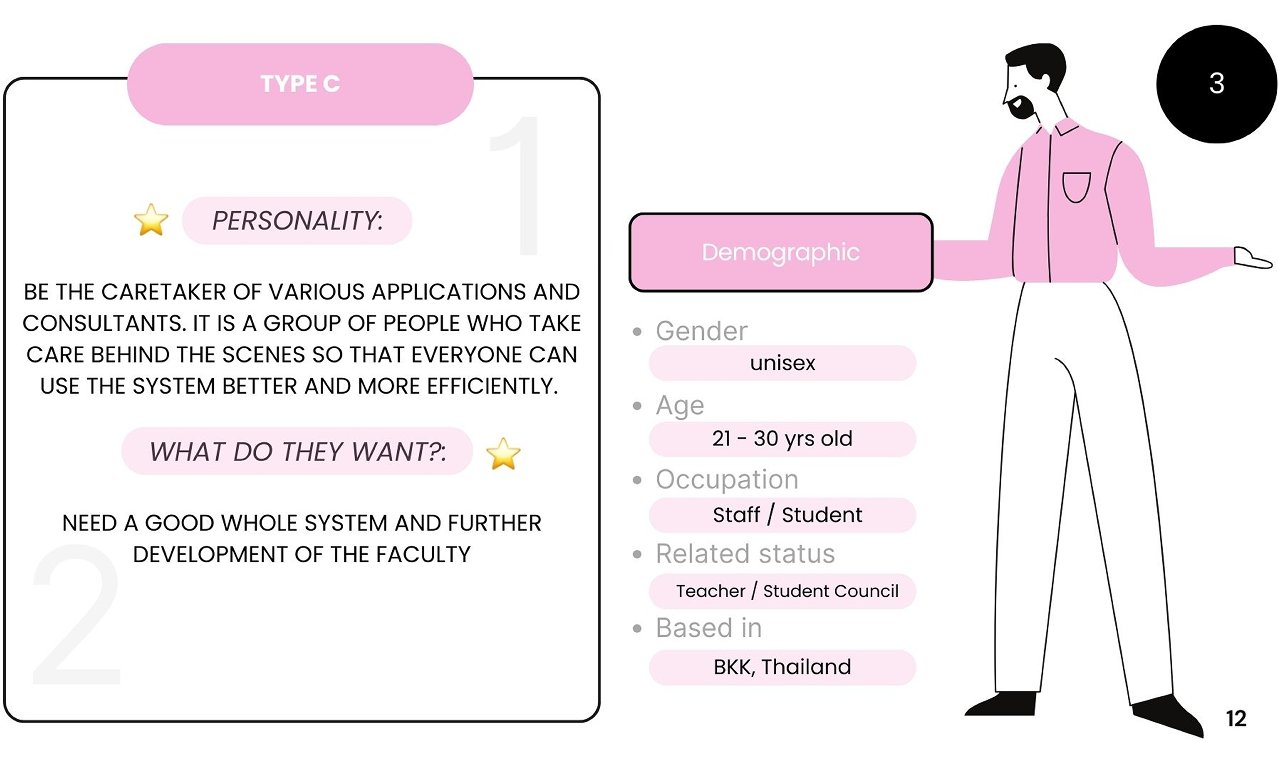
Three types, plotted on the axes that actually separated them.
Demographics barely varied, all Fine Arts, all Bangkok, all 19 to 30. What varied was how systematic they needed the service to be, and whether they were asking for public or personal space. Plotting on those two axes is what turned a flat list of complaints into three designable positions.
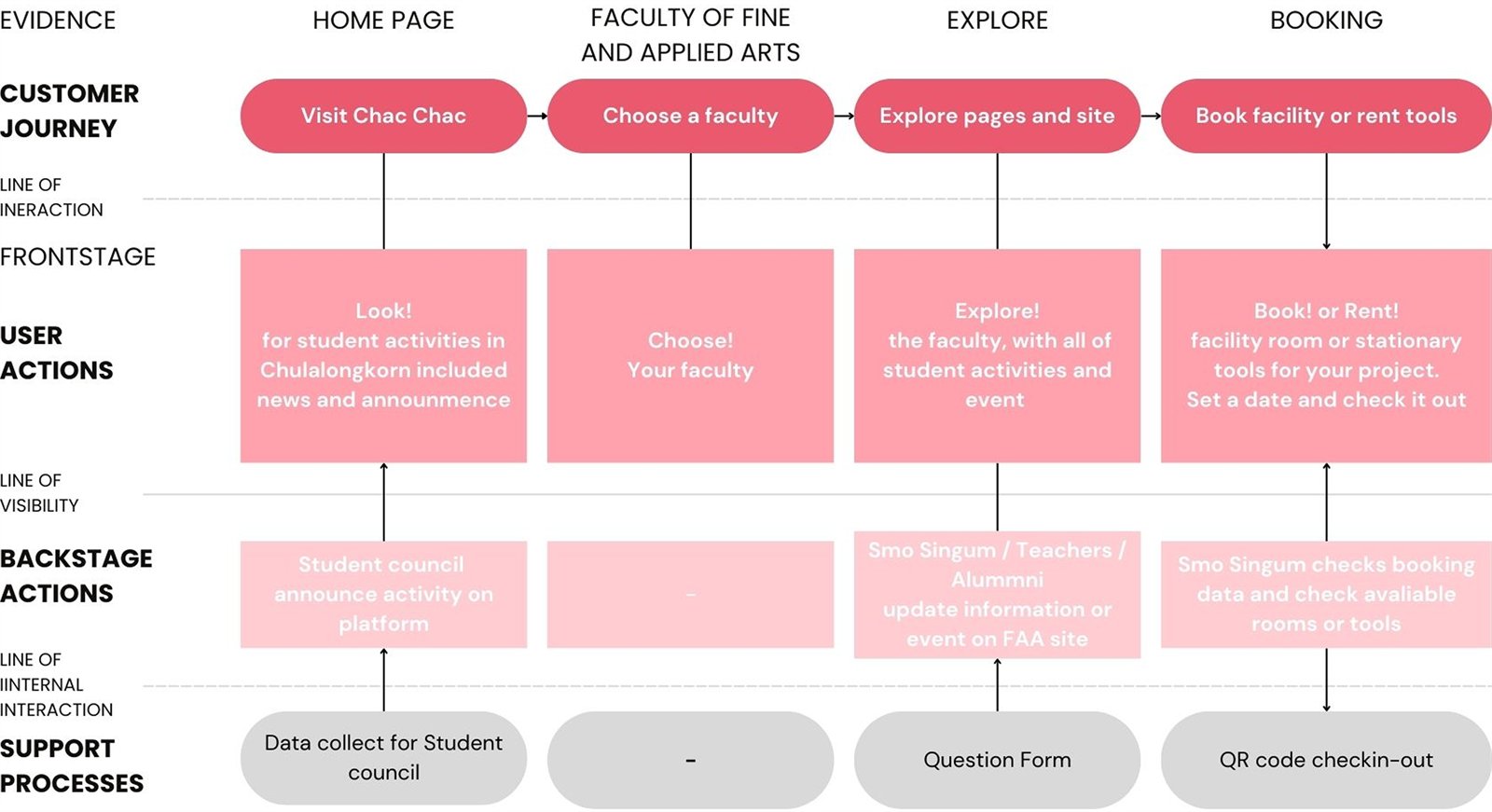
The app is one visible layer over work that was already happening.
Blueprinting the four journey stages exposed the real dependency: nothing on screen works unless the student council and staff have somewhere to publish activities and check availability. That backstage row is why the design includes moderator-facing states, not just student screens.
Every branch drawn before a single screen.
The full flow covers guest and logged-in entry, four service trees, and the loops that are easy to forget, overdue rentals, repeat bookings, faculty switching, dark mode. Drawing decisions as diamonds forced each dead end to resolve into a screen.
 Start / End
 Process
 Action
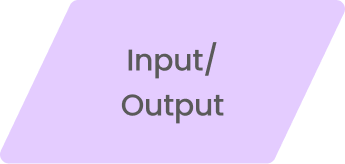 Input / Output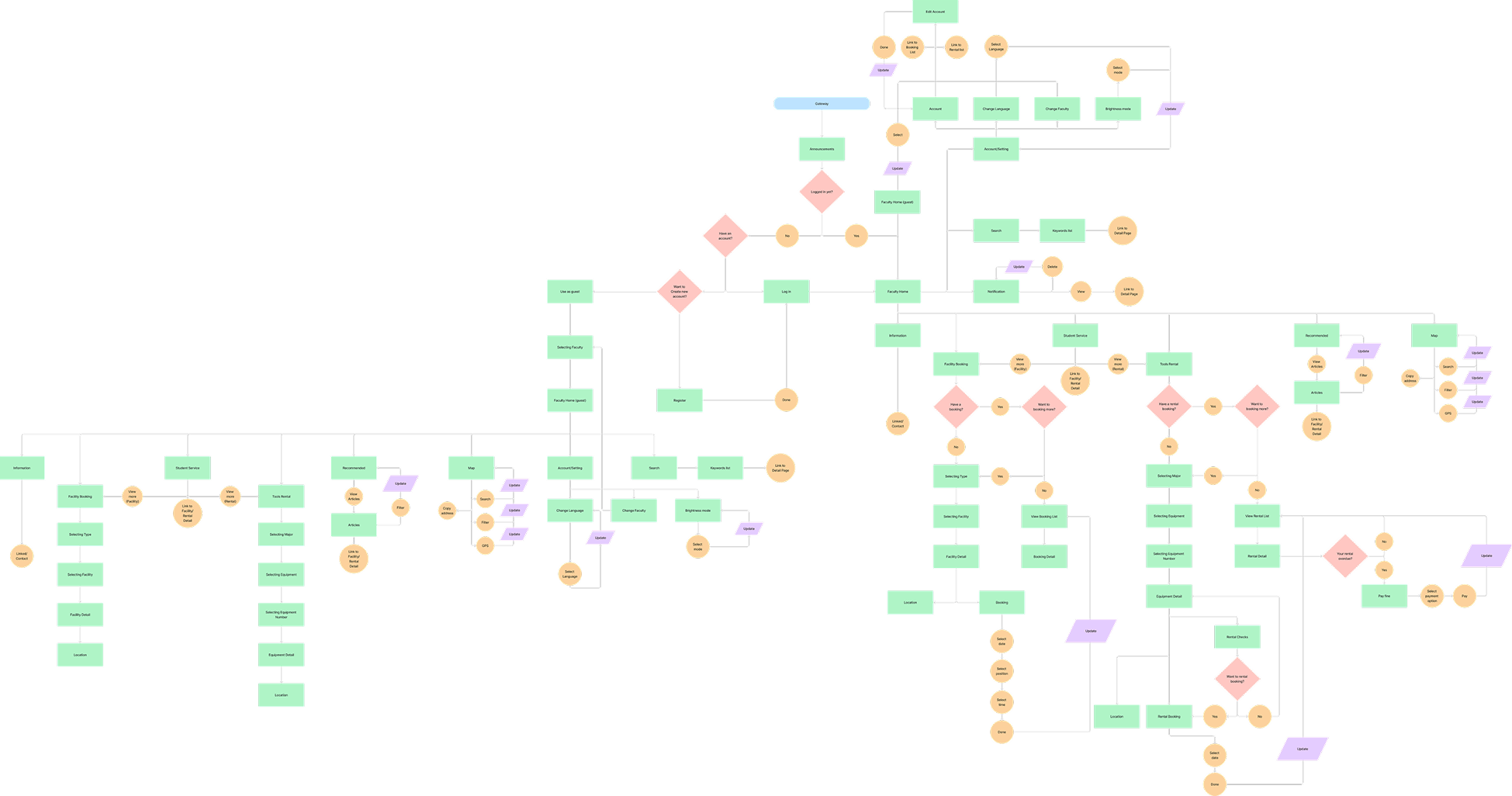
Chac Chac, from Chula and activity.
The name compresses the two things the app is about. The mark is handwritten, doubled, and set small: an art faculty's tool should look drawn rather than engineered, and it should not compete with student work for attention.
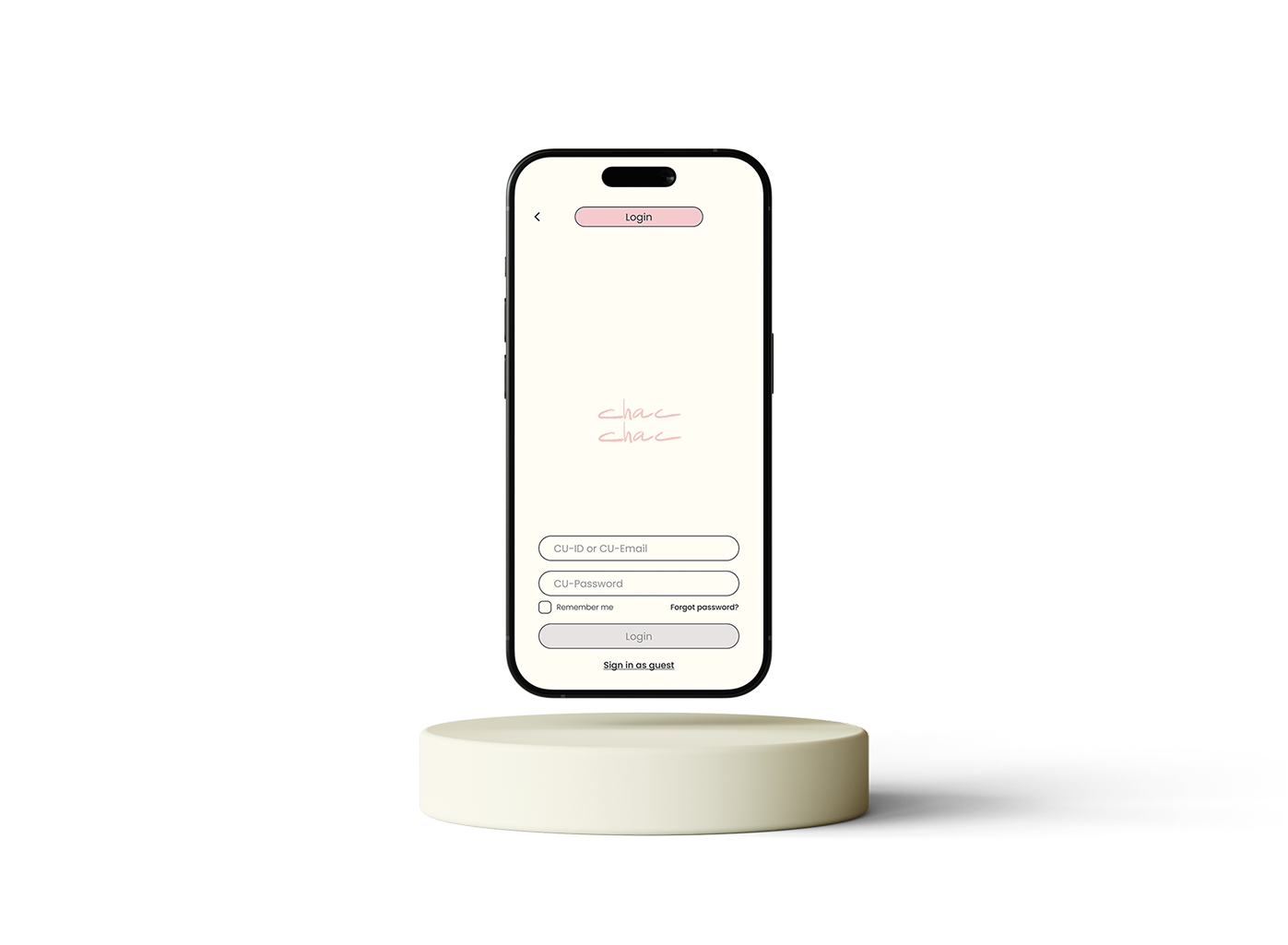
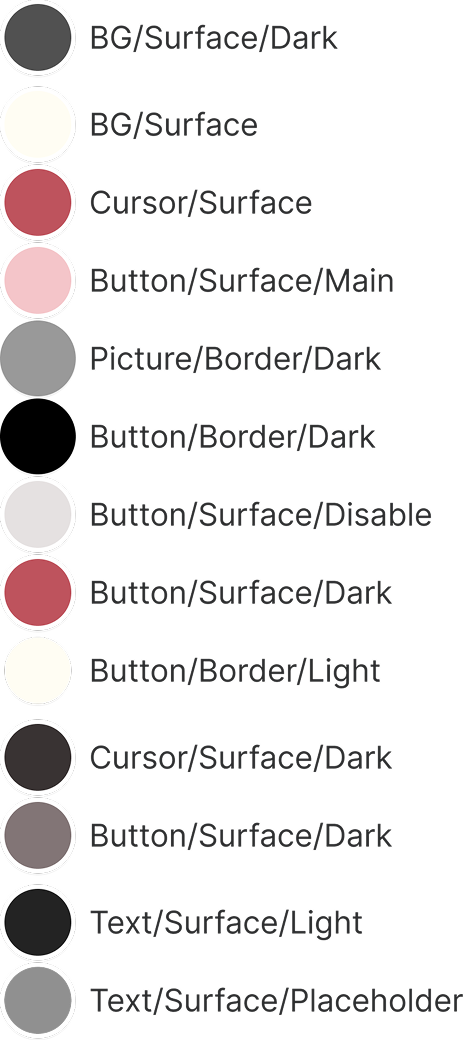
A cream base, one accent, and pills everywhere.
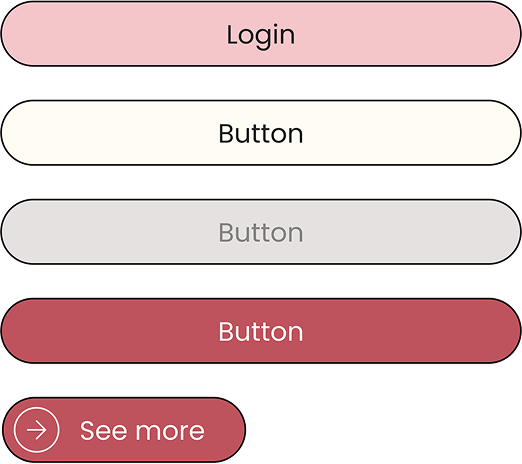
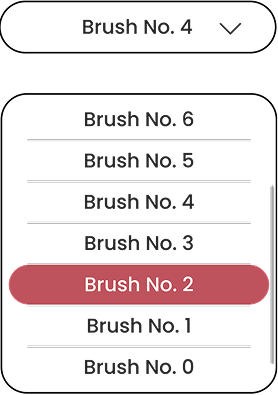
Sixty percent of every screen is the same warm off-white, so the artwork students upload stays the loudest thing in view. The accent red carries every primary action; pale pink carries every secondary one. Fully rounded shapes are the system's signature, buttons, tags, status chips and the nav bar all share the same geometry, which keeps a dense booking screen legible.

One geometric family across Thai and Latin copy. Semibold for screen titles, medium for actions, regular for body, three weights was enough to build the whole hierarchy.
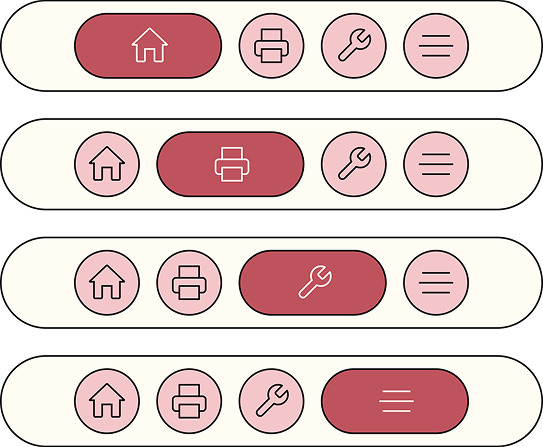
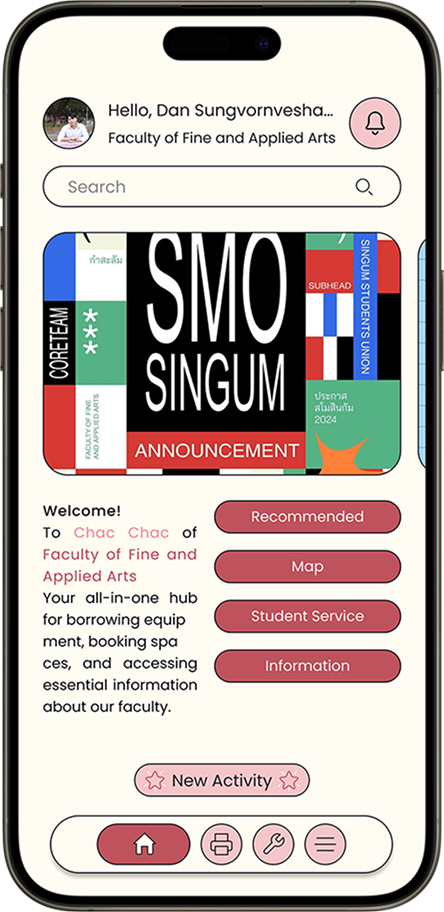
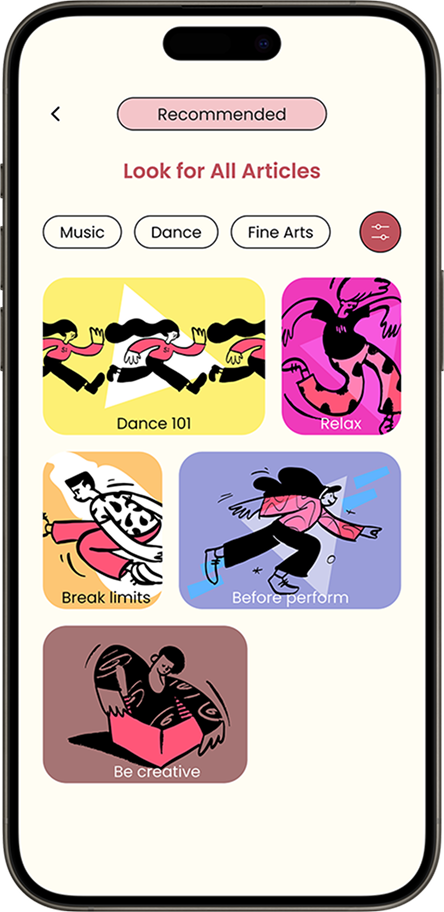
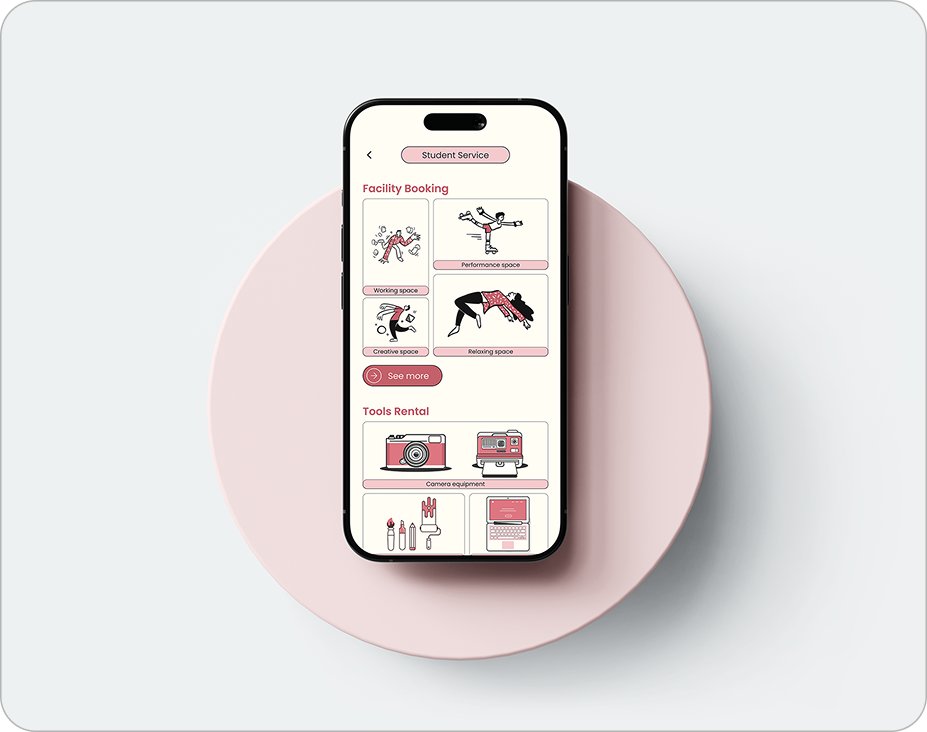
Four entry points, one nav bar.
Home answers "what's happening" and routes to the four things students came for. Everything else in the app is one of those four branches, so the bottom bar never grows past four icons.
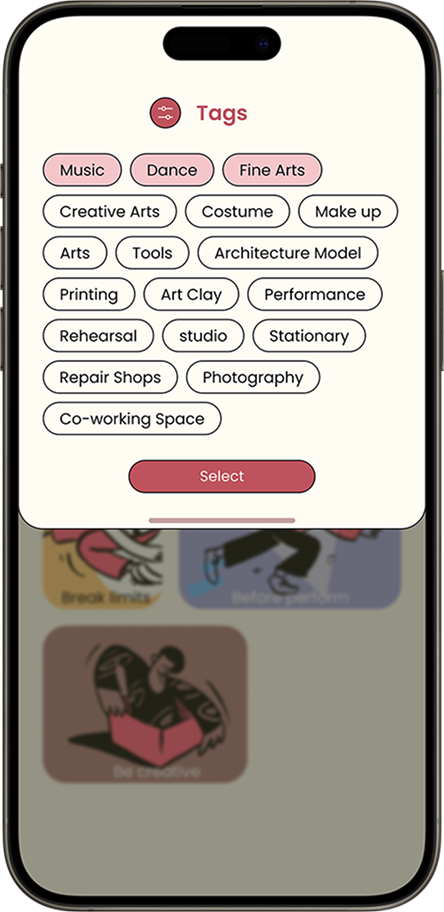
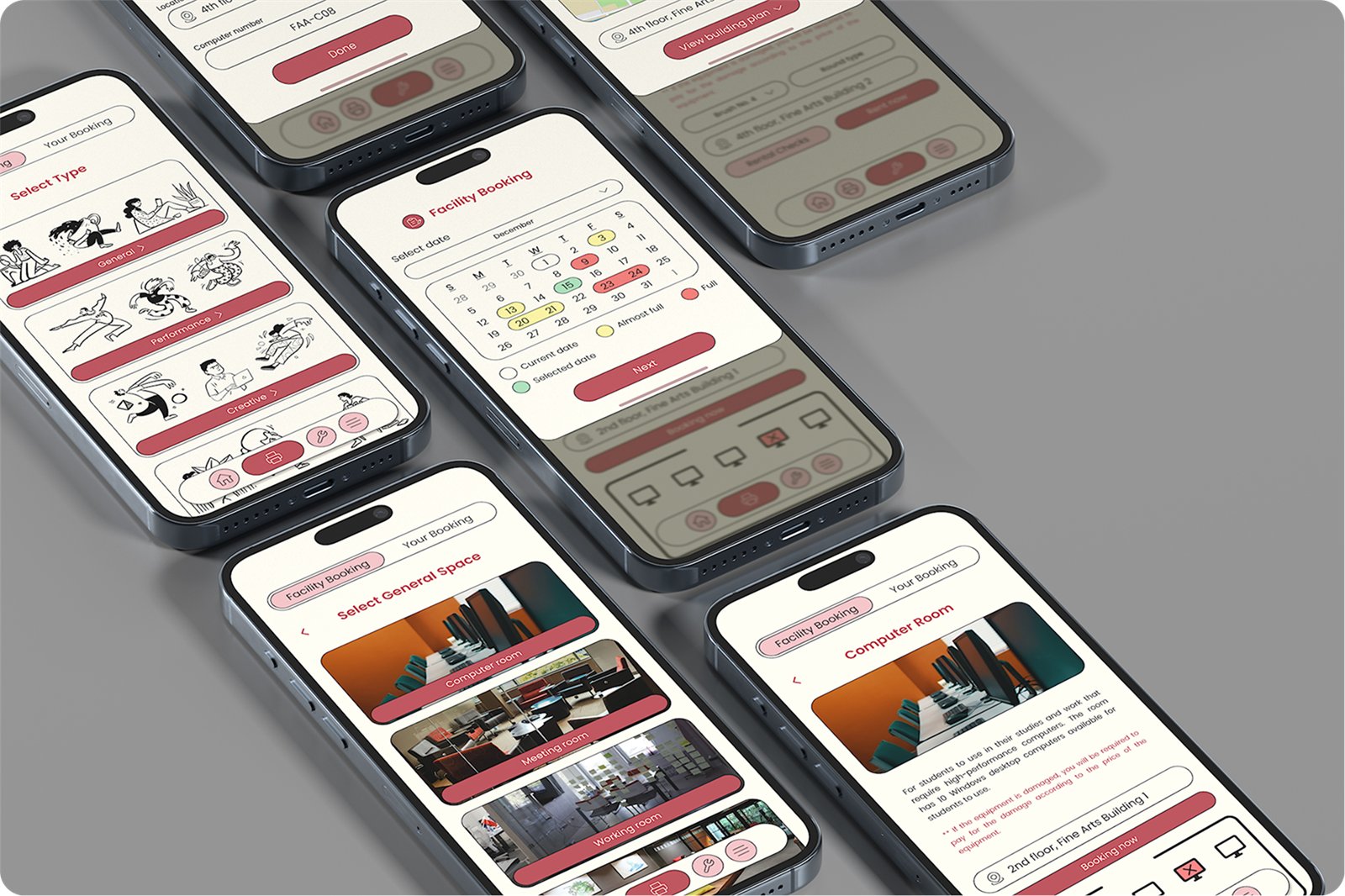
Booking a space in four decisions, each one a sheet.
The room detail stays behind every step as a half-sheet, so students never lose the thing they are booking. Date, seat and time each get their own screen because each has its own failure mode, a full day, a broken machine, a clashing class.
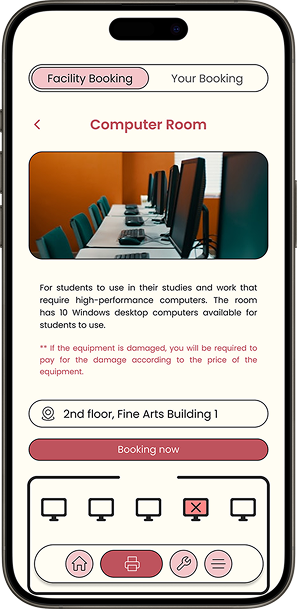
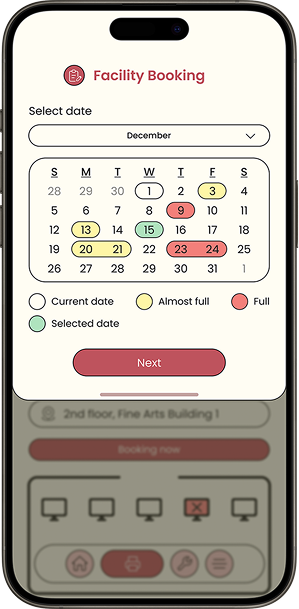
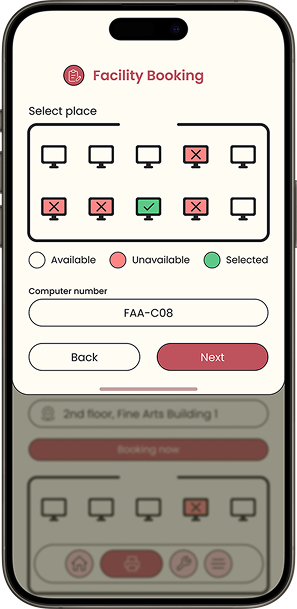
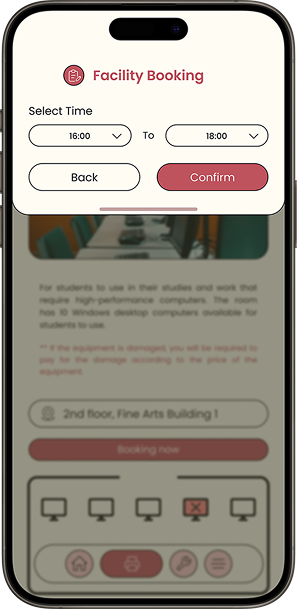
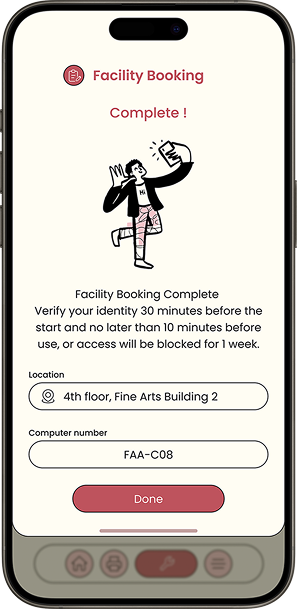
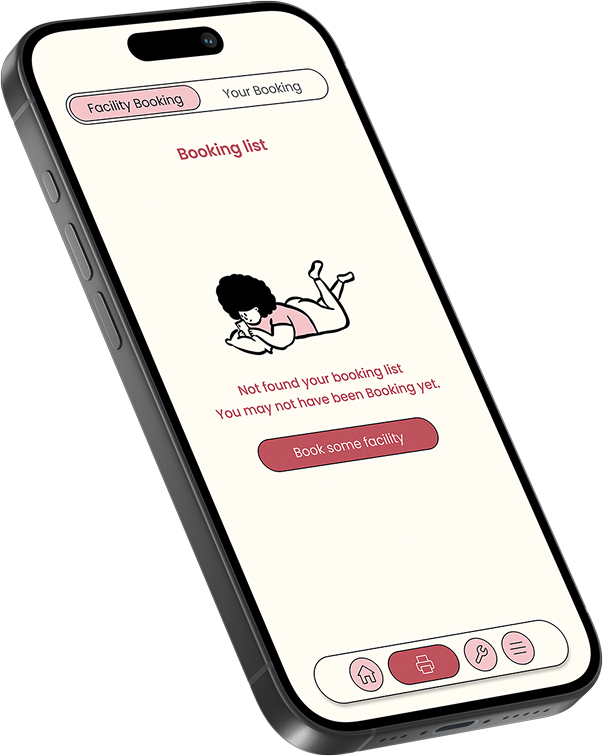
The Your Booking tab exists from day one and will be empty for most new students. Rather than a blank list, it names what is missing and offers the single next action.
Rental needed a status model, not a checkout.
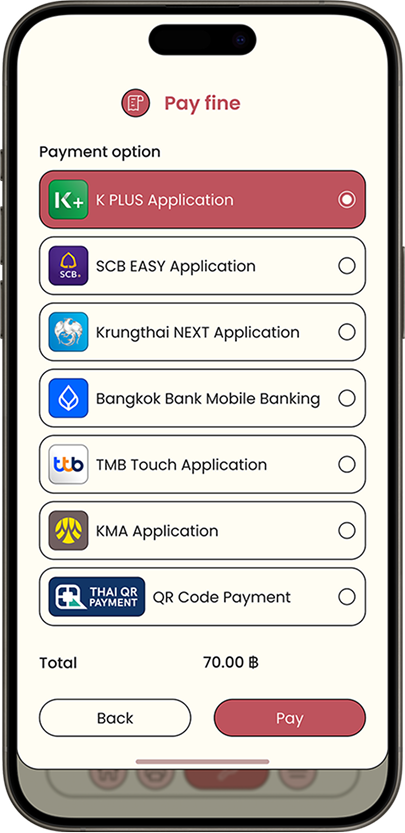
Borrowing brushes is easy. Getting them back is the actual problem. So every rented item carries one of three states, borrowing, due, overdue, and the same three-stop track appears on the list and on the detail page. When it tips to overdue, the fine is already calculated and payable in-app through the banking apps Thai students already use.
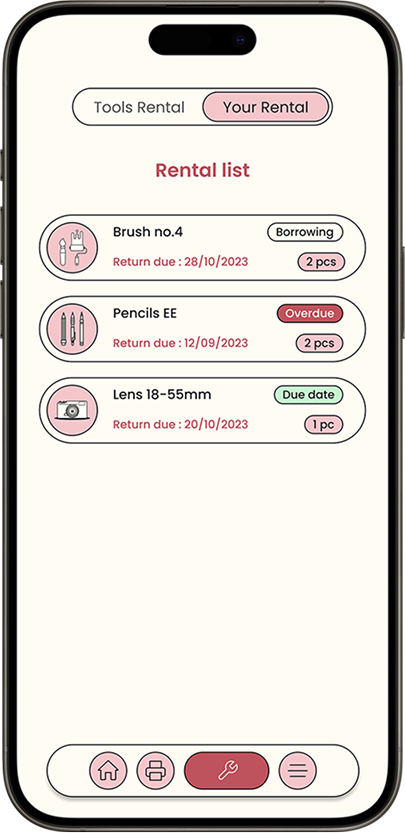
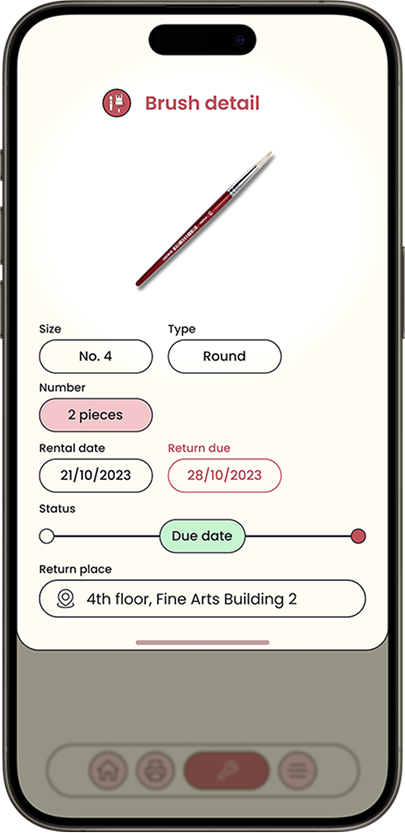
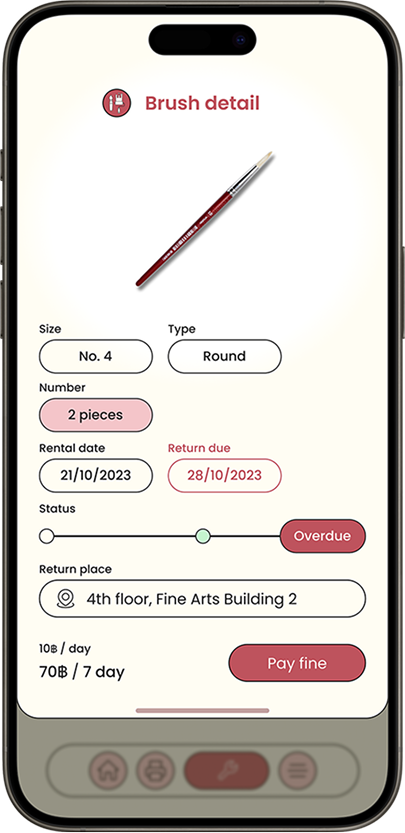
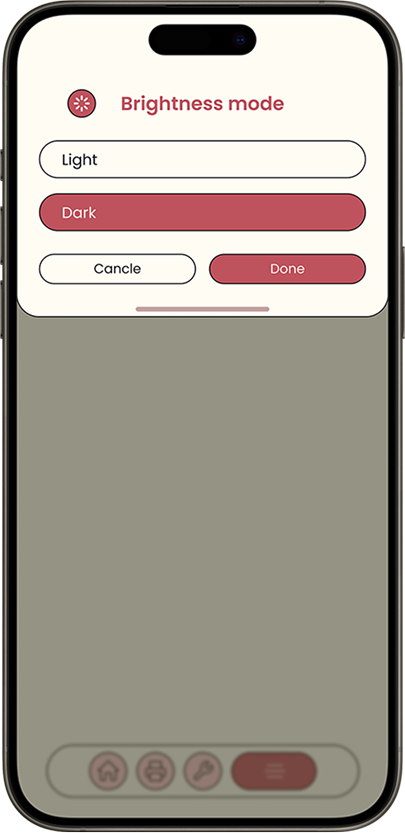
Studios are dark, and not everyone here is from this faculty.
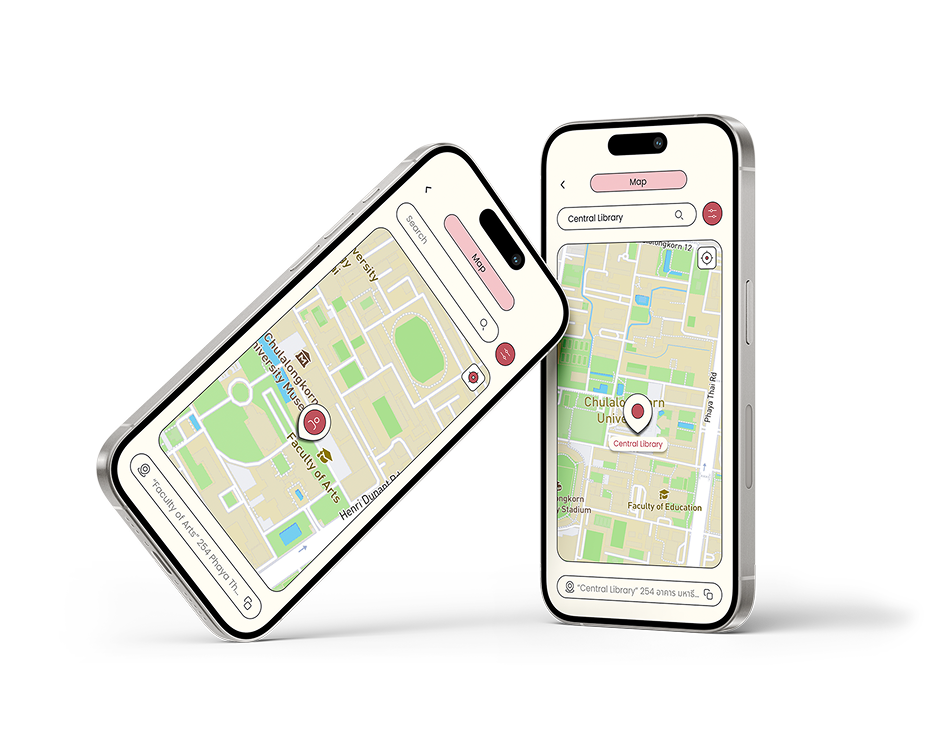
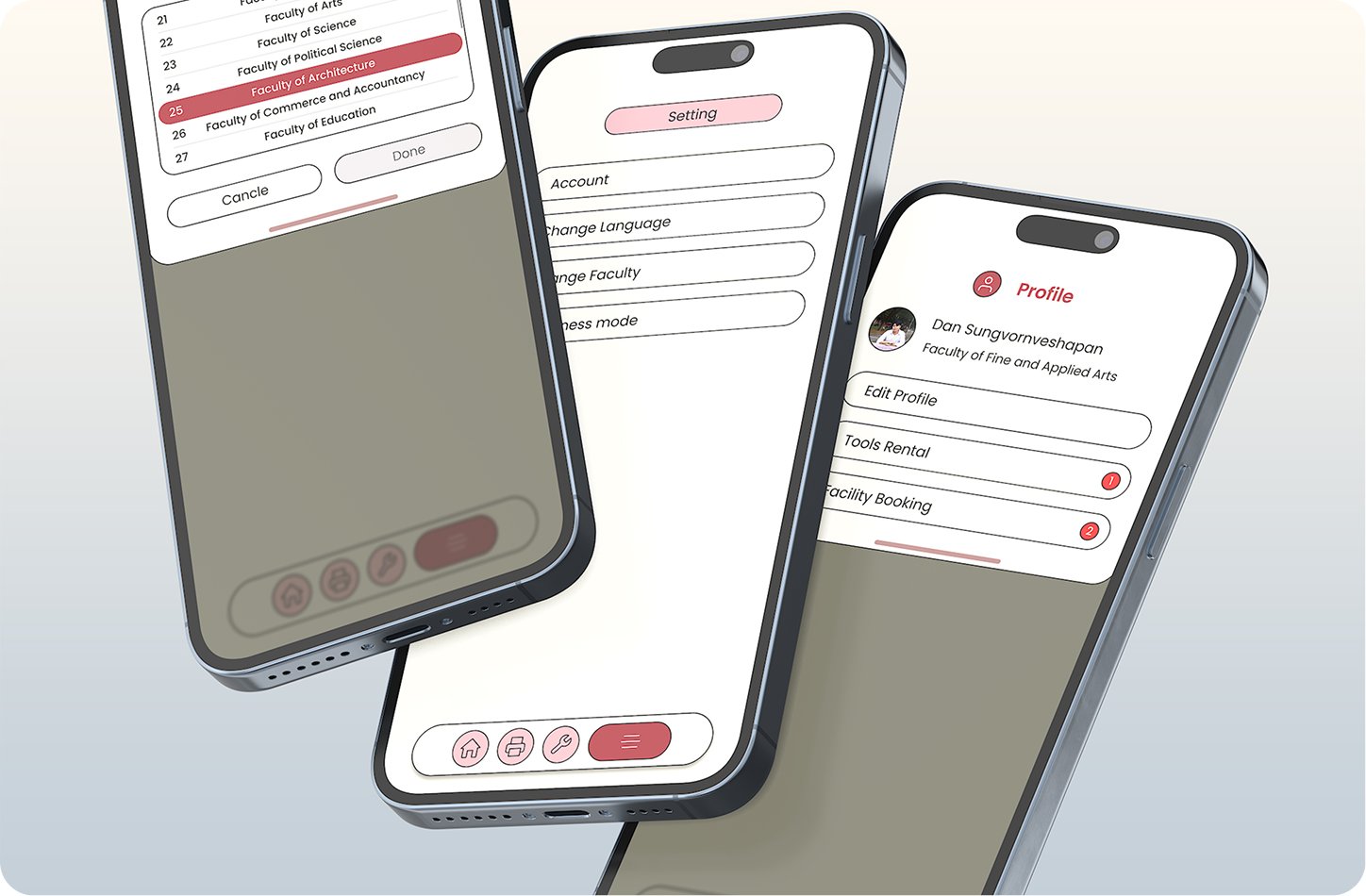
Rehearsal rooms and darkrooms run with the lights down, so brightness mode is a setting rather than a system inheritance. Language and faculty are switchable for the same reason guest sign-in exists: students from other faculties use these spaces too, and Thai is not everyone's reading language.
What the process changed, and what I would do next.
Plotting the three user types on systematic-versus-space axes stopped me designing one average student. Type C, the staff and council who maintain the thing, only became visible through the stakeholder map, and they turned out to define half the requirements.
The flowchart grew faster than the screens. Several branches, faculty switching, notification management, are drawn but not designed. I would cut the service scope to booking and rental for a first release rather than covering four services thinly.
Usability-test the booking flow with first-years, who have the least context and the most to lose from a wrong assumption. Design the moderator side properly, right now it is a blueprint row, not an interface. Then pressure-test the colour system in dark mode, which currently exists as a setting more than a designed theme.
The app was never the deliverable. The service already ran; it just ran invisibly. Most of the design work was deciding what to make visible, and to whom.